Got a tip for us?

Moses Johnson

Moses Johnson is the Editorial Director of GeeksModo.com, who has a keen eye for news, rumors, and all the unusual stuff around Apple products. Moses is commonly referred to online as The Professor, with decades of experience in tech under his belt.

Moses Johnson's Articles

The Maps app showing a map of a downtown area. On the left is the search field, categories for nearby services, City Guides, and recommended guides.

How to explore places with guides in Maps on iPad

You can explore places with guides in Maps on iPad, browse by city, interest, or publisher, and view, share, and save guides.
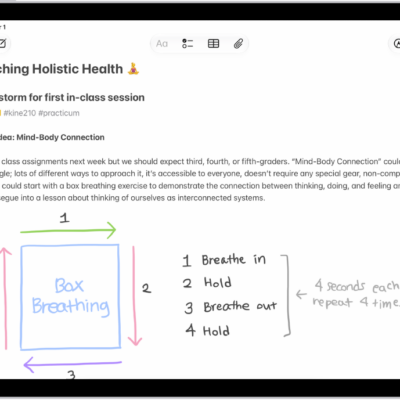
A note for a class brainstorm with tags such as #school and #kine210. The note features a hand-drawn diagram of a box breathing exercise, which illustrates a four-step breathing cycle.

How to record and transcribe audio in Notes on iPad

You can record and transcribe audio in Notes on iPad, see a live transcript, and search or copy the text.
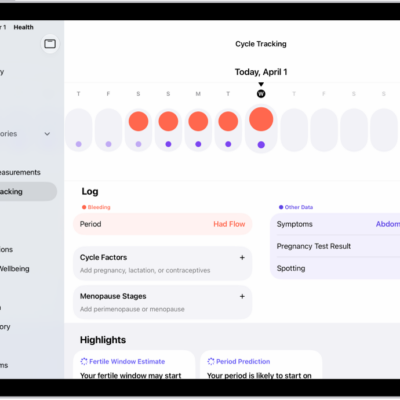
The Cycle Tracking screen showing the timeline for a week at the top of the screen. Solid red circles and purple dots mark the first 5 days on the timeline. Below the timeline are options to add information about periods, symptoms, and more.

How to view menstrual cycle predictions and history in Health on iPad

You can view menstrual cycle predictions and history in Health on iPad, check predicted dates, and view your cycle history.
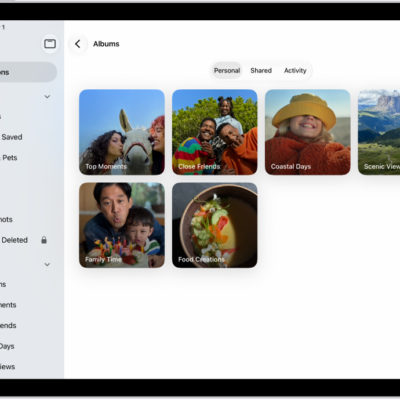
The Photos app is open to Albums. Personal is selected. The rest of the iPad screen shows thumbnails for albums in a grid.

How to add, delete, and find photos and videos in albums on iPad

You can add, delete, and find photos and videos in albums on iPad, select several at once, and search an album by date or keyword.
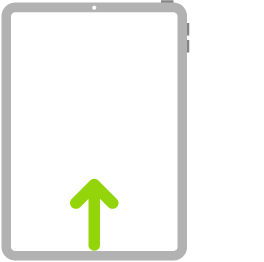
An illustration of iPad with an arrow that indicates swiping up from the bottom.

Basic iPad gestures: tap, touch and hold, swipe, scroll, and zoom

You can learn basic gestures to interact with iPad, like tap, touch and hold, swipe, scroll, and zoom.
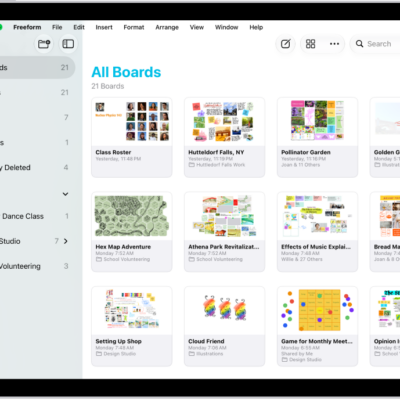
Freeform is open on iPad. All Boards is selected in the sidebar, and board thumbnails appear on the right.

How to delete and recover your Freeform boards and folders on iPad

You can delete and recover your Freeform boards and folders on iPad within 30 days, or permanently remove them.
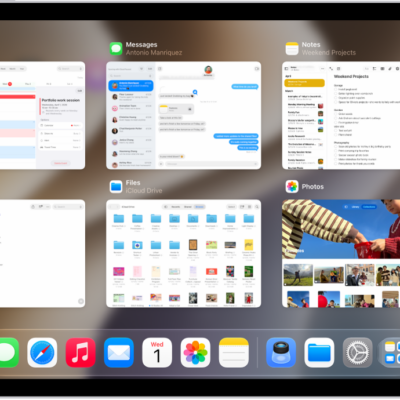
Exposé showing multiple recently used apps.

How to quit and reopen an app on iPad

You can quit and reopen an app on iPad when it isn't responding, from Exposé or the Window Controls button.
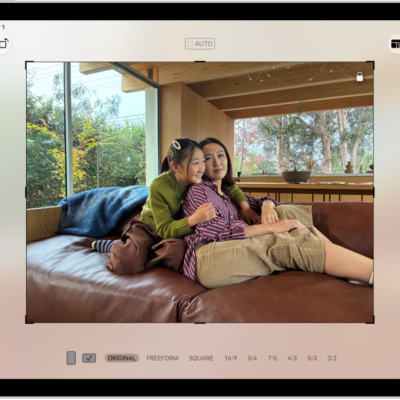
The Edit screen in the Photos app with a photo in the center. On the left side of the screen are the Adjust, Filters, and Crop buttons; the Crop button is selected. On the right side of the screen are the crop enhancement options and a slider to adjust the level of the effect.

How to crop, rotate, flip, or straighten photos and videos on iPad

You can crop, rotate, flip, or straighten photos and videos on iPad in the Photos app, and change the aspect ratio.

The iPad Control Center. Controls for Airplane Mode, cellular data, Wi-Fi, and Bluetooth are in the top-left group in Control Center for Wi-Fi + Cellular iPad models. The Camera control is at the bottom right of Control Center. The screen on the right shows the quick menu of options that appear when you touch and hold the Camera control.

How to take a screen recording on iPad

You can take a screen recording on iPad to capture what's happening on your screen as a video, with audio from the microphone.
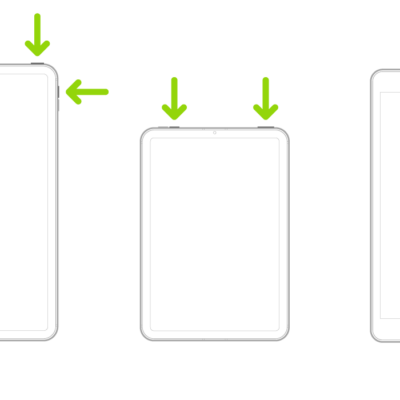
Three iPad models. Two iPad models have a top button; one iPad model has volume buttons on the side, and the other has volume buttons at the top. Arrows point to the top buttons and volume buttons. The third iPad has a Home button, and an arrow points to the Home button and the top button.

How to take a screenshot on iPad

You can take a screenshot on iPad to capture your screen, grab a full page, or save a specific portion, then crop or annotate it.