Got a tip for us?

Moses Johnson

Moses Johnson is the Editorial Director of GeeksModo.com, who has a keen eye for news, rumors, and all the unusual stuff around Apple products. Moses is commonly referred to online as The Professor, with decades of experience in tech under his belt.

Moses Johnson's Articles

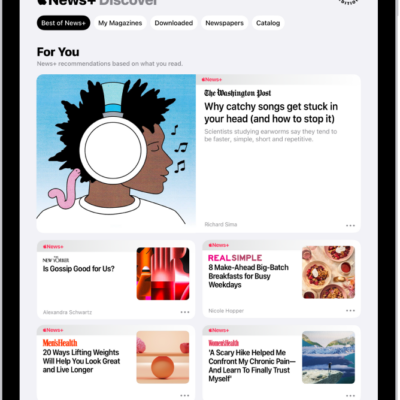
The Discover page in Apple News+. In the tab bar, News+ is selected, and below that, the Best of News+ category is selected.

How to manually download Apple News+ issues on iPad

You can manually download Apple News+ issues on iPad to read offline, and remove downloaded issues.
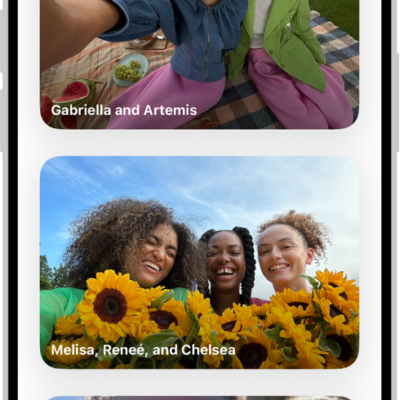
Groups is open in the People & Pets section of the Photos app, showing a list of collections labeled with the names of the people included in the group.

How to find group photos and videos on iPhone

You can find group photos and videos on iPhone in collections Photos creates for people and pets who often appear together, and share them.
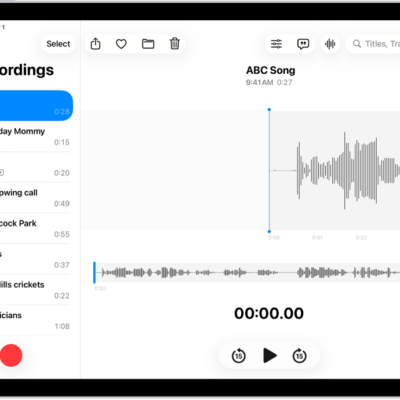
A recording made in Voice Memos. The list of recordings is on the left, with a selected recording at the top. On the right, the waveform has a playhead, which you can drag to go to a specific place in the recording. Above the waveform are the Share, Favorite, Move, Delete, Playback Options, Transcription, and Edit buttons. Below the timeline are the Playback controls.

How to search for or rename a recording in Voice Memos on iPad

You can search for or rename a recording in Voice Memos on iPad, and search for words in a transcript.
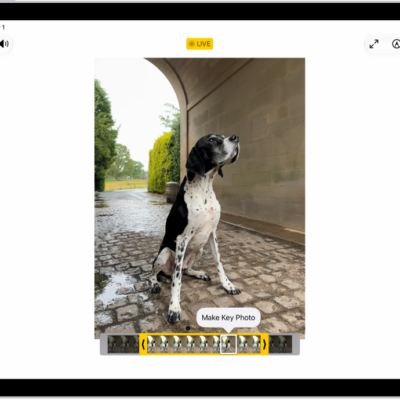
A Live Photo is in the center of the Edit screen in the Photos app. The frame viewer is across the bottom of the video and a yellow outline is around the selected frames to include in the edited Live Photo; a single frame is selected to make key photo. The editing tools are on the left side of the screen: from the top to bottom, Live Photo, Adjust, Filters, and Crop. Live Photo is selected.

How to edit Live Photos on iPad

You can edit Live Photos on iPad, change the key photo, trim and mute them, add Bounce and Loop effects, and turn one into a video.
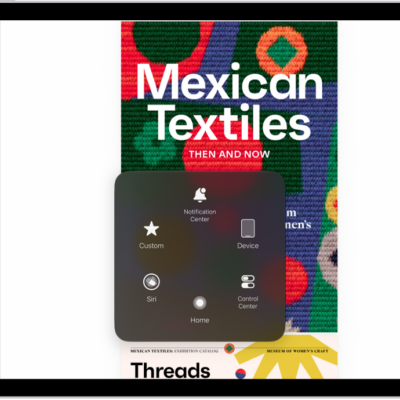
An iPad with the AssistiveTouch menu visible, showing controls for Notification Center, Device, Control Center, Home, Siri, and Custom.

How to control iPad with the movement of your eyes

You can control iPad with the movement of your eyes using Eye Tracking, perform actions by dwelling, and recalibrate it anytime.
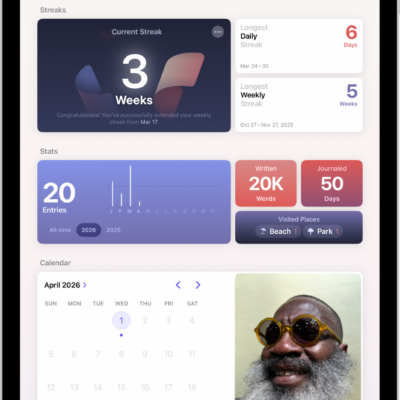
A screen in the Journal app showing the current streak and metrics, like number of words written.

How to build a habit with Journal on iPad

You can build a habit with Journal on iPad by tracking your streak with Insights, setting a journaling schedule, and adding the Journal widget.
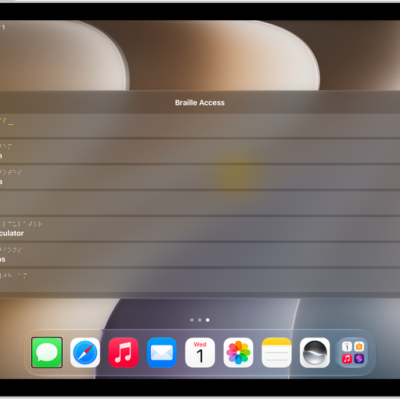
An iPad with the Braille Access menu open, showing the following options: Launch App, Choose Item, Braille Notes, BRF Files, UEB Calculator, Live Captions, and Time.

How to use a braille display with VoiceOver on iPad

You can use a braille display with VoiceOver on iPad to control iPad, read what's on the screen, and type in braille.
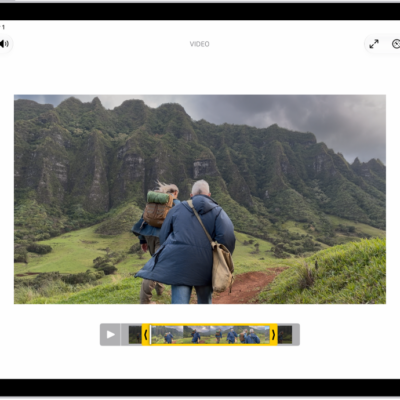
The Edit screen in the Photos app with a video playing in the center. The video's frame viewer is across the bottom of the video and a yellow outline is around the selected frames to include in the trimmed video. On the left side of the screen are the Video, Adjust, Filters, and Crop buttons; the Video button is selected.

How to save a video frame as a photo on iPad

You can save a video frame as a photo on iPad by pausing a video in Photos and saving the frame.
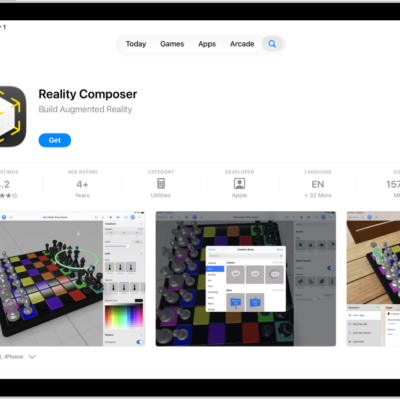
The information page for an app in the App Store. The page shows the Get button, ratings, age ratings, the developer, screenshots, and more. At the top center, from left to right, are the following buttons: Today, Games, Apps, Arcade, and Search.

How to report a problem with a game in the Apple Games app on iPad

You can report a problem with a game in the Apple Games app on iPad, or request a refund, on the Report a Problem website.
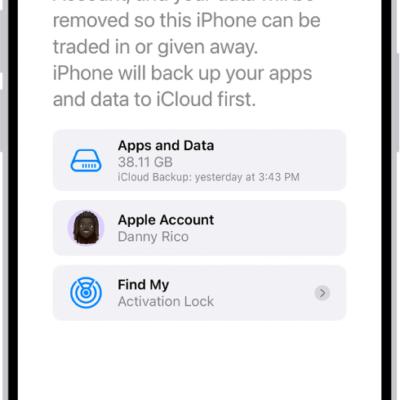
The Erase This iPhone screen.

How to sell, give away, or trade in your iPhone

You can sell, give away, or trade in your iPhone safely by unpairing your Apple Watch, backing up, signing out, and erasing your content and settings.