









GeeksModo Story Archive - August 2025
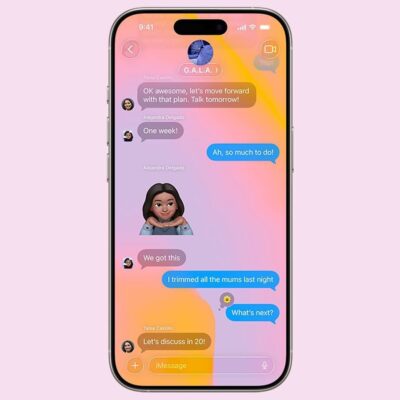
How to Fix iMessage Not Working on iPhone After iOS 26 Update
iMessages are texts, photos, and videos sent between Apple devices using Wi-Fi or cellular data. When iMessages are working properly, texts appear in a blue
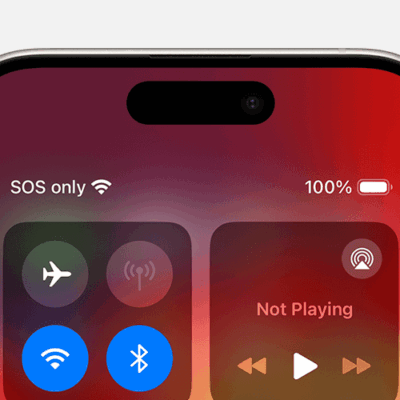
How to Fix iPhone Showing “SOS Only” After iOS 26 Update
If the top of your iPhone shows “SOS” or “SOS Only” where it normally shows your cell service reception, there are a few issues that
iPhone Personal Hotspot Not Working on iOS 26? How to fix it
If your iPhone’s Personal Hotspot is not working after iOS 26 update, ensure the internet works and you’re entering the right password. You can also
iPhone Cellular Data Not Working on iOS 26? How to fix it
If cellular data is not working on your iPhone after iOS 26 update, there are several ways to potentially resolve the issue. To fix cellular
AirPlay Not Working After iOS 26 Update? How to Fix it!
If AirPlay isn’t working on your iPhone after iOS 26 update, there are several troubleshooting techniques to try. Ensure that your iPhone and the device
AirDrop Not Working on iOS 26? Here’s How to Fix It
If AirDrop isn’t working after iOS 26 update, , ensure Wi-Fi and Bluetooth are enabled on your iPhone. Make sure that your iPhone is running

iPhone Won’t Connect to Bluetooth After iOS 26 Update? fix!
To fix an iPhone that won’t connect to Bluetooth after iOS 26 update, first make sure Bluetooth is turned on. You should ensure the other
iPhone is Connected to Wi-Fi, but No Internet Access on iOS 26? Fix!
Sometimes your iPhone will say it’s connected to Wi-Fi, but a “No Internet Connection” message appears below the name of your network. If your iPhone
iPhone Keep Disconnecting From Wi-Fi on iOS 26? How to Fix
Your iPhone may keep disconnecting from Wi-Fi on iOS 26 due to issues with either the router or phone. If the router is your problem,
iPhone Won’t Connect to Wi-Fi After iOS 26 Update? The Fix
Since you need a network connection to make the most of your iPhone, it’s frustrating when your device won’t connect to Wi-Fi. You’ll instead have