









GeeksModo Story Archive - October 2026
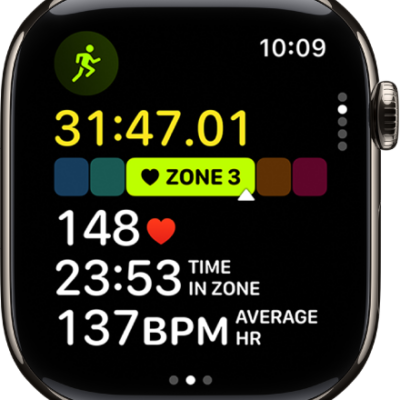
How to view Heart Rate Zones on Apple Watch
You can view Heart Rate Zones on Apple Watch during a cardio workout, review your zone data, and edit your Heart Rate Zones.
Apple Watch workout views and running metrics for outdoor runs
You can see workout views and running metrics on Apple Watch for Outdoor Run workouts, plus running form and running power.
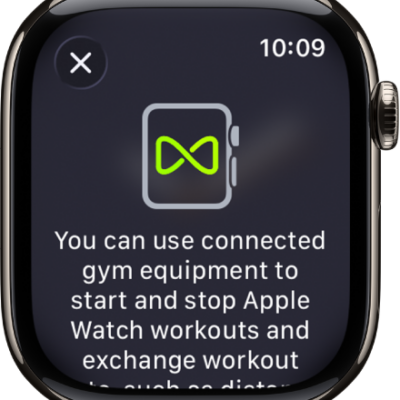
How to use gym equipment with Apple Watch
You can use gym equipment with Apple Watch to pair and sync with treadmills, ellipticals, and indoor bikes for more accurate workout data.
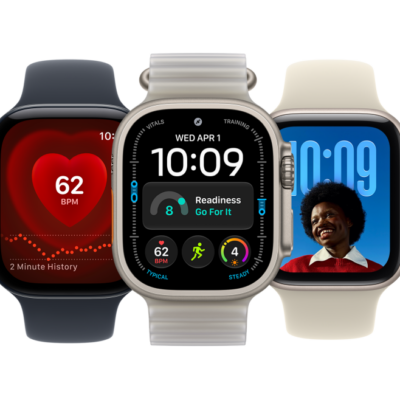
Which Apple Watch models work with watchOS 27
You can see the Apple Watch models compatible with watchOS 27, including Apple Watch Series 12, Apple Watch Ultra 4, and Apple Watch SE 3.
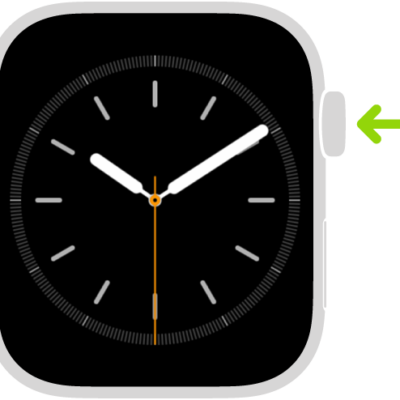
How to use buttons and gestures to interact with Apple Watch
You can use buttons and gestures to interact with Apple Watch, including the Digital Crown, side button, Action button, and taps and swipes.
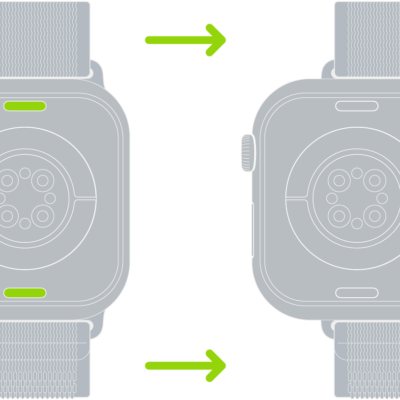
How to remove and change Apple Watch bands
You can remove and change Apple Watch bands with the band release button, using the same general steps for different bands.
How to combine multiple workouts on Apple Watch
You can combine multiple workouts on Apple Watch into a single workout, or create a multisport workout with running, cycling, and swimming.
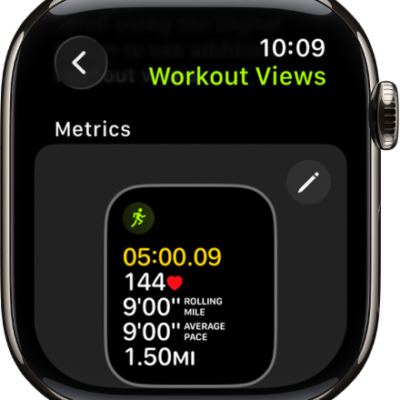
How to customize workout views on Apple Watch
You can customize workout views on Apple Watch, edit the metrics they show, and reorder them to suit your workout style.
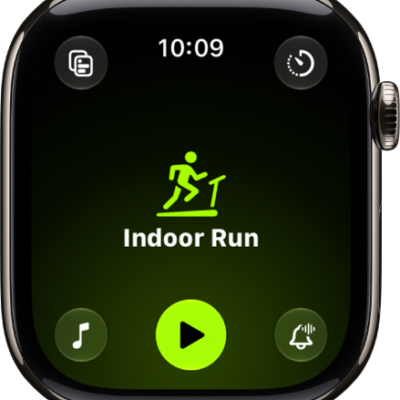
How to change settings in Workout on Apple Watch
You can change settings in Workout on Apple Watch, calibrate your watch, change measurement units, and pause running and cycling workouts.
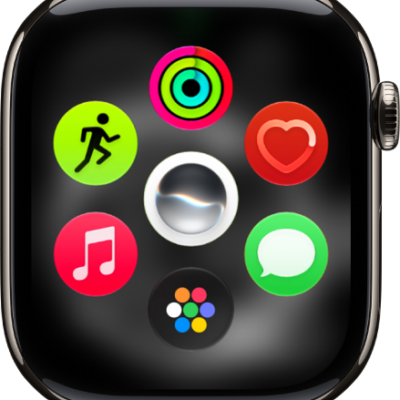
How to use apps on Apple Watch
You can use apps on Apple Watch, open them from the Home Screen, see the apps included with your watch, and quit an app that isn't responding.