You can quickly switch from one open app to another on your iPhone. When you switch back, you can pick up right where you left off. The App Switcher shows all your open apps, and on an iPhone with Face ID, there’s an even quicker way to switch between open apps.
Use the App Switcher
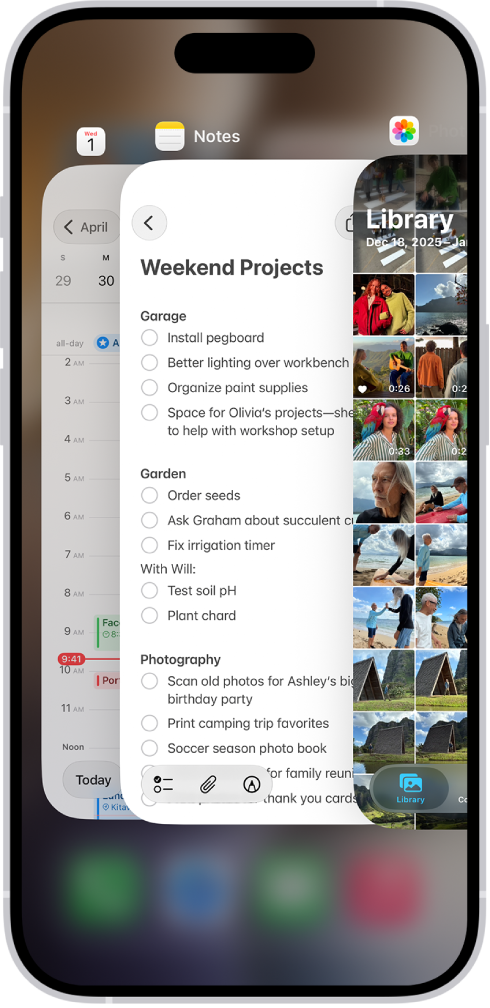
- To see all your open apps, do one of the following:
- On an iPhone with Face ID: Swipe up from the bottom of the screen, pause in the center of the screen and then lift your finger.
- On an iPhone with a Home button: Double-click the Home button.
- To browse the open apps, swipe right and tap the app you want to use.
Switch between open apps
To quickly switch between open apps on an iPhone with Face ID, swipe right along the bottom edge of the screen.
Tag: Home Screen