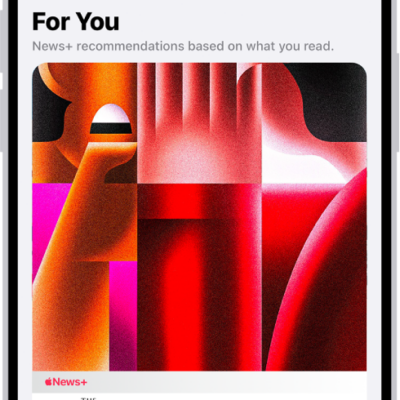
You can listen to Apple News Today, an audio briefing of the day’s top stories hosted by Apple News editors. With an Apple News+ subscription, you can also listen to audio versions of select Apple News+ stories in the News app and in the Podcasts app.
If you’re not a subscriber, there’s still a taste: a preview of an Apple News+ audio story plays after the briefing ends. You can also get Apple News Today show notes notifications.
Note: Apple News and Apple News+ aren’t available in all countries or regions.
Play Apple News Today
- Start the News app on your iPhone.
- Tap Audio and then tap Apple News Today below Apple News Podcasts.
- Tap an episode, then tap the Play button to start listening.
Not an Apple News+ subscriber? When the briefing concludes, a preview of an Apple News+ audio story plays.
Get Apple News Today show notes notifications
- Start the News app on your iPhone.
- Tap Following and swipe to the bottom of the screen. Then tap Notifications & Email below Manage.
- Turn on notifications for Apple News Today.
Tag: News