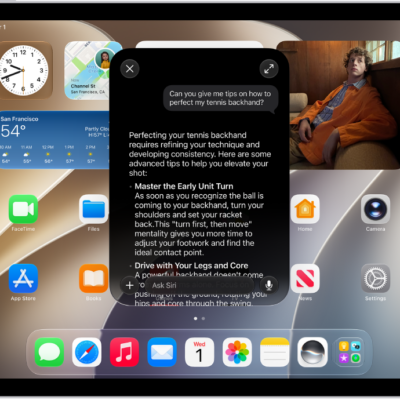
Learn the location of the cameras, buttons, and other essential hardware features on iPad Air 11-inch (M3).
It shows where to find the top button/Touch ID, volume buttons, front camera, microphones, rear camera, Smart Connector, USB-C connector, and magnetic connector for Apple Pencil. There are links to turn on and set up iPad and make your iPad your own, too.
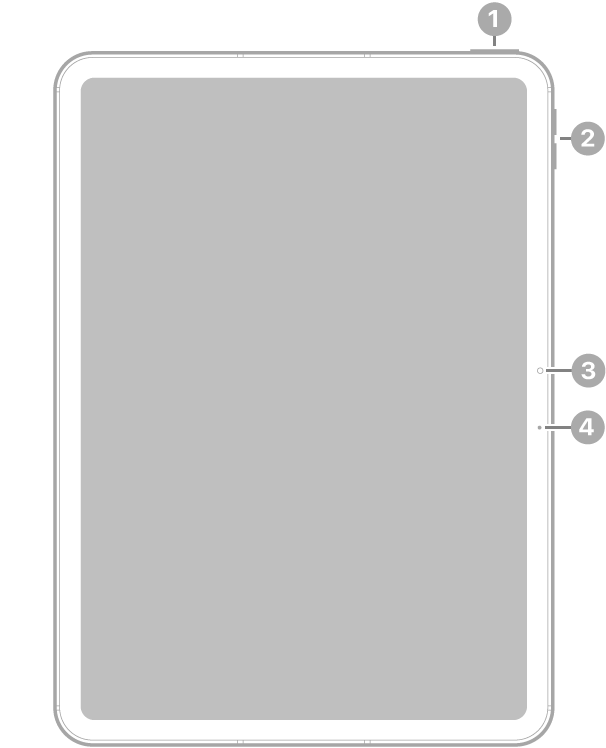
- 1 Top button/Touch ID
- 2 Volume buttons
- 3 Front camera
- 3 Microphone
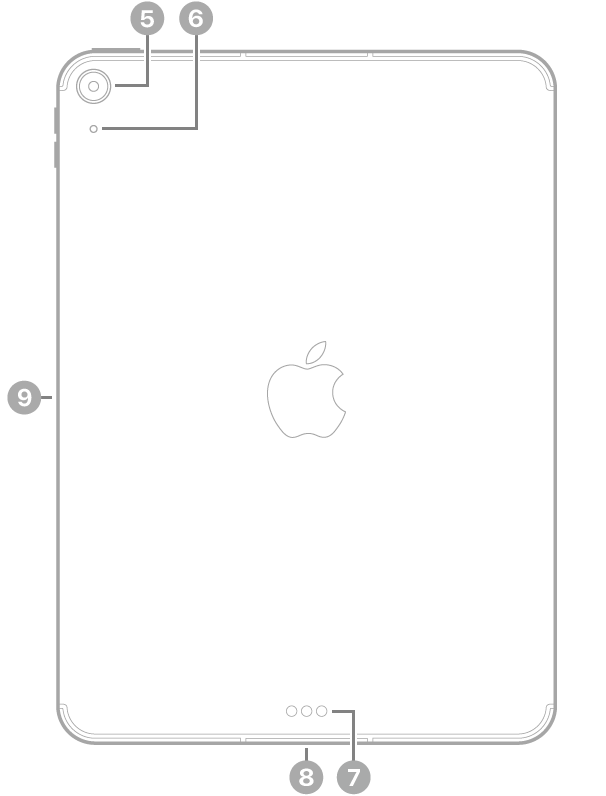
- 5 Rear camera
- 6 Microphone
- 7 Smart Connector
- 8 USB-C connector
- 8 Magnetic connector for Apple Pencil
Get started with iPad Air
- Turn on and set up iPad
- Learn gestures to navigate iPad
- Make your iPad your own
- What’s new in iPadOS 27
Tag: iPadOS