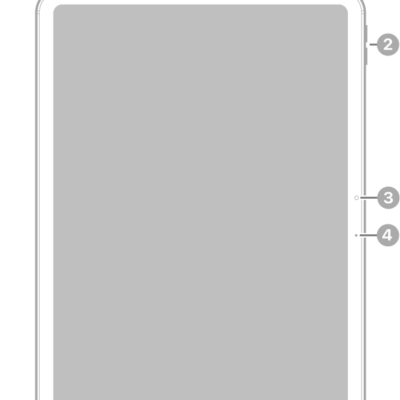
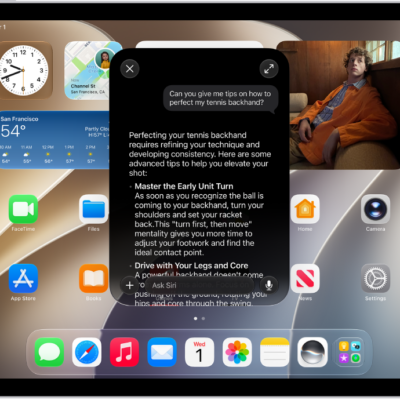
Learn the location of the cameras, buttons, and other essential hardware features on iPad Pro 11-inch (M4).
The guide points out the microphones, top button, volume buttons, camera, LiDAR Scanner, rear camera, rear ambient light sensor, flash, Smart Connector, USB connector, and magnetic connector for Apple Pencil. There are links to turn on and set up iPad, too.
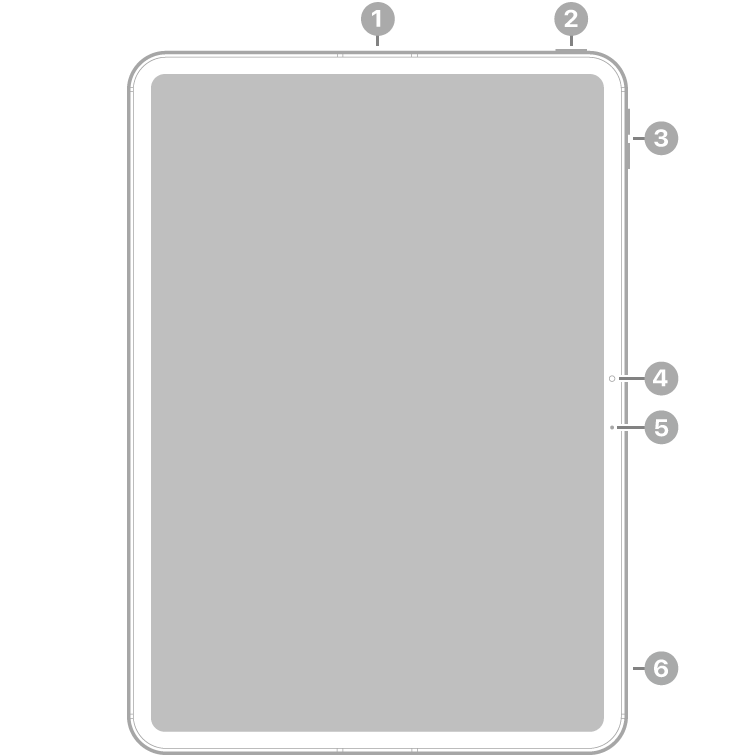
- 1 Microphone
- 2 Top button
- 3 Volume buttons
- 4 Camera
- 5 Microphone
- 6 Microphone
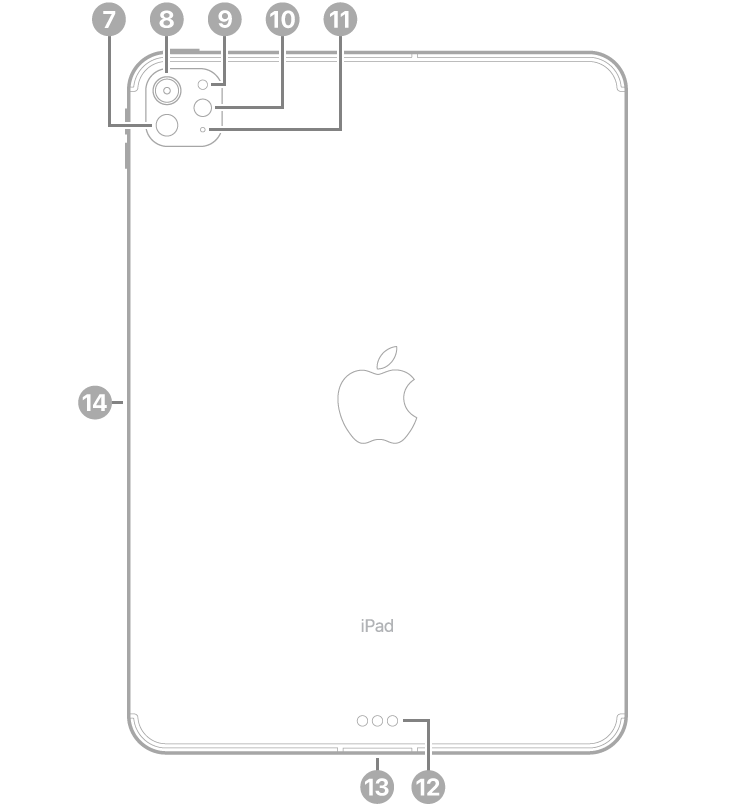
- 7 LiDAR Scanner
- 8 Rear camera
- 9 Rear ambient light sensor
- 10 Flash
- 11 Microphone
- 12 Smart Connector
- 13 USB connector
- 14 Magnetic connector for Apple Pencil
Get started with iPad Pro
- Turn on and set up iPad
- Learn gestures to navigate iPad
- Make your iPad your own
- What’s new in iPadOS 27
Tag: iPadOS