Got a tip for us?

Abigail Shilets

Abigail is a staff writer for GeeksModo based in Pennsylvania. She covers news, how-tos, and user guides for iPhone, iPad, Mac, and Apple Watch. Before becoming a writer Abigail studied computer science at University and also worked at Apple for more than two years. When not creating masterpiece for GeeksModo, you can usually find Abigail hiking, climbing, or otherwise unplugged.

Abigail Shilets's Articles

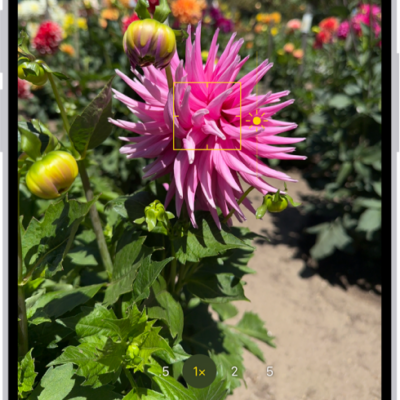
Camera is open in Photo mode. In the viewfinder, focus is locked on a subject and a slider to adjust the brightness level is next to the subject.

How to adjust HDR camera settings on iPhone

You can control Smart HDR for photos on some iPhone models and turn Dolby Vision HDR video recording on or off on supported models.
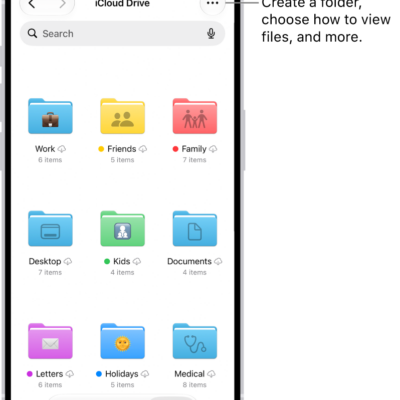
The Files app showing the files and folders in your iCloud Drive. The More menu has options for Selecting items, creating a new folder, Scan Documents, and Connect to Server. Below that are options to view items on the screen as Icons or a List. At the bottom are sort options for Name, Kind, Date, Size, and Tags followed by View Options.

How to send files from the Files app on iPhone

You can send files from the Files app on iPhone, compress them first, reply to received documents, and scan paper documents.
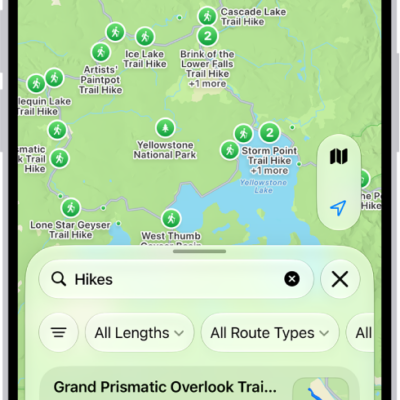
The Maps app showing results matching a search for hikes in a national park.

How to share places in Maps on iPhone

You can share places from Maps on iPhone in a message or email, so people know where to meet you.
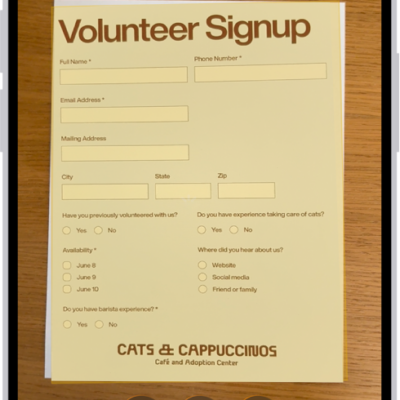
A screen showing a document being scanned. The Take Picture button is at the bottom center.

How to insert sketches, photos, and scans from your iPhone on Mac

You can use your iPhone to add photos, scans, and sketches to your Mac or mark up files with Continuity Camera, Sketch, and Markup.
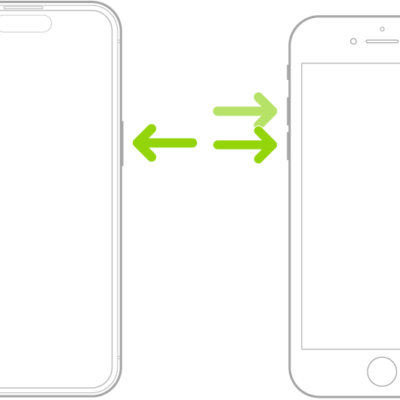
Two iPhone models, one with a Home button and one without, screens facing up. The volume buttons of each are on the left, and the side button is on the right.

How to adjust settings for the side or Home button on iPhone

You can change the click speed, Siri, Touch ID, haptic, and payment confirmation settings for the side or Home button on iPhone.
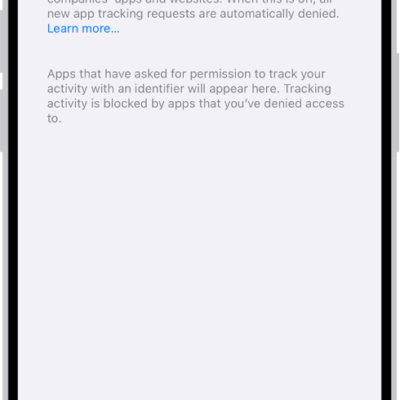
The Tracking screen, with a setting to control whether apps can request to track you across websites or apps owned by other companies.

How to control app tracking permissions on iPhone

You can control app tracking permissions on iPhone, changing each app's permission to track you across other companies' apps and websites, or stop all requests.
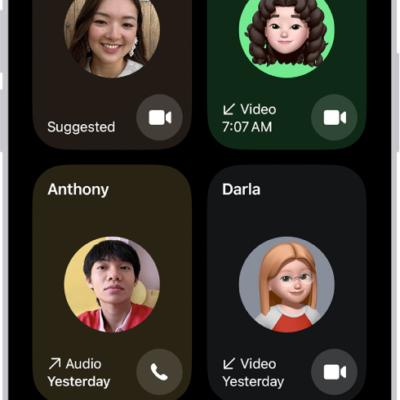
The screen for making a FaceTime call. The New Call button is at the bottom of the screen.

How to create a link to a FaceTime call on iPhone

You can create a FaceTime link on iPhone and share it so others can join your call, even from a browser on a non-Apple device.

A Live Photo is open in the Photos app. Beneath the photo is the frame viewer with the Make Key Photo button active. On either end of the frame viewer are two arrows that allow you to trim the Live Photo. At the bottom of the screen are the Live, Adjust, Filters, and Crop buttons. The Live button is selected.

How to take Live Photos with your iPhone camera

You can take Live Photos with your iPhone camera to capture the moments just before and after a photo, with sound, and turn them off.
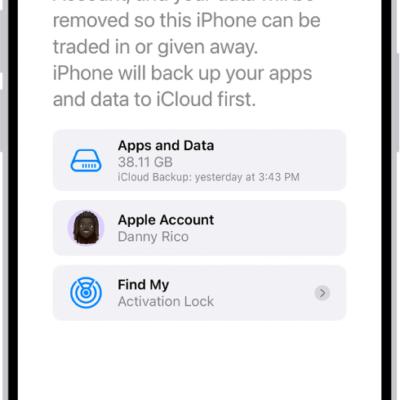
The Erase This iPhone screen.

How to erase iPhone

You can erase your iPhone and restore it to factory settings from Settings or from your Mac or Windows device, and keep or erase your eSIM.

The Home tab showing, from top to bottom, four categories, two scenes, three camera views, and the status of one room. Across the bottom are the tabs Home (which is selected), Automation, and Discover.

How to use Apple Intelligence with Home cameras and notifications on iPhone

You can use Apple Intelligence with Home cameras and notifications on iPhone for video descriptions, natural-language search, and fewer alerts.