








Chris Smith
Chris Smith's Articles
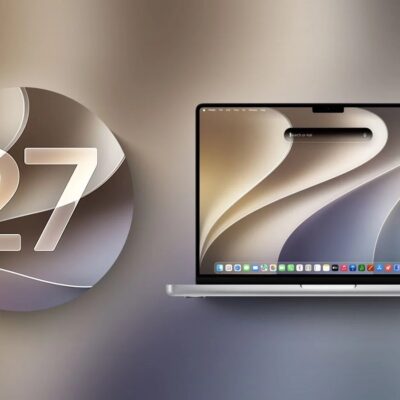
macOS 27 Golden Gate Is the Last Version to Support Rosetta
You have about a year to replace any Intel-only app you depend on.
How to Downgrade macOS to an Earlier Version
Time Machine has backed up only your Data volume since Big Sur.
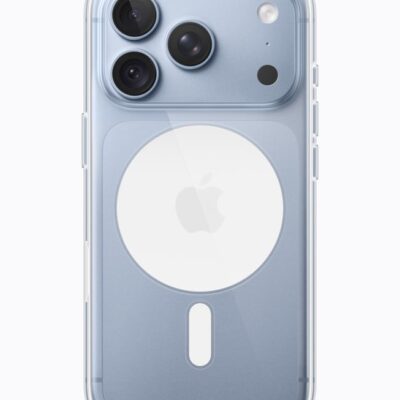
Where to Find Apple Intelligence in Each App
Ten apps gained something, and a few of those additions are worth your time.
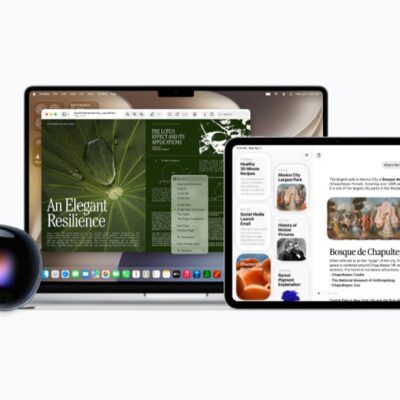
Every Siri Setting Worth Changing in iOS 27
You can no longer disable Apple Intelligence, only Siri, and not everything stops.
How to Turn Any Card Into a Wallet Pass in iOS 27
Cards without a barcode can still become passes, entered by hand instead.
How to Ask Siri AI Follow-Up Questions
Siri identified a film from a half-remembered detail, then failed on the music library.
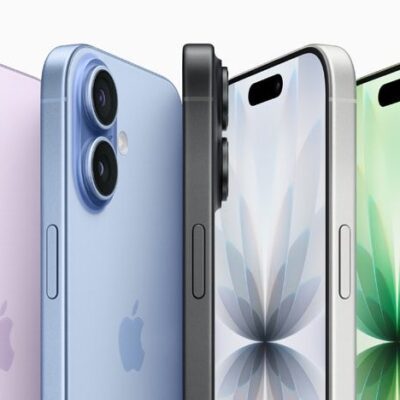
iOS 27: How to Fix Crashing Apps on an iPhone
learn what to do if you’re iPhone apps keep crashing after iOS 27 update
Auto-Brightness Not Working on Your iPhone After iOS 27 Update? Here’s How to Fix It
Auto-brightness means you shouldn't need to change your iPhone screen brightness yourself. Here's what to do if it isn't working after iOS 27 update.
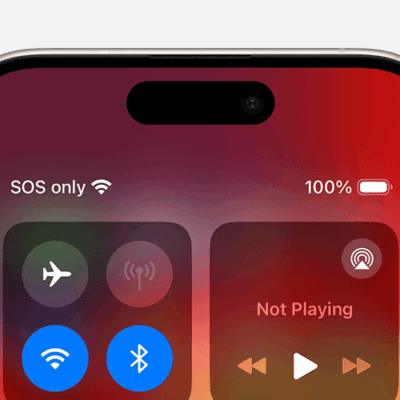
How to fix SOS Only at the Top of iPhone 17 or iPhone 17 Pro
KEY TAKEAWAYS SOS or "SOS only" on an iPhone 17 or iPhone 17 Pro means your device isn’t connected to your cellular network. The warning appears when your iPhone 17 can only make emergency calls,
How to Put Your iPhone 17 in DFU Mode
DFU mode is a way to recover your iPhone using a computer. To put an iPhone 17 into DFU mode, you’ll need to use either iTunes or Finder. Most of the faults your iPhone 17