









Dave Johnson
Dave Johnson's Articles
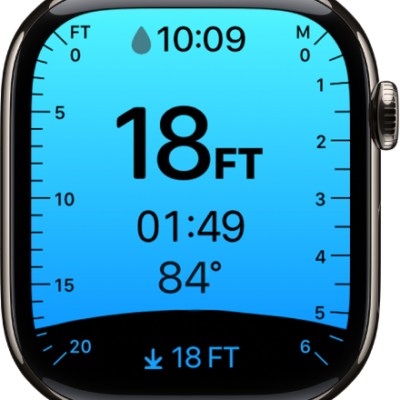
How to configure the Depth app on Apple Watch
You can configure the Depth app on Apple Watch, choose depth and temperature units, and set it to open automatically or manually.
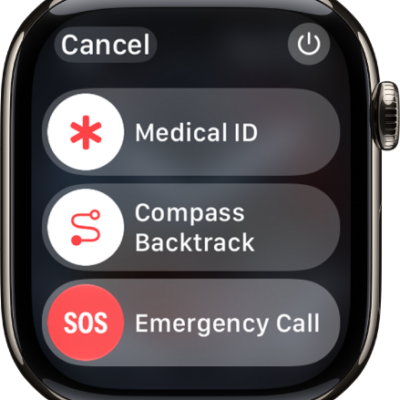
What to do if you forget your Apple Watch passcode
You can reset Apple Watch if you forget your passcode, from the watch or your paired iPhone, and then set it up again.
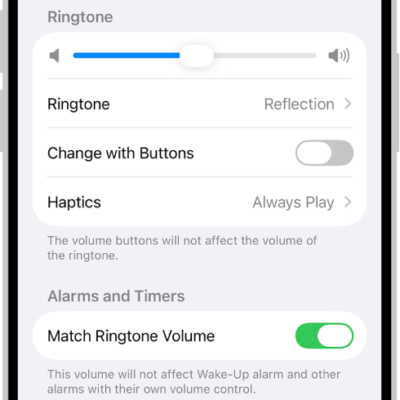
How to choose alert sounds and haptics on Apple Watch
You can choose alert sounds and haptics on Apple Watch, preview each tone and its haptic pattern, and set sounds for ringtones and texts.
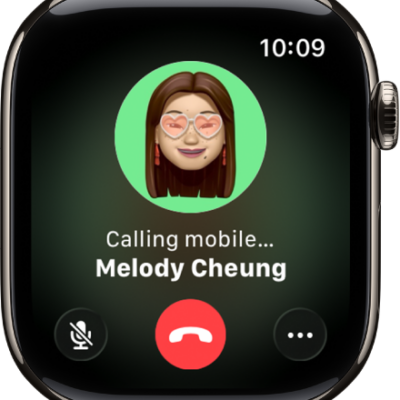
How to make calls on Apple Watch
You can make phone and FaceTime audio calls on Apple Watch, start Group FaceTime calls from Messages, and set up Wi-Fi calling.
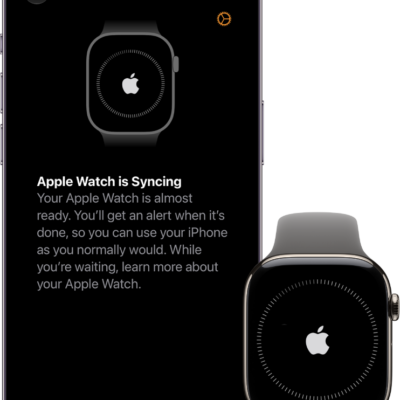
How to control Apple Watch with your iPhone
You can control Apple Watch with your iPhone using Apple Watch Mirroring and assistive features like Voice Control and Switch Control.
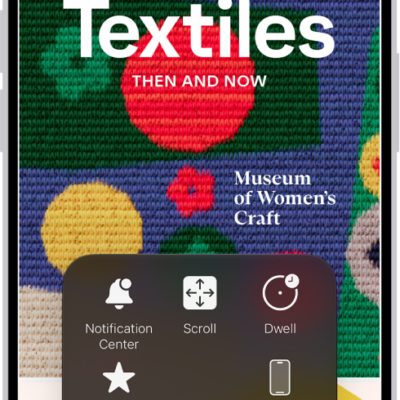
How to use AssistiveTouch on Apple Watch
You can use AssistiveTouch on Apple Watch to control it with hand gestures, use the Motion Pointer, and run quick actions.
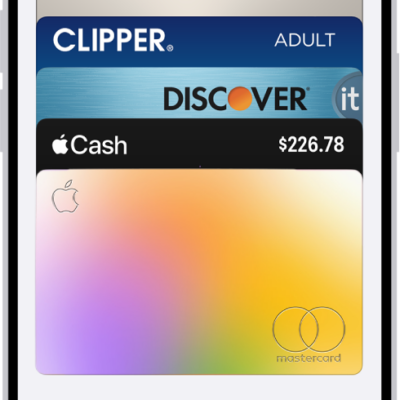
How to set up cards and passes in Wallet on Apple Watch
You can set up cards and passes in Wallet on Apple Watch, from debit and credit cards to transit cards, IDs, and keys, and rearrange them.
How to unlock your iPhone with Apple Watch
You can unlock your iPhone with Apple Watch when Face ID can't recognize your face, by turning on Unlock With Apple Watch.
How to add music to Apple Watch
You can add music to Apple Watch with the Apple Watch app on iPhone or the Music app, and listen even without your iPhone.
How to get started with health features on Apple Watch
You can get started with health features on Apple Watch to track sleep, heart health, medications, state of mind, and your menstrual cycle.