









Stacey Butler
Stacey Butler's Articles
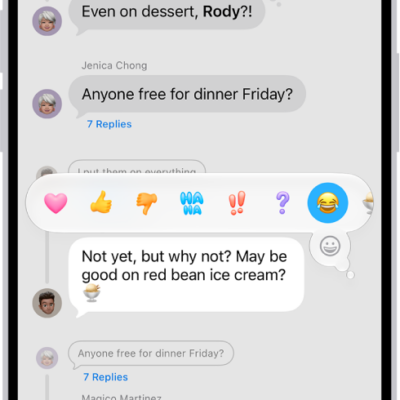
How to react with Tapbacks in Messages on iPhone
You can react to messages on iPhone with Tapbacks like a heart, thumbs-up, or any emoji or sticker, and see who sent a Tapback.
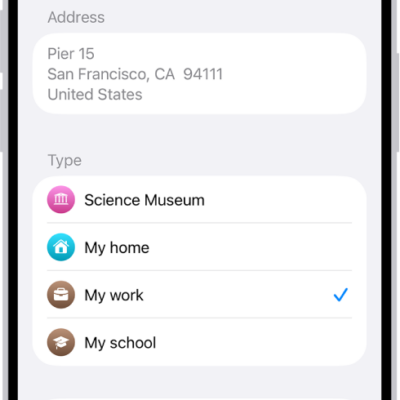
How to set your home, work, or school address in Maps on iPhone
You can set your home, work, or school address in Maps on iPhone for one-tap directions and traffic updates, and change it later.
How to share your Accessibility settings with another device on iPhone
You can temporarily share your Accessibility settings from iPhone with another iPhone or iPad, like a friend's, and remove them when you're done.
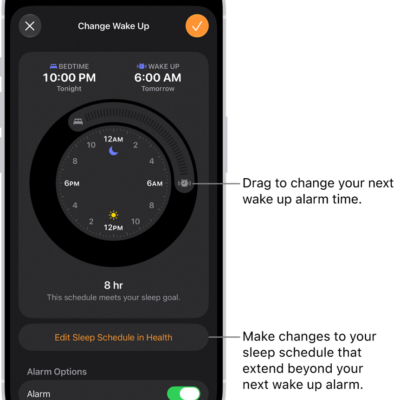
How to set an alarm in Clock on iPhone
You can set alarms in the Clock app on iPhone, repeat them on certain days, change the snooze length and volume, and remove them.
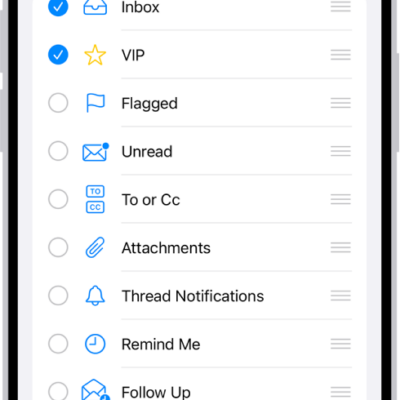
How to organize email in mailboxes on iPhone
You can organize email in mailboxes on iPhone, use swipe actions, view one account at a time, and move emails to Junk.
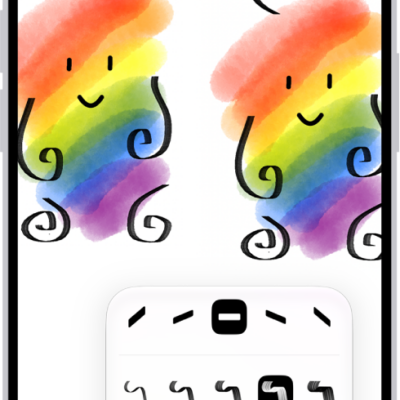
How to draw or handwrite on a Freeform board on iPhone
You can draw and handwrite on a Freeform board on iPhone, work with handwritten text like typed text, and solve handwritten math.
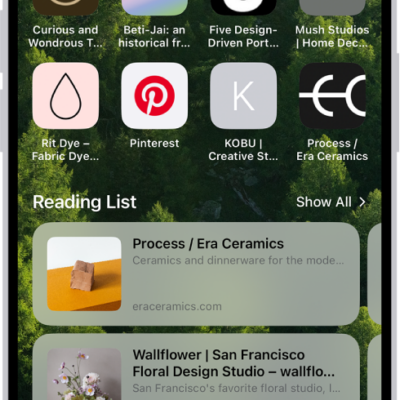
How to find links shared with you in Safari on iPhone
You can find links shared with you in Messages on your Safari start page on iPhone, and keep, remove, or organize them.
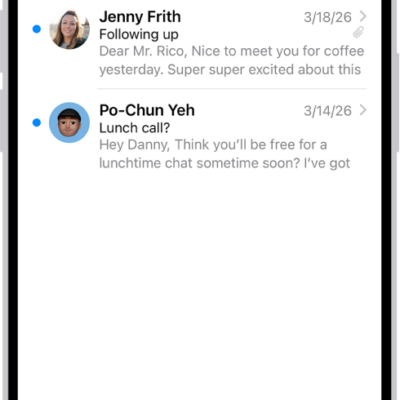
How to automatically categorize incoming emails in Mail on iPhone
You can have Mail on iPhone sort incoming email into categories automatically, view a sender's messages together, recategorize senders, or switch to a list view.
How to log your state of mind in Health on iPhone
You can log your emotions and daily moods in Health on iPhone, see how they relate to sleep and exercise, and set reminders.
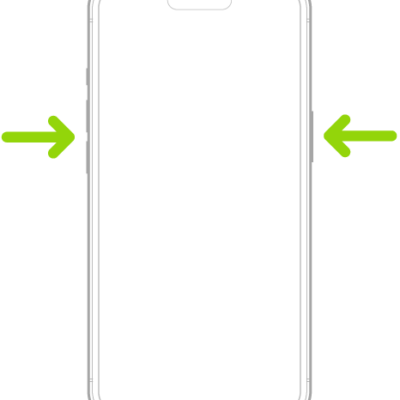
How to use SOS to contact emergency services on your iPhone
You can use SOS on iPhone to call for help, share your Medical ID, alert emergency contacts, and text emergency services in an emergency.