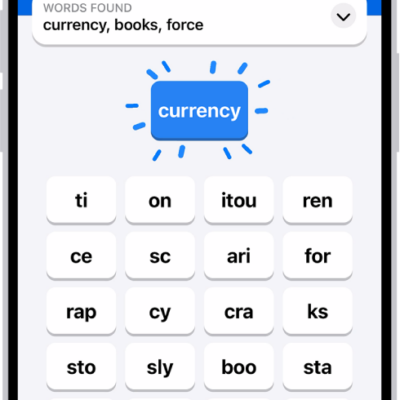
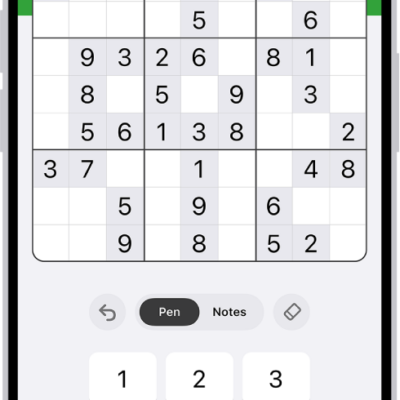
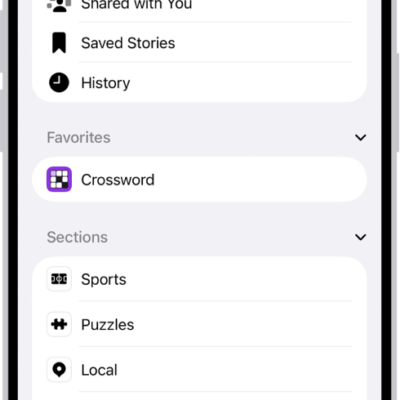
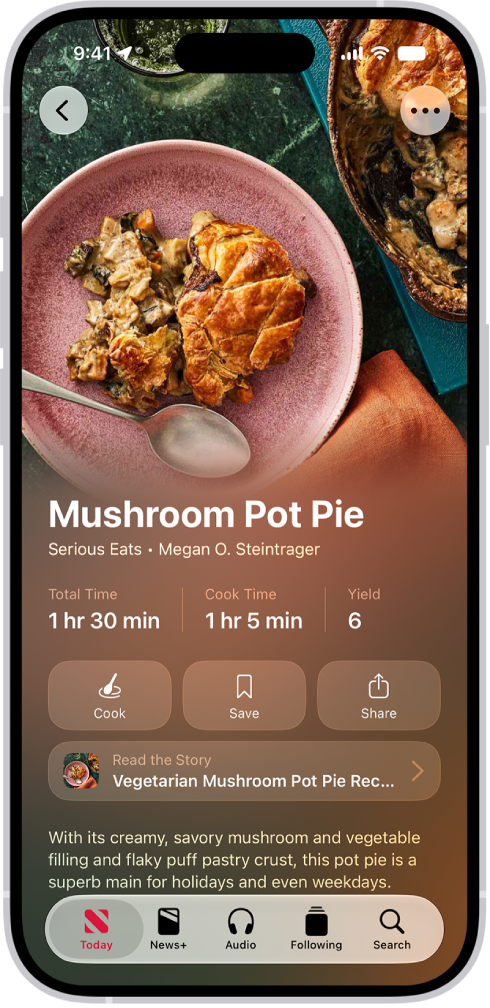
If you subscribe to Apple News+, you can find personalized food content, including a large catalog of recipes with features like adjustable recipe yields, nutrition facts, customizable units, and easy-to-start timers.
Your recommendations get more personalized as you read more food content and recipes. You can search by recipe title, ingredient, or keyword, save a recipe, and prepare it. You can also look at other recipes or stories while you’re reading one, and filter recipes.
Note: Apple News, Apple News+, and food features aren’t available in all countries or regions.
Browse stories and recipes
- Open the News app on your iPhone.
- From the Today feed, tap Food, then scroll down to see stories and recipes.
Reading more food content and recipes makes your recommendations more personalized.
Quick tip: Swipe left or right to look at other recipes or stories while you’re reading one.
Search for and filter recipes
- Open the News app on your iPhone.
- From the Today feed, tap Food.
-
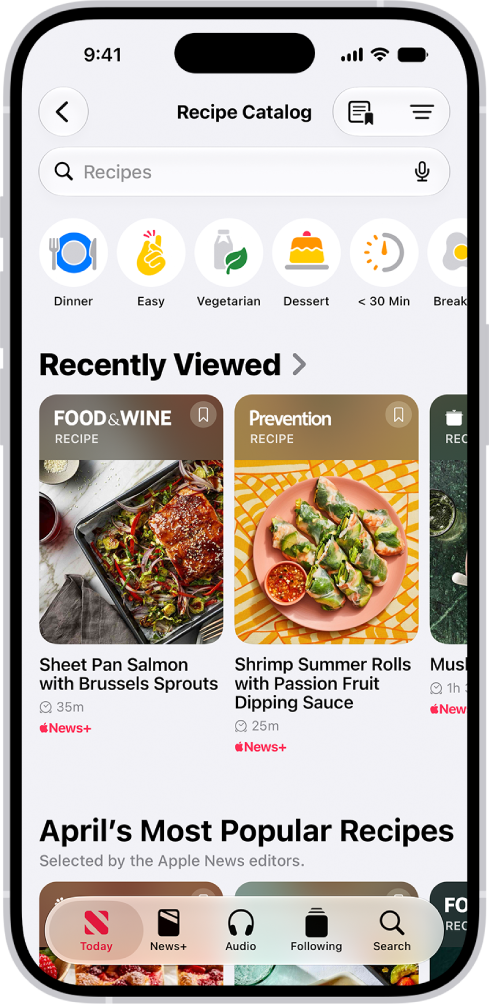
Tap Recipe Catalog at the top of the feed or the Recipe Catalog button. Then do any of the following:
- Search by recipe title, ingredient, or keyword: Tap the search field, enter a term, and then tap the Search button.
- Filter by category: Tap a category, such as Vegetarian.
- Add and combine filters: Tap the Filter button and tap a filter. Then tap the Done button.
- Remove a filter: Tap the Remove button next to a filter below the search field.
Save a recipe
- Open the News app on your iPhone.
- From the Today feed, tap Food and then scroll down to browse recipes. Or search for and filter recipes, as above.
- Do one of the following:
- While browsing or viewing search results: Tap the Save Recipe button.
- While a recipe is open: Tap Save.
- To revisit saved recipes, tap Saved Recipes in the Following list or the Food feed, or tap the Saved Recipes button in the Recipe Catalog.
To remove a recipe from your saved recipes, touch and hold the recipe, then tap Unsave Recipe.
Prepare a recipe
- Open the News app on your iPhone.
- From the Today feed, tap Food and then scroll down to browse recipes. Or search for and filter recipes, as above.
-
To open a recipe, do one of the following:
- Tap a recipe in the search results.
- While reading a food story that includes a recipe, tap the View Recipes button. If the story has multiple recipes, tap the View Recipes button, then tap the recipe you want to prepare.
-
Scroll to see the recipe’s ingredients, directions, nutrition facts, and ratings, or tap Ingredients, Directions or More to jump between them.
Tip: You can add a recipe’s ingredients to your grocery list. While viewing the recipe, tap the More button, then tap Add to Grocery List.
-
To focus on the directions, tap Cook.
Steps appear in a larger font and the display stays on while you’re preparing the recipe.
-
While viewing directions, do any of the following:
- Use a cooking timer: When a timer appears in a step, tap the Timer button, swipe up or down to adjust the timer duration, then tap Set Timer.
- View ingredient quantities: When an ingredient in a step appears in bold, tap the ingredient to view how much is used in the recipe without going back to the ingredients list.
- Keep track of which ingredients you already prepared or used: While viewing the ingredients list, tap an ingredient.
Quick tip: To keep track of recipes you’ve prepared, tap the More button while viewing a recipe, then tap Mark as Cooked.
If you notice that a recipe is miscategorized, has incorrect ingredients or directions, or doesn’t display properly, tap the More button, tap Report a Concern, then follow the onscreen instructions.
Customize the units used in recipes
In all Apple News+ recipes, you can convert the units from US to Metric and from Fahrenheit to Celsius. And for baking recipes, you can show ingredient measurements in weight.
- Open the News app on your iPhone.
- Open a recipe, as above.
- Tap the More button and tap Customize Units.
Adjust a recipe’s yield
- Open the News app on your iPhone.
- Open a recipe, as above.
- Tap the More button, then tap Scale Recipe.
- To adjust the recipe yield, tap or, or type the scale factor.
To reset the ingredients to their original quantity, tap the Revert button.
Note: Cook times, temperature, equipment, or cookware size aren’t affected by scaling a recipe.
Add notes to a recipe
Notes you add to a recipe can record your results, ingredient or step substitutions, or how long a step took to complete on your stove or oven.
- Open the News app on your iPhone.
- Open a recipe, as above.
- Tap the More button. Then do either of the following:
- Add a note: Tap Add Notes.
- Edit a note: Tap Edit Notes.
- Enter your observations and then tap the Done button.
Rate a recipe
- Open the News app on your iPhone.
- From the Today feed, tap Food and then scroll down to browse recipes. Or search for and filter recipes, as above.
- Open a recipe, scroll down to Ratings, and tap a star to select a rating.
Access food content offline
You can make the Food feed, Recipe Catalog, and Saved Recipes accessible in Offline Mode.
- While you’re online, open the Settings app on your iPhone.
- Tap Apps and tap News. Tap Automatic Downloads (below News+ Offline Mode).
- Turn on Food & Recipes.