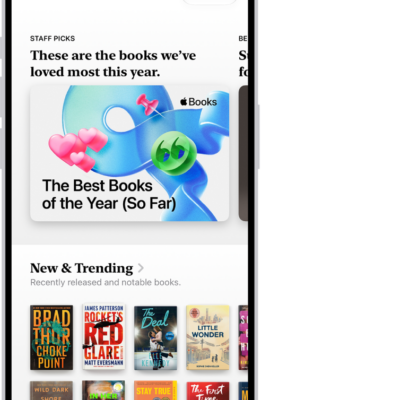
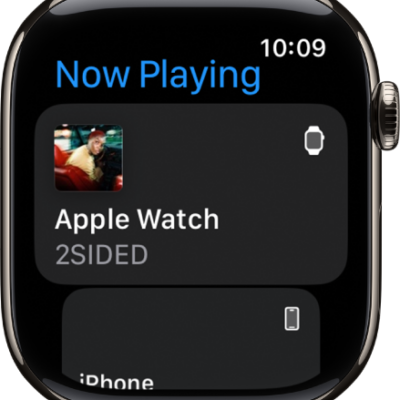
Play audiobooks stored locally on your Apple Watch, or stream them from your Apple Books library on your iPhone.
You can also download an audiobook for offline listening, for when Apple Watch isn’t connected to your iPhone or the internet.
Play an audiobook
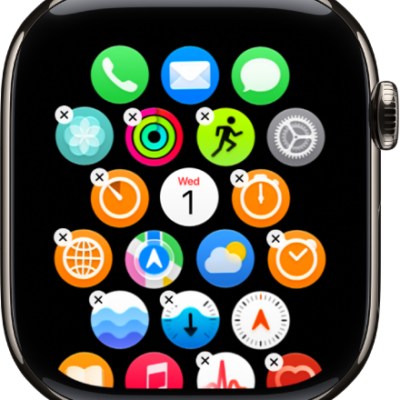
- Start the Audiobooks app on your Apple Watch.
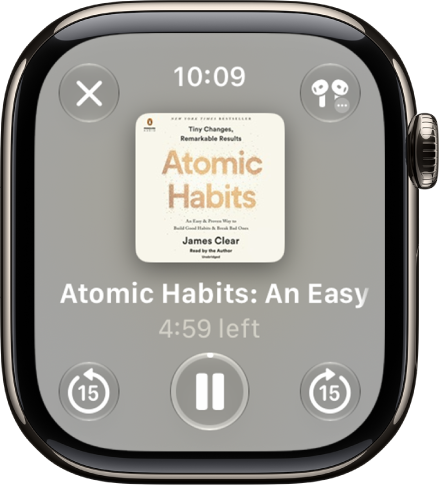
- Go to an audiobook. Tap the cover to start playing it.
- Use the playback controls to play, pause, skip forward and backward, adjust the speed, or change the audio destination.
Download an audiobook for offline listening
Any audiobook you add can play even when Apple Watch isn’t connected to your iPhone or the internet.
- Start the Apple Watch app on your iPhone.
- Tap My Watch and tap Apps. Then tap Audiobooks.
- Tap Add Audiobook, then tap a title.
Apple Watch automatically syncs up to five hours of each audiobook you add, plus the one you’re currently listening to and the one in your Want to Read list, whenever it has available storage and is connected to power.
See also
- Choose an audio destination on Apple Watch
- Control media playback on other devices using your Apple Watch
Tag: Apple Books