You can open and save PDFs in the Books app that you receive in Mail, Messages, or other apps. Once a PDF is in Books, you can share it with AirDrop, Mail, or Messages, print it, or mark it up. Apple Books isn’t available in all countries or regions, though.
Note: Apple Books isn’t available in all countries or regions.
Open a PDF you receive in another app in Books
- Tap the PDF attachment to open it.
- Tap the Share button and then tap Books from the list options.
Share or print a PDF
- Open the Books app on your iPhone.
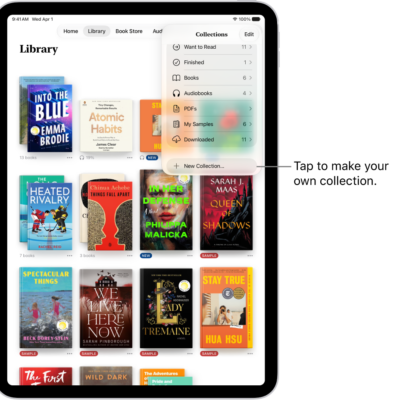
- Tap Library and tap the More button below the PDF.
- Tap the Share button. Choose a share option such as AirDrop, Mail, or Messages, or tap Print.
Mark up a PDF in Books
- Open the Books app on your iPhone.
- Open the PDF.
- Tap the page and tap the Markup button to use the drawing and annotation tools.
Tag: Apple Books