With the push of a button or flip of a switch, you can quickly silence alerts like phone calls, notifications, and system sounds.
Not everything goes quiet, though. Clock alarms, audio apps such as Music, and many games still play sounds through the built-in speaker.
Important: Clock alarms, audio apps such as Music, and many games play sounds through the built-in speaker, even when Silent mode is on. In some countries or regions, the sound effects for Camera, Voice Memos, and Emergency Alerts are played, even when the Ring/Silent switch is set to silent.
Turn Silent mode on or off
With Silent mode on, iPhone doesn’t ring or play alerts or other sound effects, though iPhone may still vibrate. Turn Silent mode off, and iPhone plays all sounds.
Depending on your model, do one of the following:
-
On models with an Action button: Press and hold the Action button to turn Silent mode on. Press and hold the Action button again to turn Silent mode off.
If your Action button isn’t set to Silent mode, go to the Settings app on your iPhone, tap Sounds & Haptics, then turn Silent mode on or off.
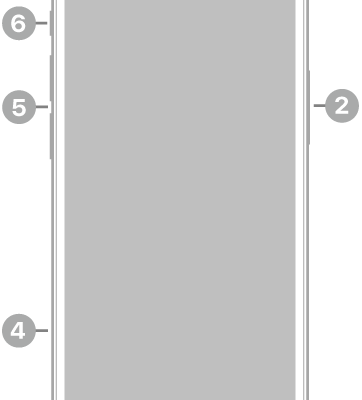
- On other models: Flip the Ring/Silent switch toward the back of your iPhone to turn Silent mode on. Flip it toward the front to turn Silent mode off.