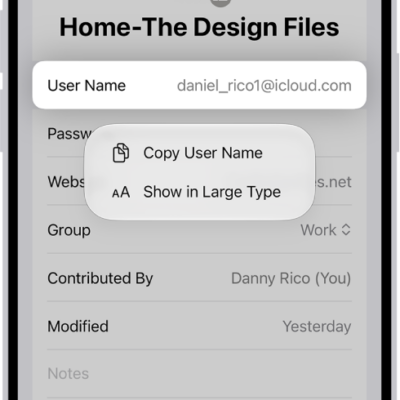
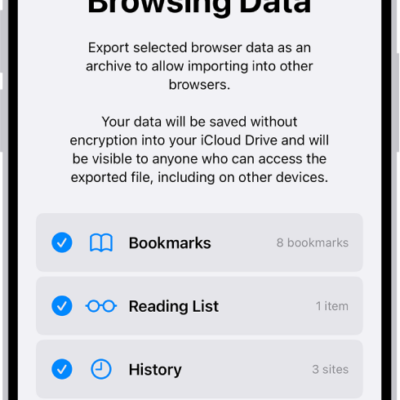
In the Passwords app, you can find all your passwords, passkeys, and verification codes in one place. You can use your passwords on all your devices where you sign in to the same Apple Account with Passwords & Keychain turned on in iCloud.
If you use AutoFill to sign in to websites and apps, your passwords automatically appear in Passwords. You can find a password by searching or sorting, and Passwords can even give you security recommendations to change weak passwords.
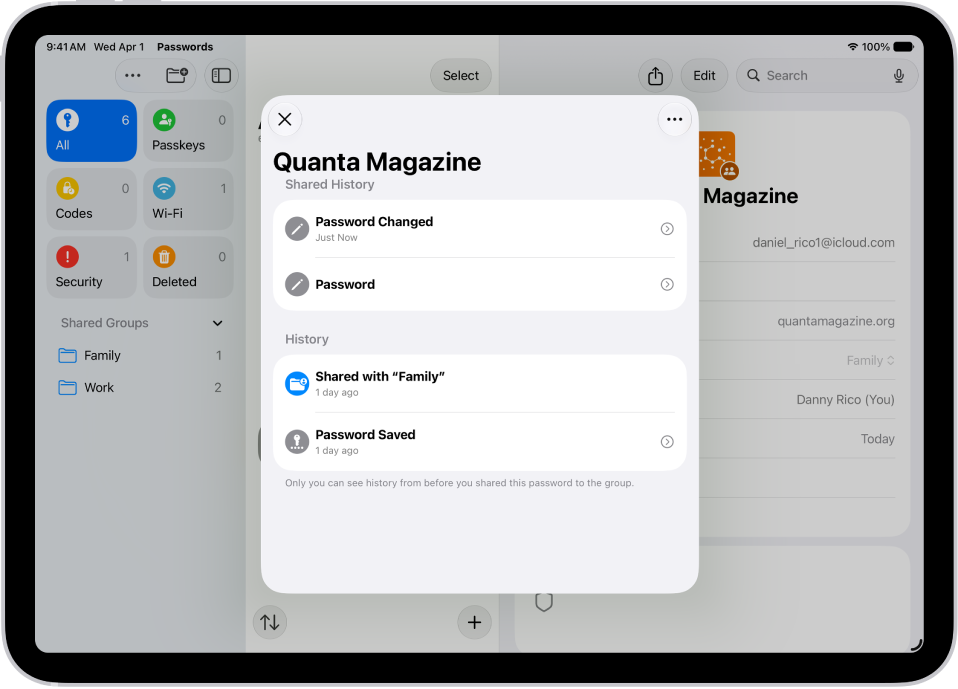
Here are all the types of password credentials you can see:
- App passwords
- Website passwords
- Sign in with Apple
- Passkeys
- Verification codes
- Wi-Fi passwords
- Passwords shared with groups
Find a password by searching or sorting. Then tap Edit to reveal the password, or to change or delete the password.
Quick tip: In Passwords, tap Security for recommendations to change weak passwords.
See also
- Make your passwords and passkeys available across devices with iPad and iCloud Keychain
- Fill in your passwords automatically
- Find your password for a website or app on iPad
Tag: Passwords