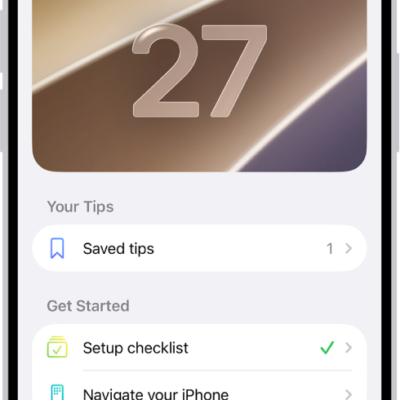
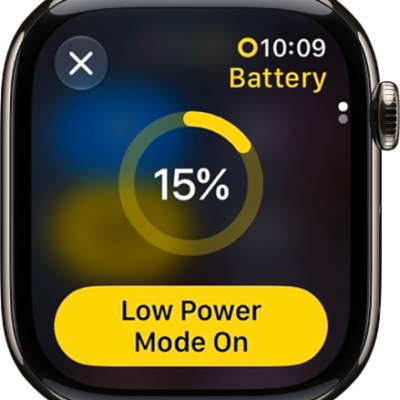
In the Tips app, see collections of tips that help you get the most from your Apple Watch. You can discover new features in watchOS, learn how to customize your watch, and more.
You can quickly access the latest tips with the Tips widget in the Smart Stack or the Tips complication on the watch face. You can also find more resources for Apple Watch software and service.
Here’s how to use the Tips app on Apple Watch.
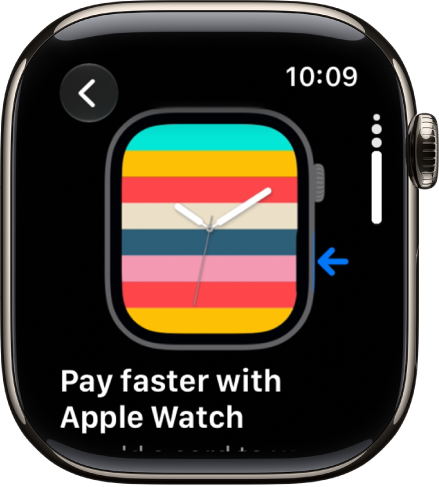
View tips on Apple Watch
- Open the Tips app on your Apple Watch.
- Tap a tips collection. Scroll down to read the tip.
- To replay an animated tip, tap the Replay button.
- Tap the Try It button (if available), to see how the tip works on your Apple Watch.
Quickly access the latest tips
See also
Tag: Tips