









GeeksModo Story Archive - October 2026
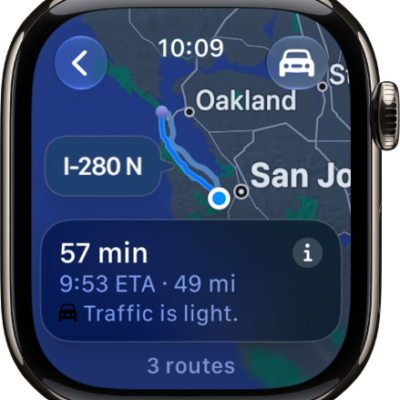
How to get directions in Maps on Apple Watch
You can get directions in Maps on Apple Watch for driving, walking, cycling, and transit, follow turn alerts, and mark a location with a pin.
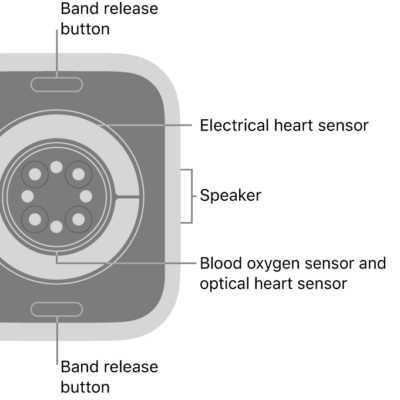
How to measure blood oxygen levels with the Blood Oxygen app
You can measure blood oxygen levels with the Blood Oxygen app on Apple Watch, set it up, and take on-demand or background measurements.
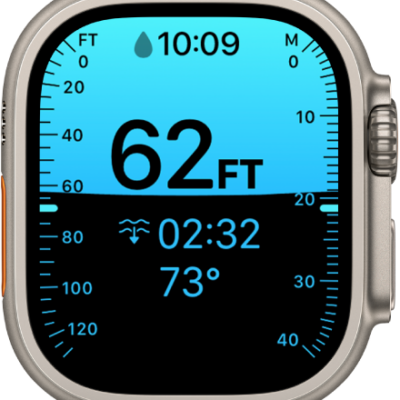
How to measure underwater temperature, duration, and depth on Apple Watch
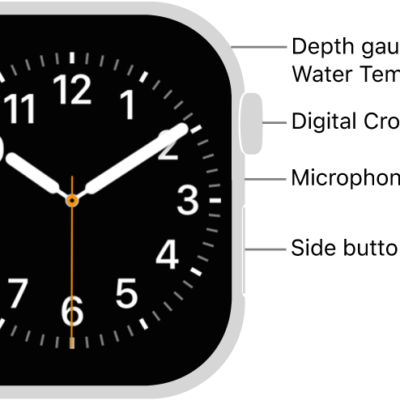
You can measure underwater temperature, duration, and depth on Apple Watch with the Depth app, within each model's maximum depth limit.
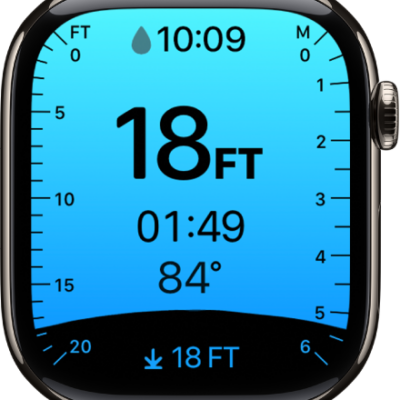
How to configure the Depth app on Apple Watch
You can configure the Depth app on Apple Watch, choose depth and temperature units, and set it to open automatically or manually.
How to log your underwater activity with the Depth app on Apple Watch
You can log your underwater activity with the Depth app on Apple Watch, see dive summaries, and review your dive history in Fitness.
How to recover Apple Watch
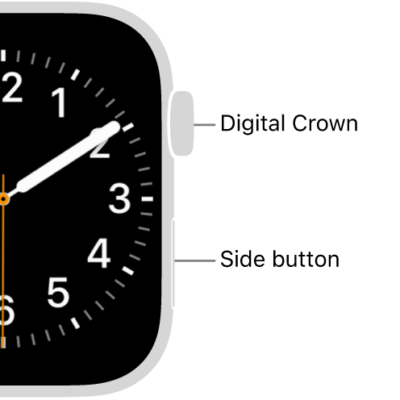
You can recover Apple Watch with your nearby iPhone when it shows a watch and iPhone animation, then follow the steps on iPhone.
How to restart Apple Watch
You can restart Apple Watch and its paired iPhone, and force Apple Watch to restart if something isn't working right.
How to manage your passcode on Apple Watch
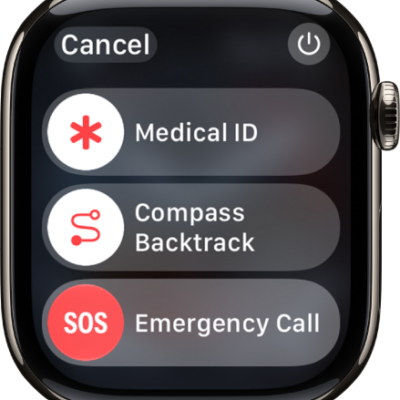
You can manage your passcode on Apple Watch, change it, use a four-digit passcode, turn it off, or erase data after 10 failed attempts.
What to do if you forget your Apple Watch passcode
You can reset Apple Watch if you forget your passcode, from the watch or your paired iPhone, and then set it up again.
How to unpair and erase Apple Watch
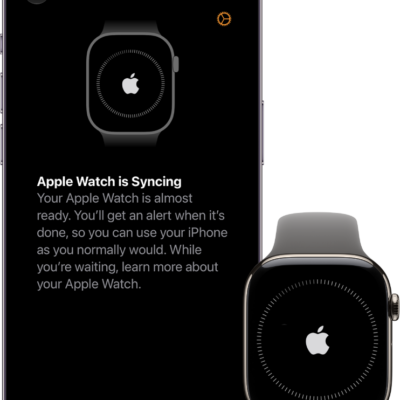
You can unpair and erase Apple Watch to remove Activation Lock before you sell it, or erase it and keep it paired, and remove your cellular plan.