









GeeksModo Story Archive - October 2026

How to restore Apple Watch from a backup
You can restore Apple Watch from a backup on your paired iPhone, since watch backups are included in your iPhone's iCloud or computer backups.
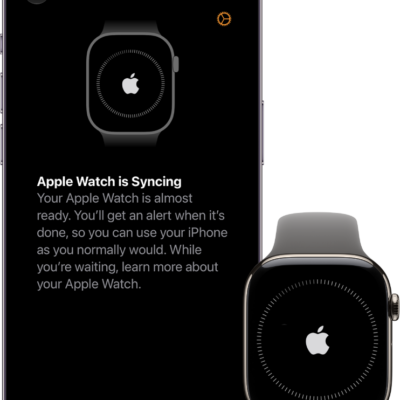
How to pair and set up Apple Watch with iPhone
You can pair and set up Apple Watch with iPhone using the setup assistants, then activate cellular service if your watch supports it.
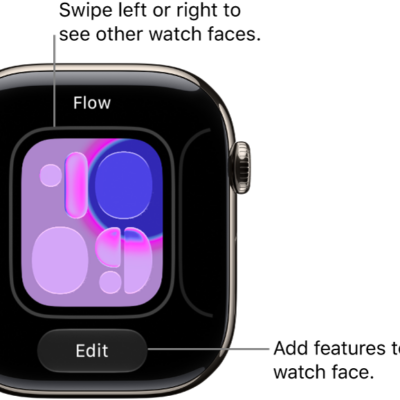
How to use Apple Watch with VoiceOver: the basics
You can use VoiceOver on Apple Watch to change watch faces, check notifications, open apps, and read mail with presses, swipes, and the Digital Crown.
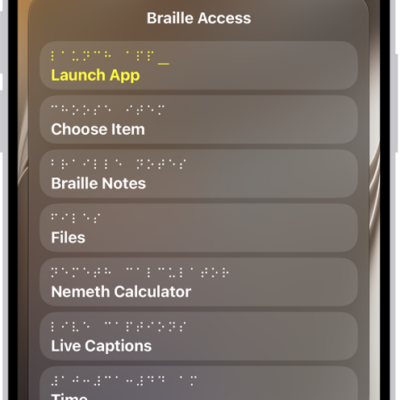
How to use a braille display with VoiceOver on Apple Watch
You can use a braille display with VoiceOver on Apple Watch to read output, edit text, and control your watch with input keys.
How to set up Apple Watch using VoiceOver
You can set up Apple Watch using VoiceOver, pair it with your iPhone, and follow spoken prompts to complete setup.

How to use Zoom on Apple Watch
You can use Zoom on Apple Watch to magnify what's on the display, zoom in or out with two fingers, and pan with the Digital Crown.
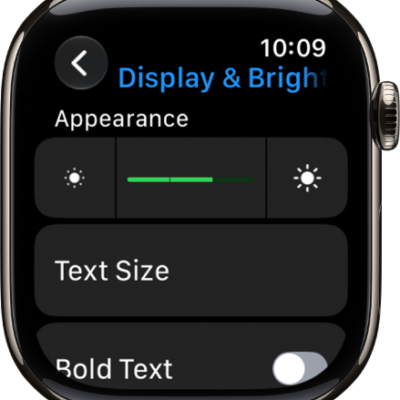
How to adjust text and display settings on Apple Watch
You can adjust text and display settings on Apple Watch, including text size, bold text, color filters, transparency, and animation.
How to use the Accessibility Shortcut on Apple Watch
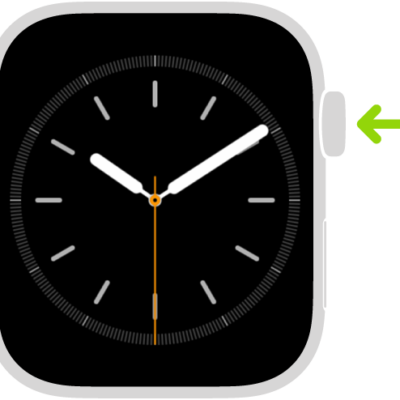
You can use the Accessibility Shortcut on Apple Watch to turn features like VoiceOver, Zoom, and AssistiveTouch on or off with a triple click.
How to use VoiceOver on Apple Watch
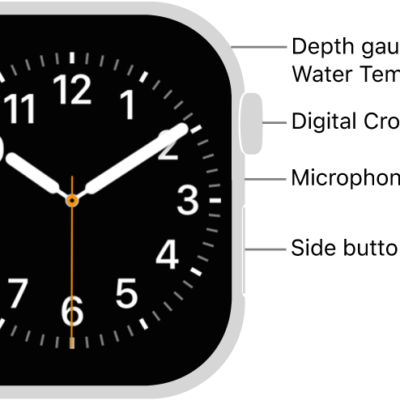
You can use VoiceOver on Apple Watch to hear each item you select, turn it on or off, use VoiceOver gestures and the rotor, and adjust settings.
How to tell time on Apple Watch
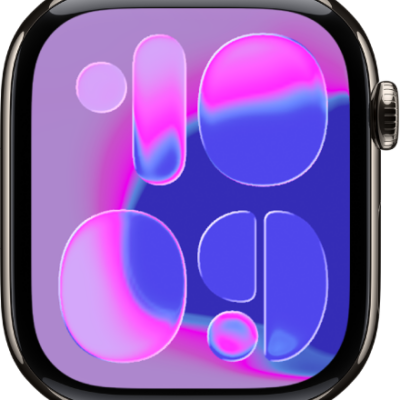
You can tell time on Apple Watch on the watch face, hear it spoken aloud, feel it as taps, turn on 24-hour time, and play chimes.