









GeeksModo Story Archive - October 2026
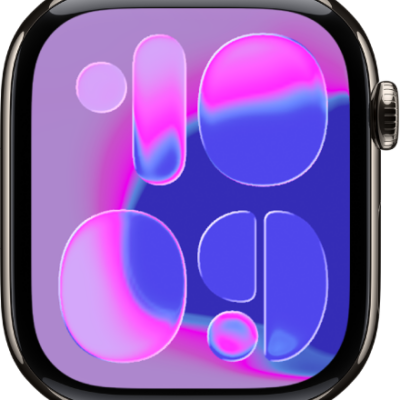
How to tell time with haptic feedback on Apple Watch
You can tell time with haptic feedback on Apple Watch using Taptic Time, with taps on your wrist in Digits, Terse, or Morse Code.
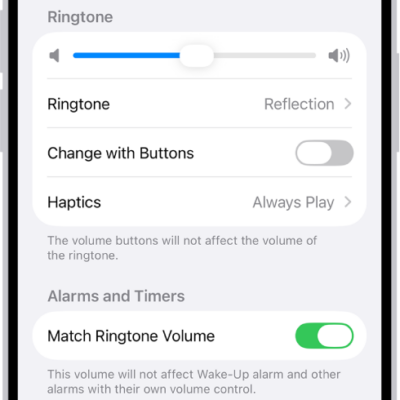
How to choose alert sounds and haptics on Apple Watch
You can choose alert sounds and haptics on Apple Watch, preview each tone and its haptic pattern, and set sounds for ringtones and texts.
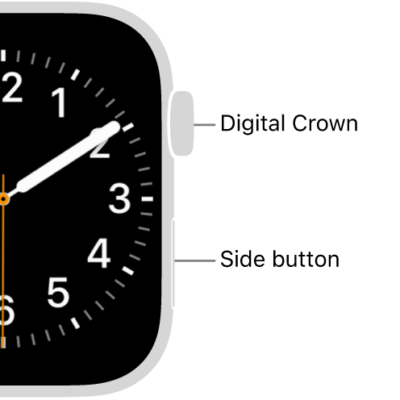
How to adjust motor skills settings on Apple Watch
You can adjust motor skills settings on Apple Watch, like button click speed and Touch Accommodations, to change how the screen responds.
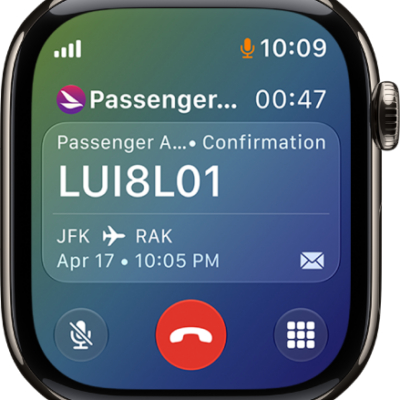
What you can do while on a call on Apple Watch
You can adjust the volume, mute, switch the call to iPhone or an audio device, and use Hold Assist while on a call on Apple Watch.
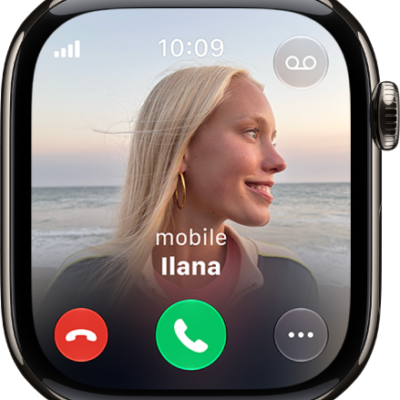
How to accept or decline incoming calls on Apple Watch
You can answer or decline phone and FaceTime calls on Apple Watch, send calls to voicemail, use Call Screening, and listen to voicemail.
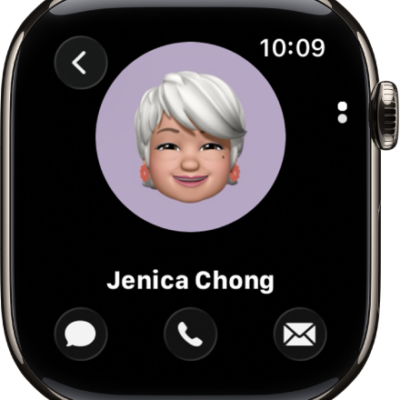
How to use the Contacts app on Apple Watch
You can use the Contacts app on Apple Watch to create, view, edit, and share contacts, and exchange contact info with NameDrop.
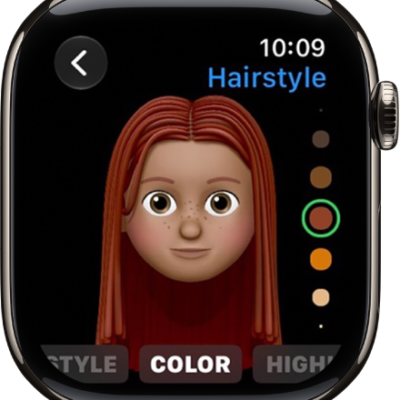
How to use Memoji on Apple Watch
You can use Memoji on Apple Watch to design your own Memoji, edit or duplicate them, and create a Memoji watch face.
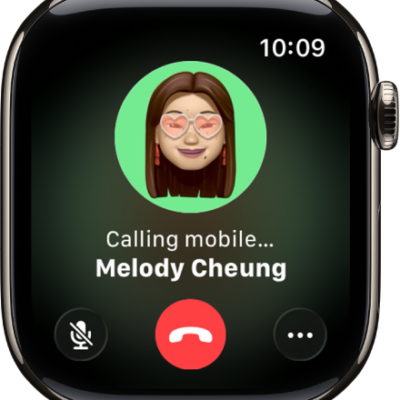
How to make calls on Apple Watch
You can make phone and FaceTime audio calls on Apple Watch, start Group FaceTime calls from Messages, and set up Wi-Fi calling.
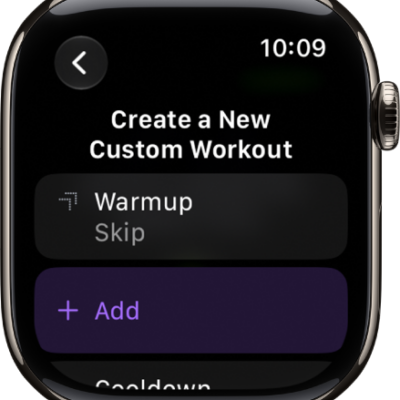
How to create a Custom Workout on Apple Watch
You can create a Custom Workout on Apple Watch with warmup, work, recovery, and cooldown intervals, plus time, calorie, and distance goals.
How to go for a swim with Apple Watch
You can go for a swim with Apple Watch, track your sets and rest in a Pool Swim workout, and clear water with Water Lock.