









GeeksModo Story Archive - October 2026
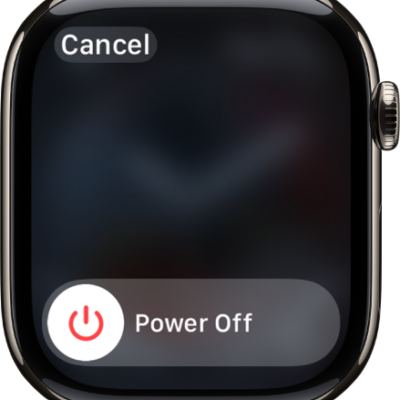
How to turn Apple Watch on or off
You can turn Apple Watch on with the side button, or turn it off with the Power Off slider after you disconnect it from the charger.
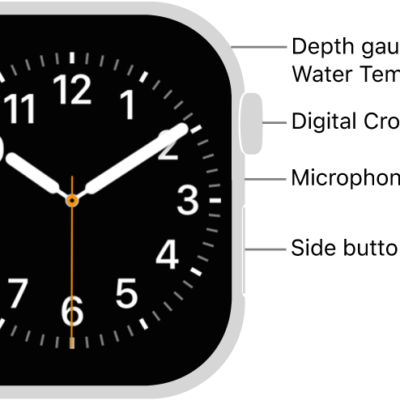
How to wake and unlock Apple Watch
You can wake and unlock Apple Watch, change when it locks automatically, unlock it with your iPhone, and lock it manually.
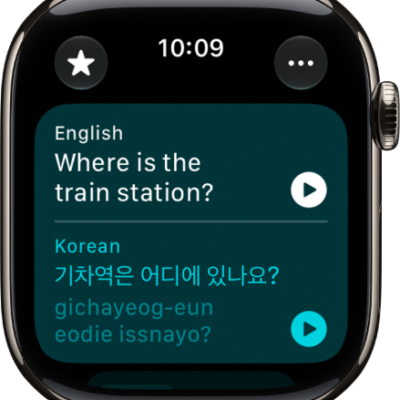
How to translate text and voice on Apple Watch
You can translate text and voice on Apple Watch in the Translate app, download languages for offline use, and save favorite translations.
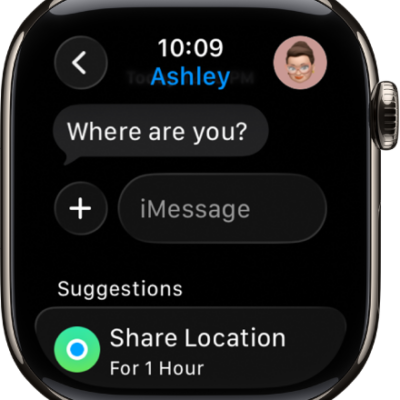
How to write messages on Apple Watch
You can write messages on Apple Watch, start a conversation, send stickers, GIFs, and audio clips, and share your location.
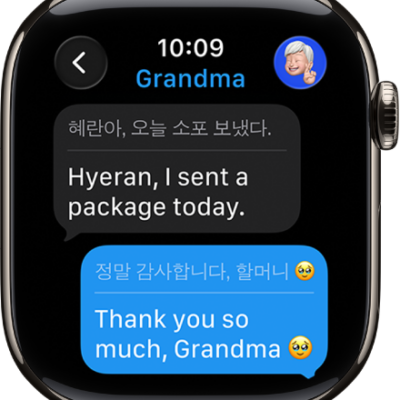
How to translate messages on Apple Watch
You can translate messages on Apple Watch with Live Translation, download languages, and choose a different language for a conversation.
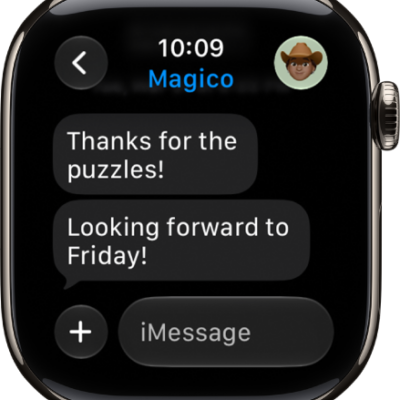
How to read and respond to messages on Apple Watch
You can read and respond to messages on Apple Watch with reactions, suggested replies, or a typed, dictated, or scribbled reply.
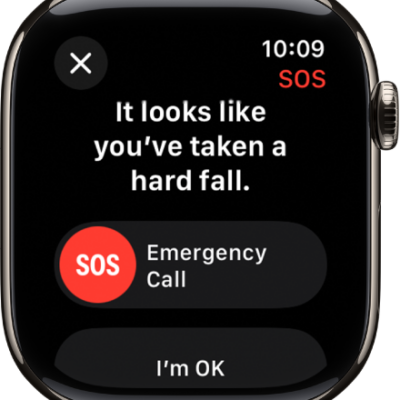
How to manage Fall Detection on Apple Watch
You can manage Fall Detection on Apple Watch so it can call emergency services and notify your emergency contacts after a hard fall.
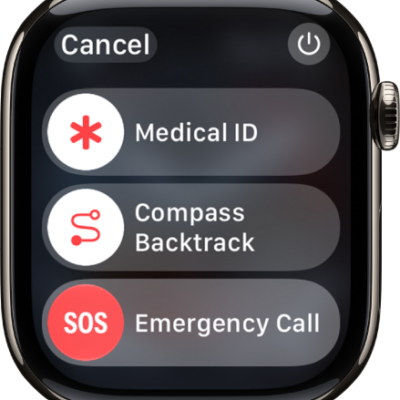
Apple Watch safety features: Check In, Fall Detection, Emergency SOS, and more
You can use safety features on Apple Watch, like Check In, Medical ID, Emergency SOS, Fall Detection, Crash Detection, and the siren.
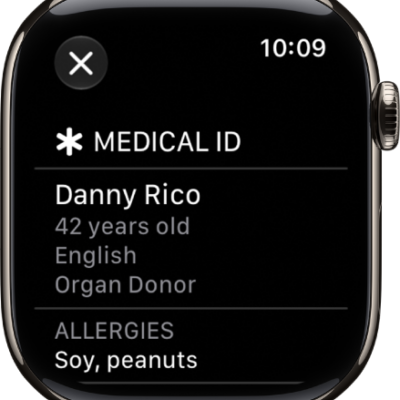
How to set up and view Medical ID on Apple Watch
You can set up and view your Medical ID on Apple Watch so it's available in an emergency and shared with emergency services.
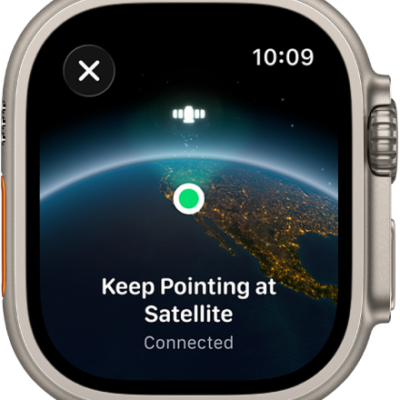
How to set up satellite communications on Apple Watch Ultra
You can set up satellite communications on Apple Watch Ultra to text emergency services, message friends, and share your location off the grid.