









GeeksModo Story Archive - October 2026
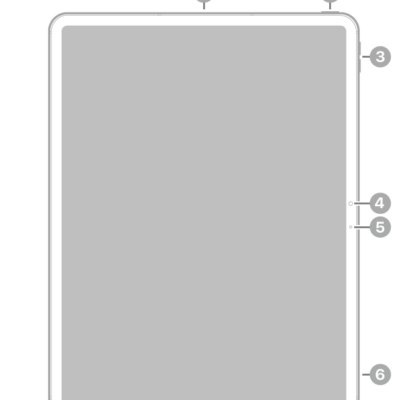
iPad Pro 13-inch (M5) hardware: buttons, cameras, and ports
You can learn the location of the cameras, buttons, and other essential hardware features on iPad Pro 13-inch (M5).
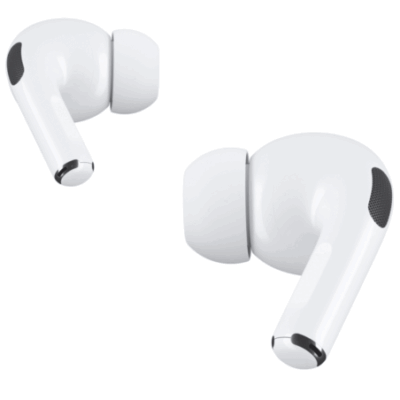
How to use AirPods with supported camera apps on iPhone or iPad
You can use AirPods with supported camera apps on iPhone or iPad to take photos, record video, and use your AirPods as a microphone.

iPad Pro 12.9-inch (5th generation) hardware: buttons, cameras, and ports
You can learn the location of the cameras, buttons, and other essential hardware features on iPad Pro 12.9-inch (5th generation).
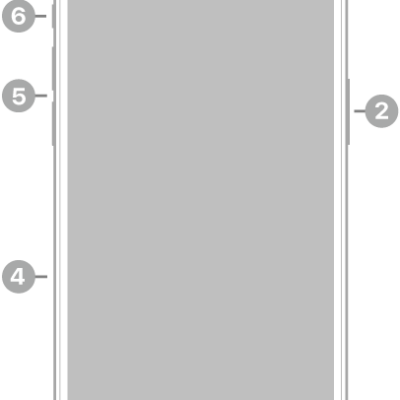
iPhone 15 Pro Max hardware: buttons, cameras, and ports
You can find the cameras, buttons, and other essential hardware features on iPhone 15 Pro Max, plus links to help you get started.

iPad Pro 11-inch (3rd generation) hardware: buttons, cameras, and ports
You can learn the location of the cameras, buttons, and other essential hardware features on iPad Pro 11-inch (3rd generation).
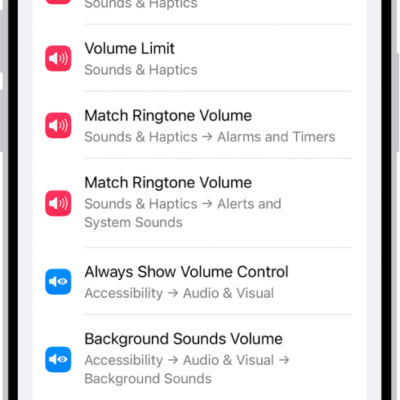
How to find settings on iPhone
You can search for any setting in the Settings app on iPhone, like your passcode or notification sounds, and see what's in each section.
How to change settings for AirPods or AirPods Pro
You can change AirPods Pro settings, and settings for other AirPods, on iPhone, iPad, or Mac, including press and hold actions and ear detection.
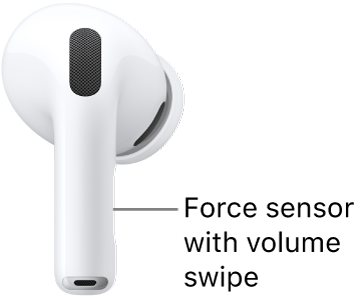
How to use controls and gestures with your AirPods
You can use controls and gestures with your AirPods to play and pause audio, skip tracks, answer calls, use Siri, and respond with head gestures.
How to use Siri with AirPods
You can use Siri with AirPods to find information, play music, answer calls, announce notifications, and start a workout on AirPods Pro 3.
How to make and answer calls with AirPods 3, AirPods 4, AirPods 5, or AirPods Pro
You can make and answer calls with AirPods 3, AirPods 4, AirPods 5, or AirPods Pro, mute yourself, decline calls, and filter out background sounds.