









GeeksModo Story Archive - October 2026

How to use Siri with AirPods
You can use Siri with AirPods to find information, play music, answer calls, announce notifications, and start a workout on AirPods Pro 3.
How to make and answer calls with AirPods 3, AirPods 4, AirPods 5, or AirPods Pro
You can make and answer calls with AirPods 3, AirPods 4, AirPods 5, or AirPods Pro, mute yourself, decline calls, and filter out background sounds.
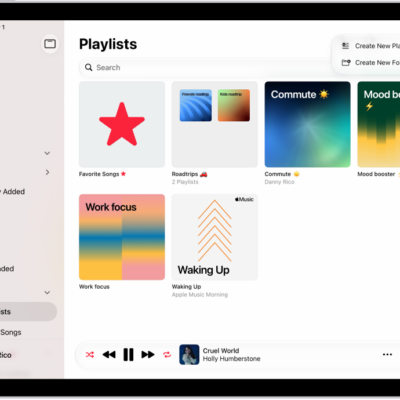
Understanding playlists in the Music app on iPad
You can learn about playlists in Music on iPad, from your own playlists to Favorite Songs and playlists from Apple Music.
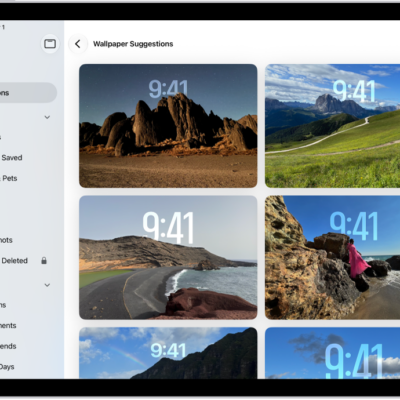
How to get wallpaper suggestions in Photos on iPad
You can get wallpaper suggestions in Photos on iPad that stylize photos of your favorite people and pets for your Lock Screen or Home Screen.

How to use the music player controls on iPhone
You can control music on iPhone with the MiniPlayer and the Now Playing screen, and stream it to Bluetooth or AirPlay devices.
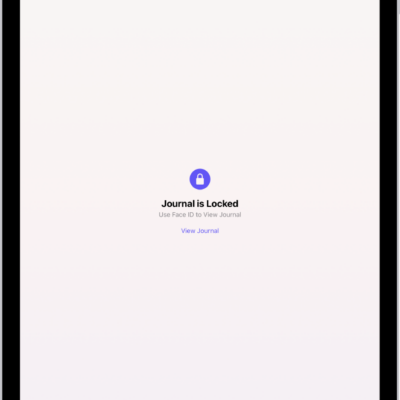
How to protect your journal entries on iPad
You can protect your journal entries on iPad by locking your journal, syncing with iCloud, and including entries in an encrypted backup.
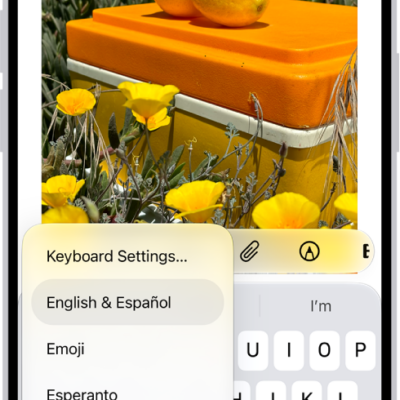
How to choose an alternative layout for an Apple external keyboard with iPad
You can choose an alternative layout for an Apple external keyboard with iPad to type letters and marks for other languages.

What’s new in iPadOS 27 for iPad
You can see what's new in iPadOS 27 for iPad, from Siri AI and Family features to Safari, Photos, Liquid Glass, Health, and Maps.
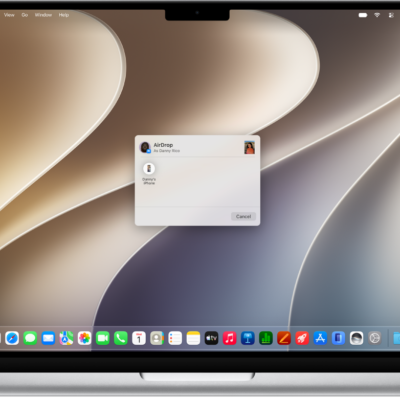
How to use Continuity to work across Apple devices
You can use your iPhone with your Mac, iPad, or Apple Watch to hand off tasks, share files, and stream video and audio with Continuity.

How to add earnings reports to your calendar in Stocks on iPad
You can add earnings reports to your calendar in Stocks on iPad as all-day events, get a reminder on the day, and delete them.