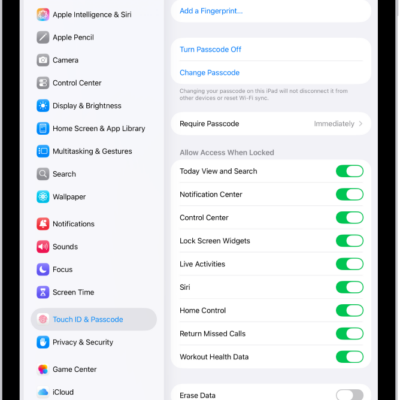
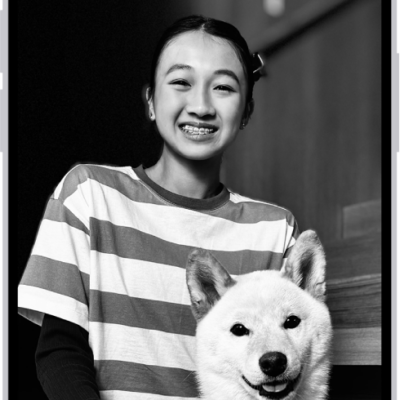
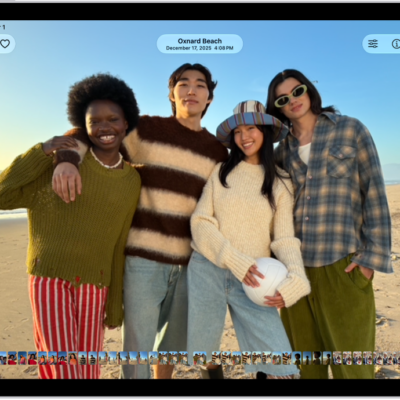
You can get wallpaper suggestions for your Lock Screen or Home Screen that stylize photos of your favorite people and pets. You just pick one to try it, then customize the Lock Screen with colors, a clock font, and more. You can also change the wallpaper on iPad.
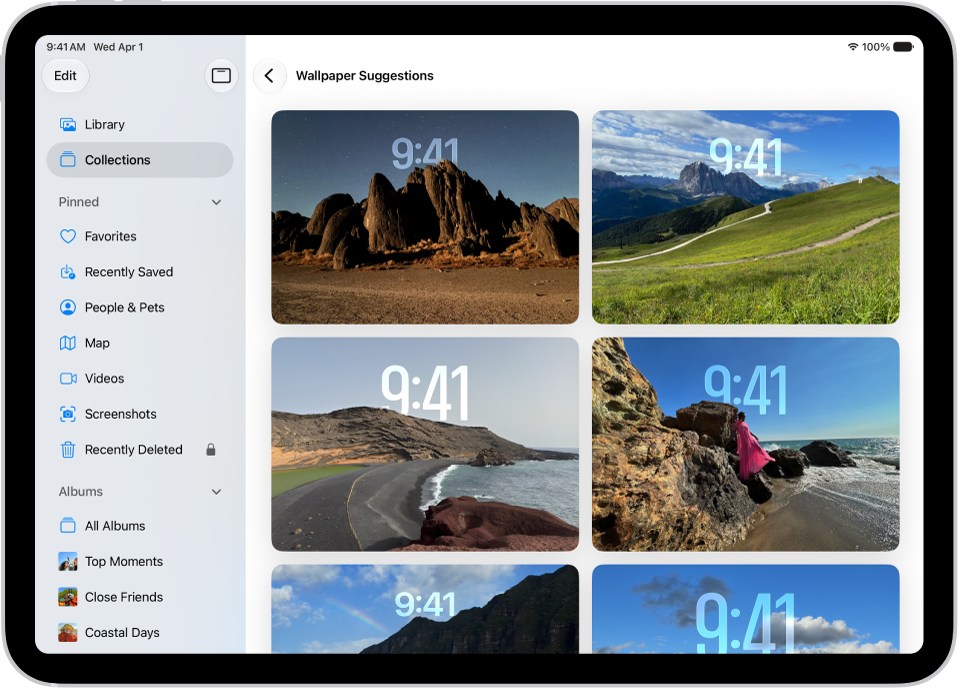
- Open the Photos app on your iPad.
- Tap Collections.
-
Swipe up and tap a suggested wallpaper (below Wallpaper Suggestions).
To customize the Lock Screen, including choosing colors, clock font, and more, see Create a custom Lock Screen.
See also
Tags: Lock Screen, Photos