How to get wallpaper suggestions in Photos on iPhone
You can get wallpaper suggestions for your Lock Screen or Home Screen that stylize photos of your favorite people and pets. They’re in the Photos app, below Wallpaper Suggestions in Collections, and you can use any of them as your wallpaper.
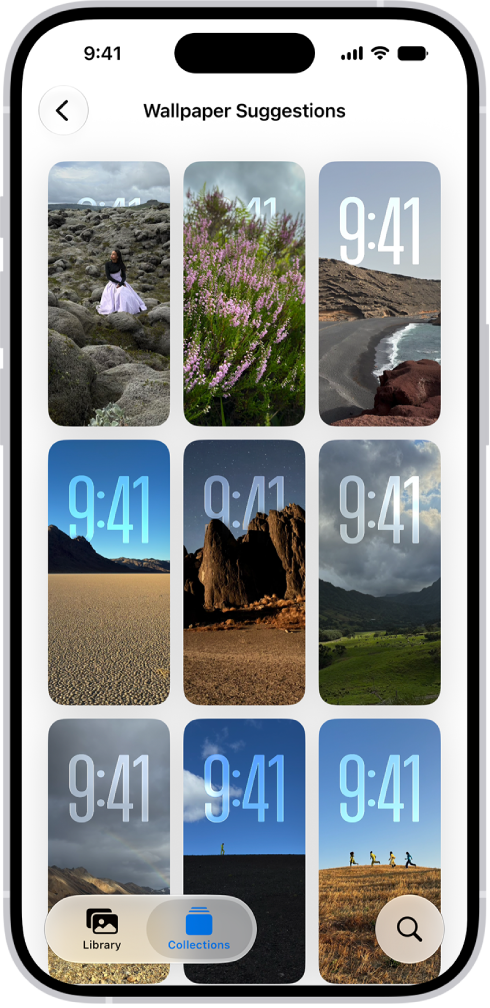
- Open the Photos app on your iPhone.
- Tap Collections.
- Swipe up and tap a suggested wallpaper (below Wallpaper Suggestions).
Read Next
You can use the iPhone Lock Screen to open Camera and Control Center, view notifications, control media, and follow Live Activities.
You can change the wallpaper on your iPhone Lock Screen and Home Screen, design one from photos, emoji, or colors, and use it as a pair.
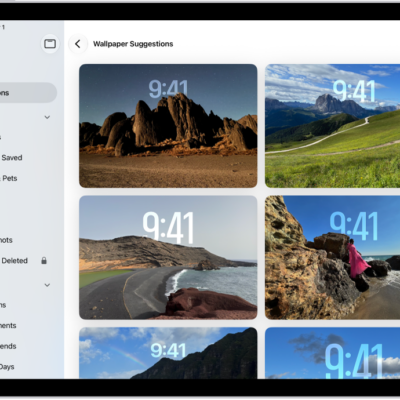
You can get wallpaper suggestions in Photos on iPad that stylize photos of your favorite people and pets for your Lock Screen or Home Screen.