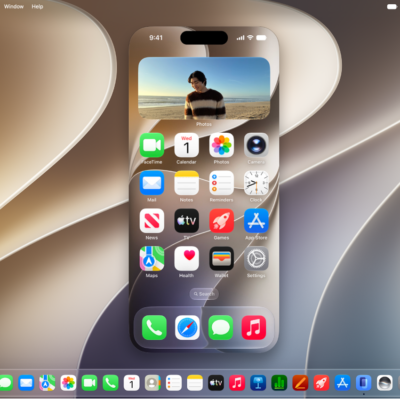
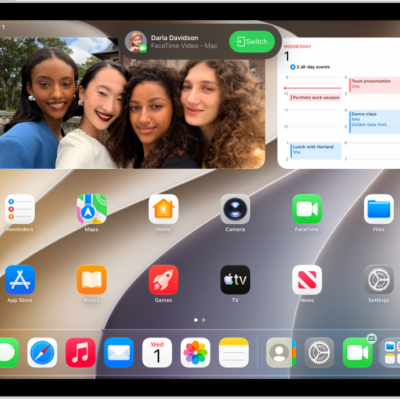
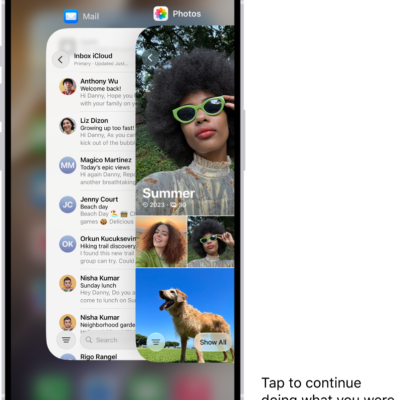
When you use your iPhone with another Apple device, like your Mac, iPad, or Apple Watch, you can take advantage of special Continuity features that let you use your devices in unique ways. You can work across your devices, hand off tasks, share files and photos, stream video and audio, and more.
There’s no additional app you need to install. Continuity features are built directly into your devices’ operating systems and many of the apps you use every day, so you just sign in to the same Apple Account on each device to get started.
Note: Continuity features have minimum system requirements, and some of them require Wi-Fi and Bluetooth®.
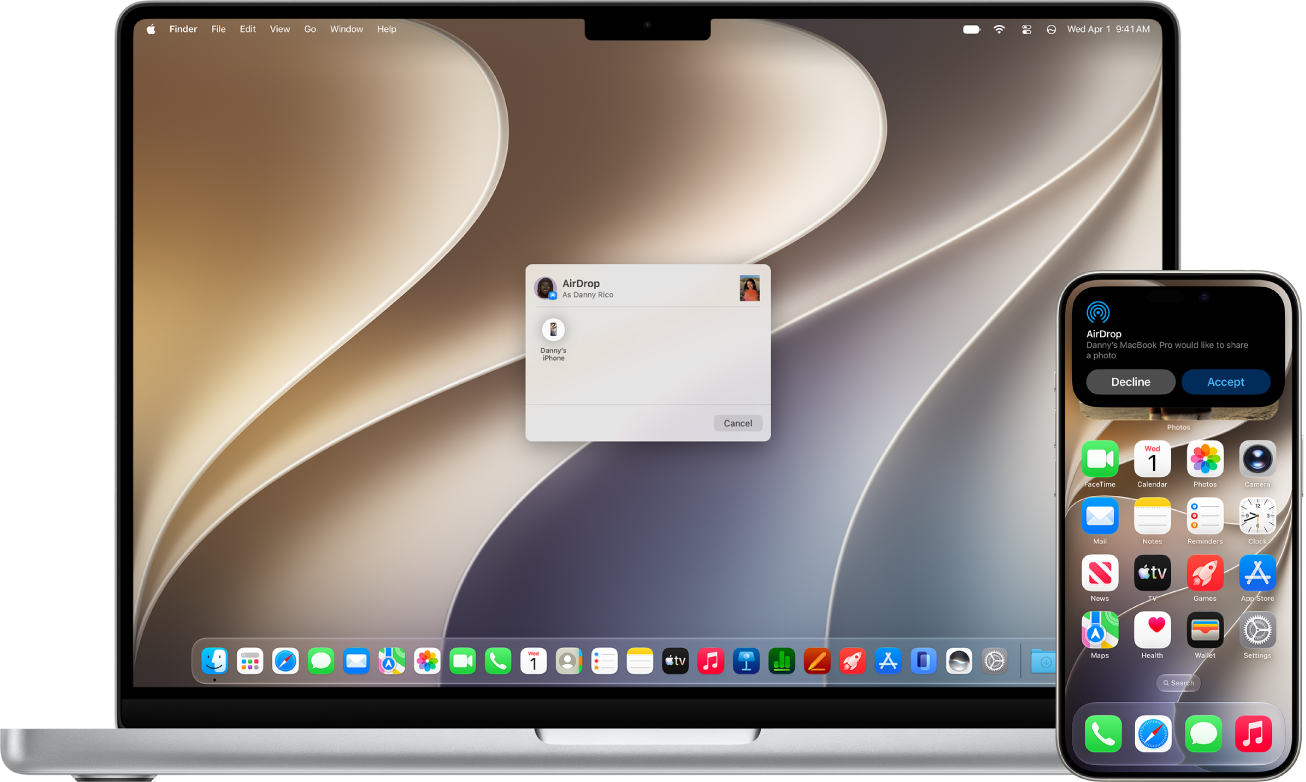
Quickly share content between devices
Share photos, videos, contacts, and more, with anyone on an Apple device near you. AirDrop makes sharing between iPhone, iPad, and Mac as simple as dragging and dropping. Use AirDrop to send items to nearby Apple devices
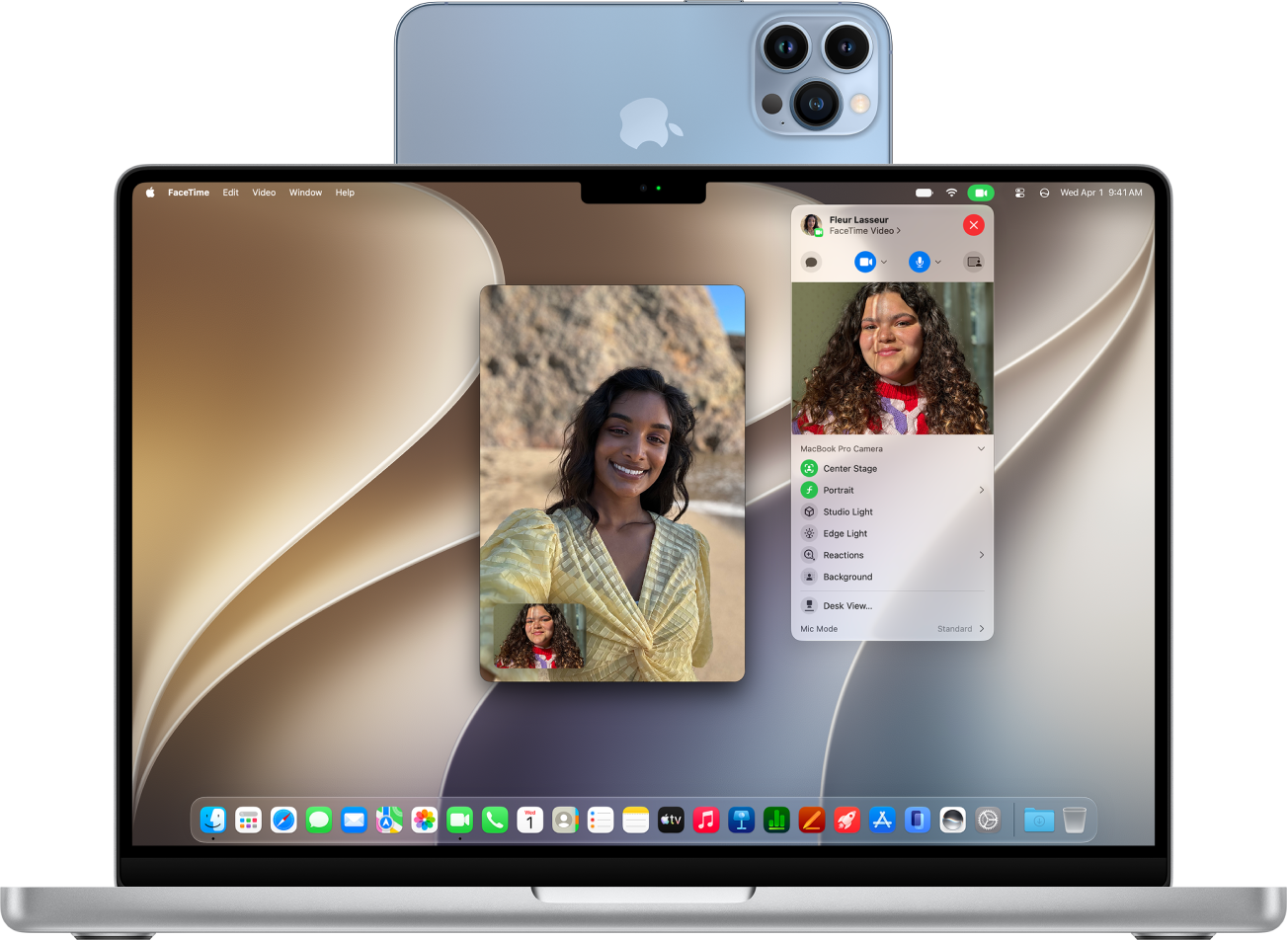
Use your iPhone camera with your Mac
You can use your iPhone as your Mac computer’s webcam or microphone with a feature called Continuity Camera. You can also use video effects when using your iPhone as a webcam, like Desk View. Use your iPhone as a webcam on Mac
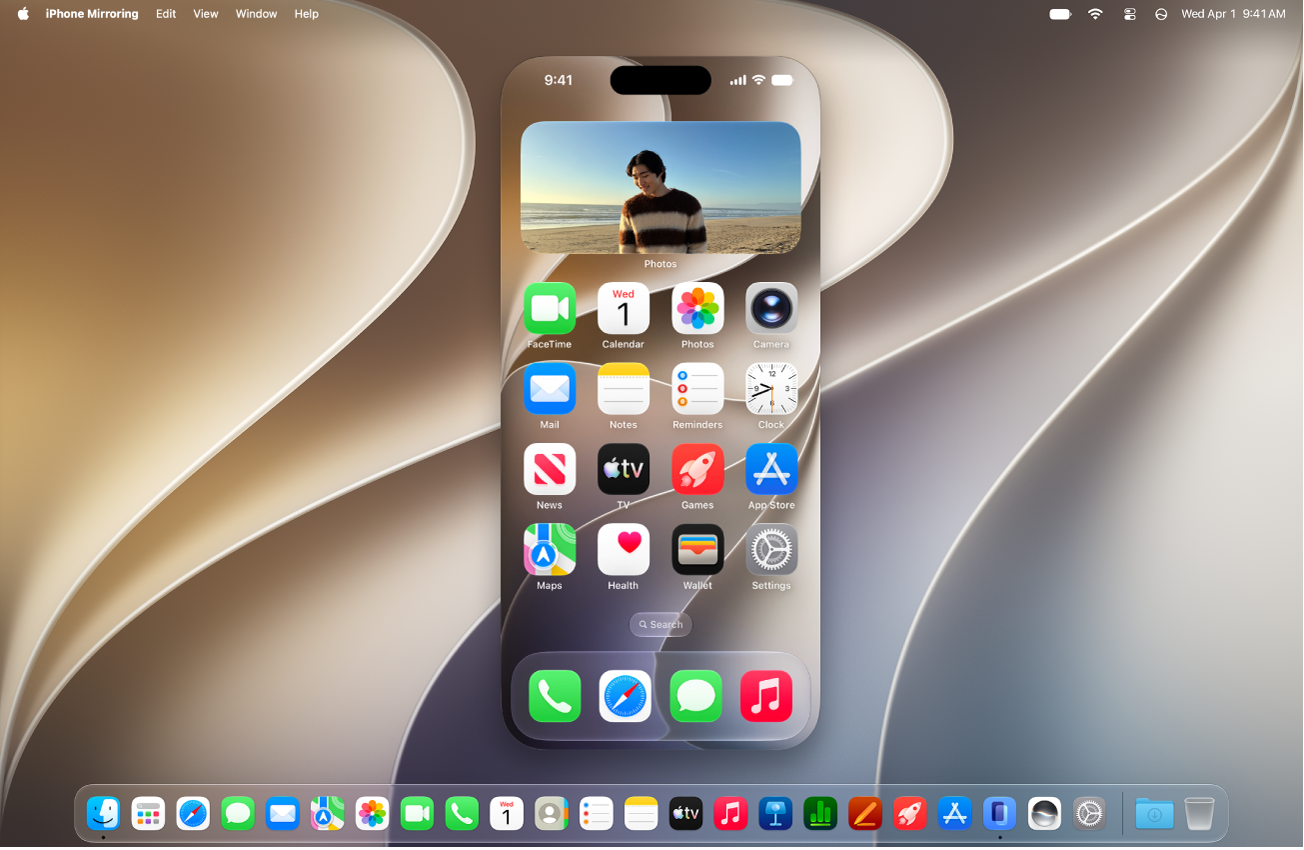
Control your iPhone from your Mac
Control your iPhone from your Mac and receive iPhone notifications and Live Activities on your Mac, so you never miss a thing. Control your iPhone from your Mac
Even more Continuity features
Copy and paste Copy text, images, photos, and videos from one Apple device and paste them on another device with Universal Clipboard. Copy and paste between your iPhone and other Apple devices
Hand off tasks Start a task—like creating a document, writing an email, or browsing the web—on one device and pick up where you left off on another device with Handoff. Hand off tasks between your iPhone and your other devices
Insert sketches, photos, and scans Take a picture or scan a document with your iPhone camera and have it appear instantly on your Mac. Insert sketches, photos, and scans from your iPhone on Mac
Stream to a larger screen Share videos, music, photos, and more from your iPhone to your Mac, an Apple TV 4K, or an AirPlay 2-enabled TV. Stream video and audio from your iPhone with AirPlay
Answer calls and send texts from your iPad or Mac Relay calls from your iPhone and send and receive texts on your iPad or Mac. Use iPhone to allow calls and text messages on your iPad and Mac
Share your Wi-Fi Connect your Mac to the internet using the Personal Hotspot on your iPhone. Share your internet connection from your iPhone
Other ways to use your devices together
Continuity features aren’t the only option for using your Mac with your other Apple devices, since you can also:
- Connect iPhone and your computer with a cable
- Keep information up to date across all your devices with iCloud
- Sync content between your Mac and iPhone, iPad, or iPod touch
Note: To use iPhone Mirroring, it must be available in your country or region. iPhone Mirroring isn’t currently available in the European Union.