









GeeksModo Story Archive - October 2026
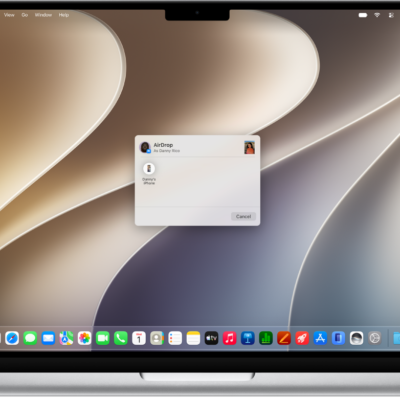
How to use Continuity to work across Apple devices
You can use your iPhone with your Mac, iPad, or Apple Watch to hand off tasks, share files, and stream video and audio with Continuity.
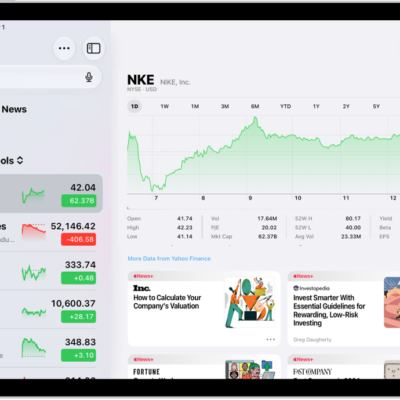
How to add earnings reports to your calendar in Stocks on iPad
You can add earnings reports to your calendar in Stocks on iPad as all-day events, get a reminder on the day, and delete them.
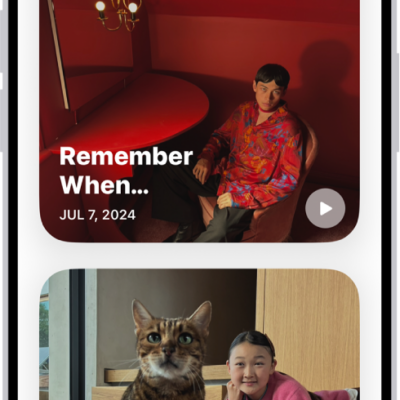
How to share or delete memories in Photos on iPhone
You can share memory movies and their photos in Photos on iPhone, play them with AirPlay, feature some people less, or delete memories.
How to use a Stocks widget on your iPad
You can use a Stocks widget on your iPad Home Screen to check stocks at a glance, and choose its size and information.
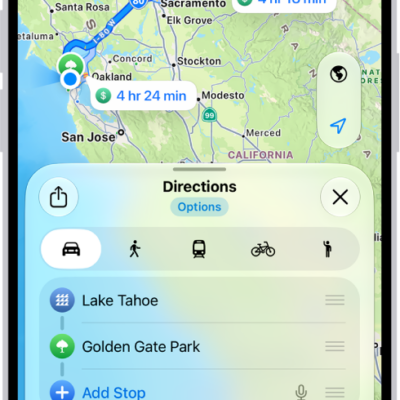
How to use Maps on iPhone
You can get directions with the Maps app on iPhone, the Maps widget, Siri, CarPlay, your Mac, or your Apple Watch.
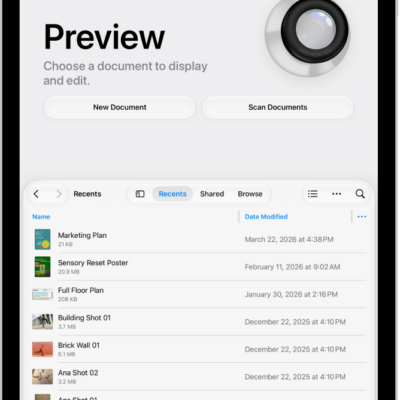
How to copy PDFs and images in Preview on iPad
You can copy PDFs and images in Preview on iPad to the Clipboard, or create a duplicate file.
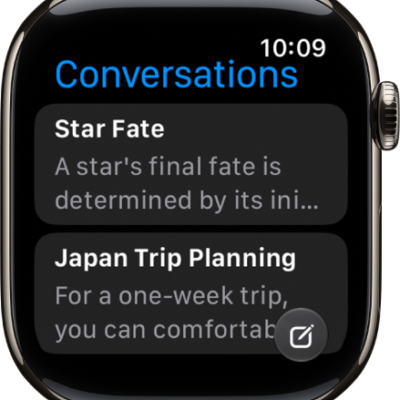
What’s new in watchOS 27 for Apple Watch
You can see what's new in watchOS 27 for Apple Watch, from Siri AI and Workout Buddy to Readiness, Vitals, and new watch faces.
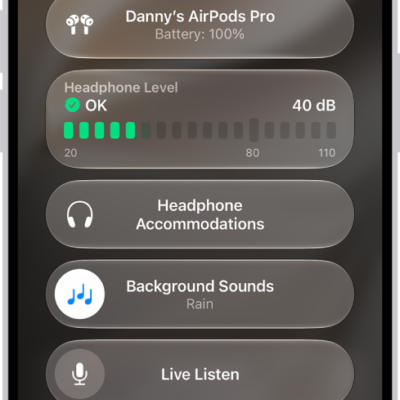
How to play the same sound in both of your AirPods
You can play the same sound in both of your AirPods with Mono Audio on iPhone, iPad, Mac, or Apple Watch, instead of stereo sound.
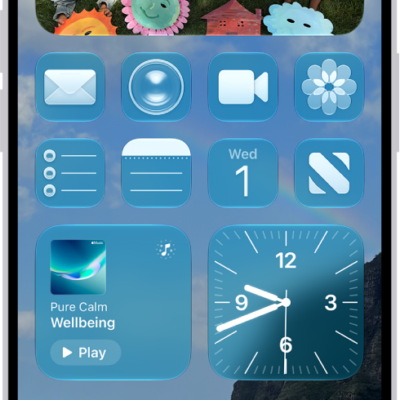
How to make your iPhone your own
You can make your iPhone your own by customizing your Home Screen and Lock Screen, widgets, controls, sounds, and contact posters.
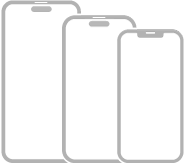
iPhone gestures for models with Face ID
You can learn the gestures for iPhone models with Face ID, from going Home and opening the App Switcher to switching apps and using Siri.