









GeeksModo Story Archive - October 2026
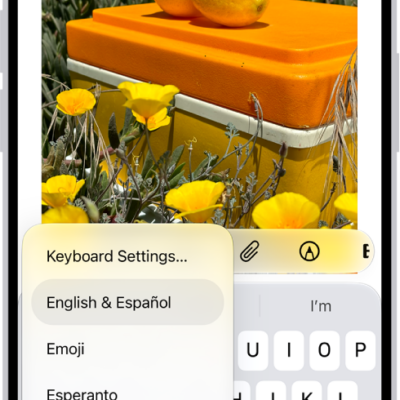
How to switch between keyboards with Magic Keyboard and iPhone
You can switch between language keyboards, the emoji keyboard, and the onscreen keyboard with Magic Keyboard and iPhone.
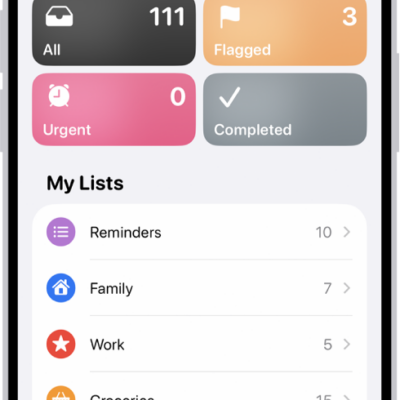
How to change your Reminders settings on iPhone
You can change Reminders settings on iPhone, including the default list, notifications, Today notifications for all-day reminders, and location sharing.
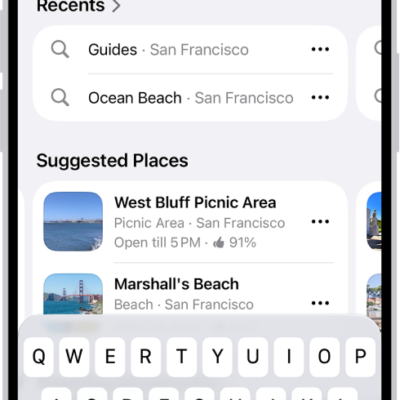
How to find nearby attractions, restaurants, and services in Maps on iPhone
You can find nearby attractions, restaurants, and services in Maps on iPhone by category, search, or Local Lists in select U.S. cities.
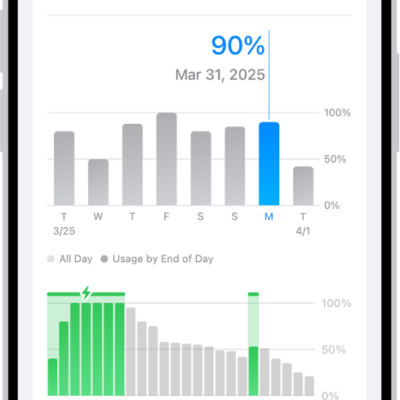
How to save battery life with Power Modes on iPhone
You can save battery life on iPhone with Adaptive Power, which adjusts performance automatically, or with Low Power Mode.

How to zoom in on the iPhone screen
You can zoom in on the iPhone screen with Full Screen Zoom or Window Zoom, in any app, and use Zoom together with VoiceOver.

How to use Apple Intelligence to express yourself creatively on iPhone
You can edit photos with Clean Up, create images with Image Playground, and make your own Genmoji with Apple Intelligence on iPhone.
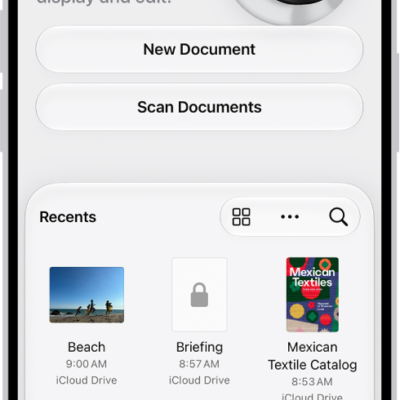
How to save, rename, or move PDFs and images in Preview on iPhone
You can save, rename, duplicate, copy, or move a PDF or image in the Preview app on iPhone.
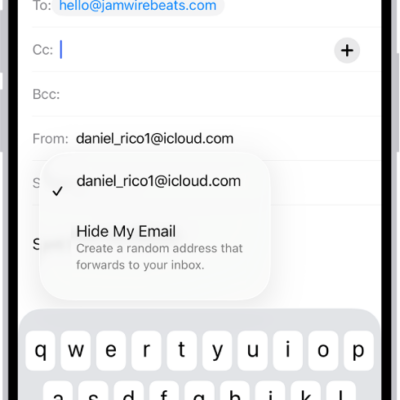
How to use Hide My Email in Mail on iPhone
You can use Hide My Email in Mail on iPhone to send and reply to email without sharing your real address with iCloud+.
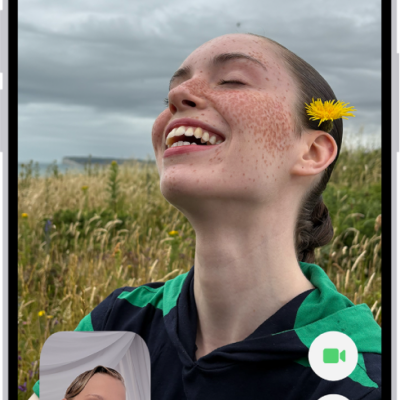
How to leave a FaceTime call or switch to Messages on iPhone
You can leave a FaceTime call on iPhone at any time, or switch the conversation to a Messages thread with everyone on the call.
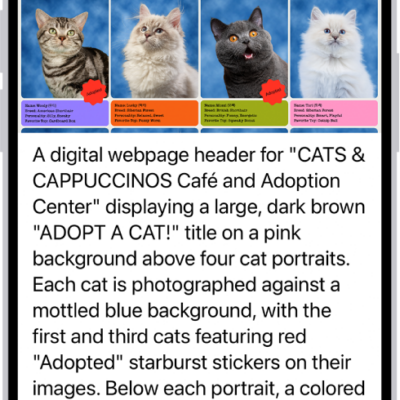
How to hear what’s on your screen and around you with VoiceOver on iPhone
You can get live descriptions of your surroundings and ask questions about images and items on the screen with VoiceOver Recognition on iPhone.