









GeeksModo Story Archive - October 2026
How to hear iPhone speak the screen, selected text, and typing feedback
You can hear iPhone speak the screen or selected text out loud, read what you type as typing feedback, and show text in Accessibility Reader.
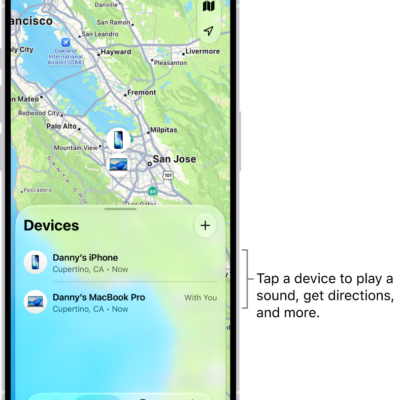
How to remove a device from Find My on iPhone
You can remove a device from Find My on iPhone and turn off Activation Lock, whether or not you still have the device.
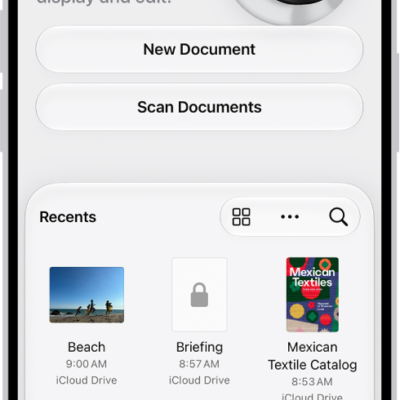
How to open and view PDFs and images in Preview on iPhone
You can open PDFs and images directly in Preview on iPhone, find text in a PDF, view file information, and check an Apple Reference Image.
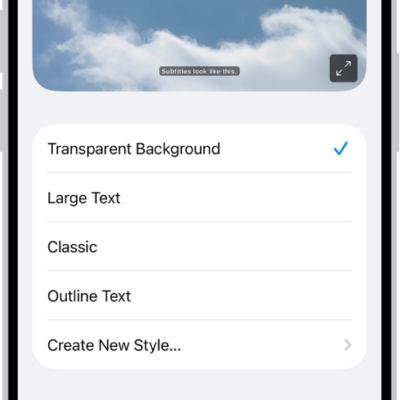
iPhone hearing accessibility features: Live Captions, Sound Recognition, and more
You can use hearing accessibility features on iPhone, including Live Captions, Sound Recognition, hearing devices, Live Listen, and audio adjustments.
How to browse the web privately in Safari on iPhone
You can use Private Browsing in Safari on iPhone, view the Privacy Report, and use iCloud Private Relay and other privacy settings.

How to change your VoiceOver settings on iPhone
You can change VoiceOver settings on iPhone, including audio, language, voice, speaking rate, verbosity, activities, navigation, and Quick Settings.
How to erase a device in Find My on iPhone
You can remotely erase a lost iPhone, iPad, Apple Watch, or Mac with Find My on iPhone, and Activation Lock still protects it.
How to get started with Apple Intelligence on your iPhone
You can get started with Apple Intelligence on iPhone with iOS 27 to write, create images, and get things done across your apps, privately.
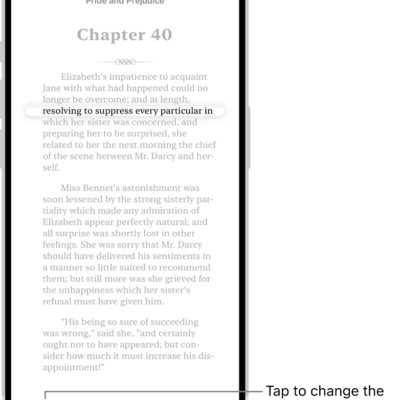
How to annotate books in the Books app on iPhone
You can highlight, underline, and add notes to books in the Books app on iPhone, share your annotations, and translate or copy text.

How to view electricity usage and rates on iPhone (participating U.S. providers only)
You can see your home electricity usage and rates in the Home app on iPhone with a participating U.S. utility.