








Got a tip for us?

GeeksModo Story Archive - October 2026
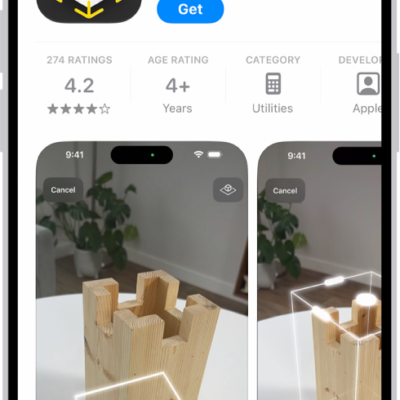
The information page for an app in the App Store. The page shows the Get button, ratings, age ratings, the developer, screenshots, and more. At the bottom, from left to right, are the following buttons: Today, Games, Apps, Arcade, and Search.

How to restore purchased and deleted items to iPhone

You can redownload App Store, Book Store, Apple TV, and iTunes Store purchases on iPhone, and recover recently deleted email, photos, and notes.
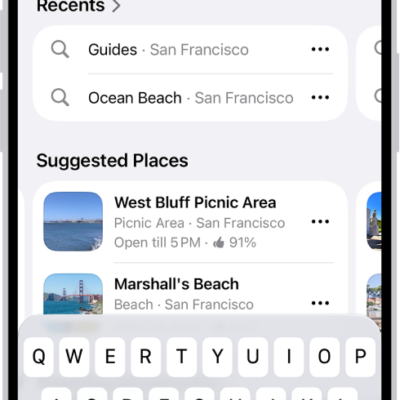
The Maps app showing the search field, categories for nearby services, and city guides. In the bottom part of the screen is the iPhone onscreen keyboard.

How to report an issue with Maps on iPhone

You can add missing places to Maps on iPhone and report other issues, like a wrong step in directions or a closed business.
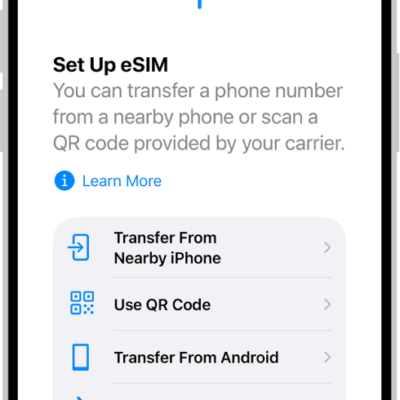
An iPhone screen showing an illustration of the globe. At the top of the globe is a radio signal and an airplane flies around the globe.

How to send your location via satellite in Find My on iPhone

You can share your location via satellite in Find My when you're outside cellular and Wi-Fi coverage on supported iPhone models.
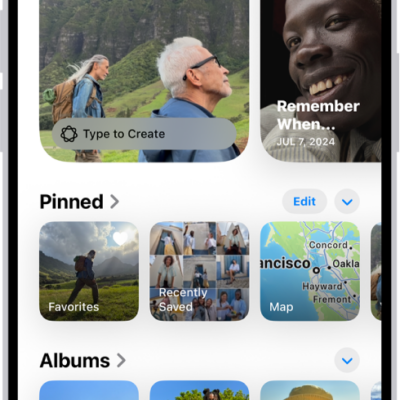
The Photos app is open and the Collections button is selected at the bottom of the screen. On the screen from top to bottom are the following Collections: Memories, Pinned, Albums, and Recent Days.

How to create and work with photo albums on iPhone

You can create, rename, sort, and delete photo albums in Photos on iPhone, and group them in folders that stay in sync with iCloud Photos.
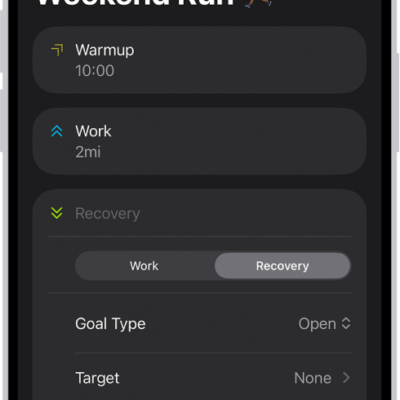
The Fitness Custom Workout screen showing warmup, work, and recovery intervals. At the bottom of the screen are buttons to add a step, repeat an interval, and reorder intervals.

How to customize a workout in Fitness on iPhone

You can create a custom workout in Fitness on iPhone with warmups, intervals, cooldowns, goals, and pace, and it syncs to your Apple Watch.

The Home tab showing, from top to bottom, four categories, two scenes, three camera views, and the status of one room. Across the bottom are the tabs Home (which is selected), Automation, and Discover.

How to set up HomePod in Home on iPhone

You can set up HomePod in the Home app on iPhone, send Intercom messages, add alarms and timers, and change HomePod settings.
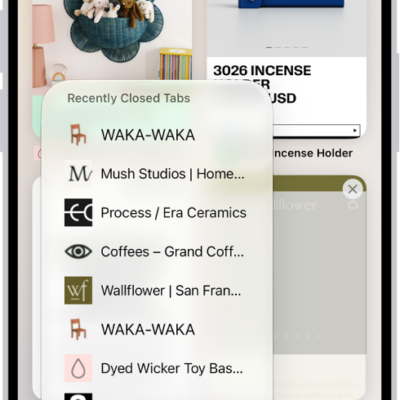
Previews of open tabs are visible on the screen. At the bottom left of the screen, the New Tab button is selected, revealing a list of recently closed tabs.

How to open and close tabs in Safari on iPhone

You can open links in new tabs in Safari on iPhone, see a tab's history, close tabs, and reopen a tab you closed recently.
The information page for an app in the App Store. The page shows the Get button, ratings, age ratings, the developer, screenshots, and more. At the bottom, from left to right, are the following buttons: Today, Games, Apps, Arcade, and Search.

How to install and manage fonts on iPhone

You can install fonts on iPhone by getting an app that contains them from the App Store, then manage them in Settings.
The Home tab showing, from top to bottom, four categories, two scenes, three camera views, and the status of one room. Across the bottom are the tabs Home (which is selected), Automation, and Discover.

How to use Grid Forecast to plan energy use in Home on iPhone (U.S. only)

You can use Grid Forecast in the Home app on iPhone, in the contiguous U.S., to plan energy use around cleaner and less clean times.
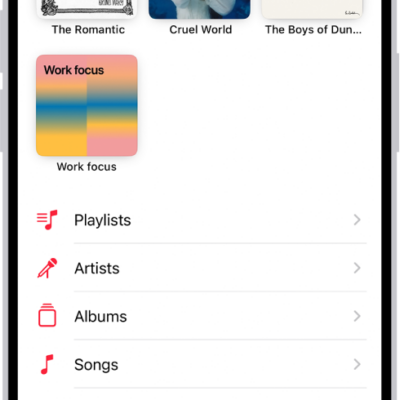
The Library tab showing a list of categories including Playlists, Artists, Albums, Songs, and Downloaded. The Recently Added heading appears below the list. The MiniPlayer showing the title of the current song and the Pause and Next buttons appear near the bottom.

How to play music on iPhone

You can play music from your library, Apple Music, and your iTunes Store purchases on iPhone, from the Lock Screen or other apps too.