









GeeksModo Story Archive - October 2026
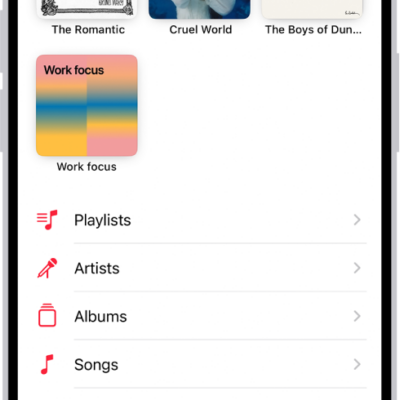
How to play music on iPhone
You can play music from your library, Apple Music, and your iTunes Store purchases on iPhone, from the Lock Screen or other apps too.
How to use Siri to find information and get things done on iPhone
You can use Siri on iPhone to call, text, and email, play music, get directions, find information, and control your smart home.
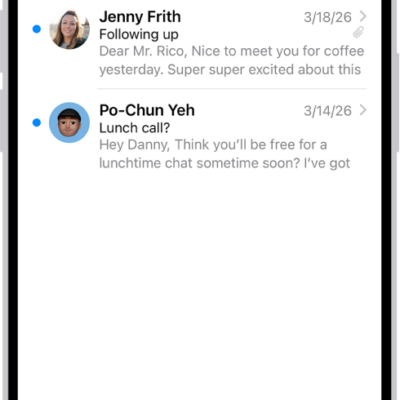
How to set email notifications on iPhone
You can change Mail notifications on iPhone, mute busy threads, and get notified about replies to an email or thread.
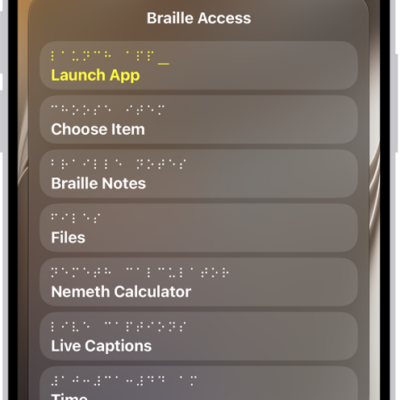
How to use Braille Access with a braille display on iPhone
You can turn iPhone into a braille notetaker with a braille display, open apps, and use BRF files and Live Captions with Braille Access.
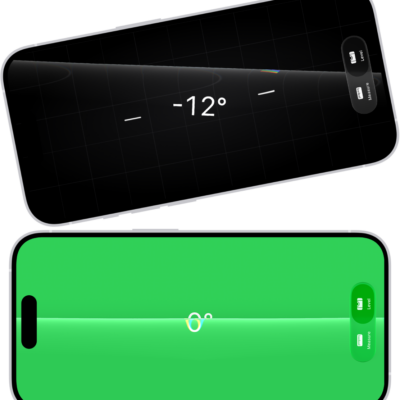
How to use iPhone as a level
You can use the Measure app on iPhone as a level to check whether an object is level or how many degrees it's off.
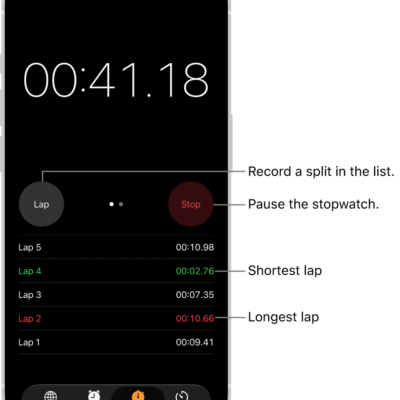
How to track time with the stopwatch in Clock on iPhone
You can use the stopwatch in the Clock app on iPhone to time an event and record laps or splits.
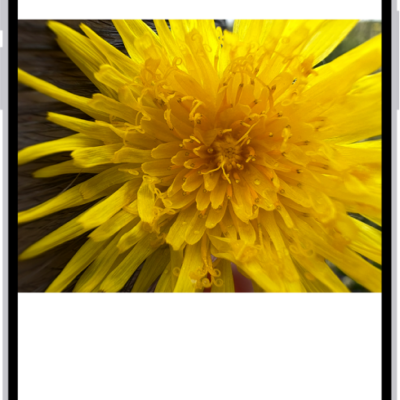
How to view reference images in Photos on iPhone
You can develop, view, and share reference images in Photos to verify what the iPhone camera captured with Apple Reference Image.
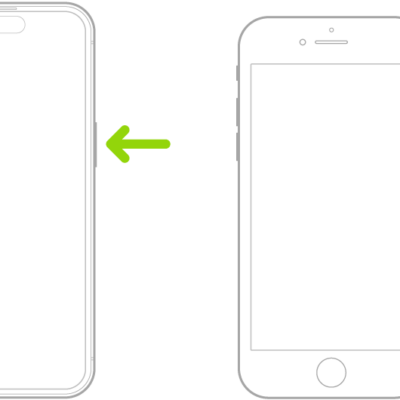
How to quickly turn accessibility features on or off on iPhone
You can quickly turn accessibility features on or off on iPhone with a triple-click, the Action button, Back Tap, Control Center, or Siri.
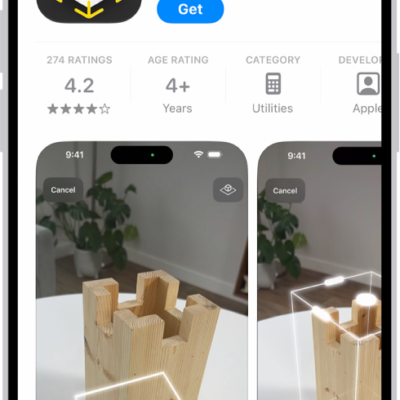
How to update apps from the App Store on iPhone
You can update apps from the App Store on iPhone manually, or turn off the automatic updates that are on by default.
How to read or listen to text in apps with Accessibility Reader on iPhone
You can read or listen to text in a full-screen view in any app, with your own fonts and colors with Accessibility Reader on iPhone.