









GeeksModo Story Archive - October 2026
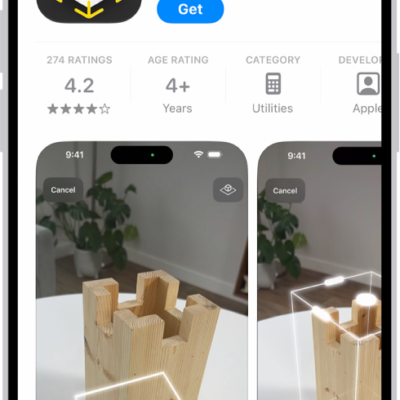
How to update apps from the App Store on iPhone
You can update apps from the App Store on iPhone manually, or turn off the automatic updates that are on by default.
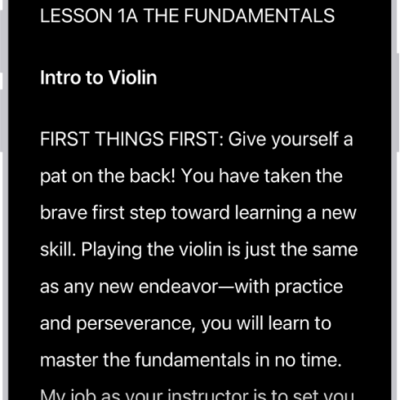
How to read or listen to text in apps with Accessibility Reader on iPhone
You can read or listen to text in a full-screen view in any app, with your own fonts and colors with Accessibility Reader on iPhone.

How to play audiobooks with CarPlay
You can play the audiobooks on your iPhone with CarPlay, and control playback with your car's controls or CarPlay Dashboard.
How to listen to news stories with CarPlay
You can listen to Apple News Today and, with Apple News+, audio versions of news stories with CarPlay, using your car's controls.
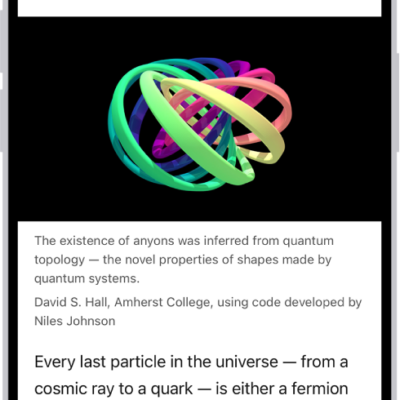
How to hide distractions when reading articles in Safari on iPhone
You can use Reader in Safari on iPhone to hide menus and distractions on an article, and have Safari use Reader automatically.
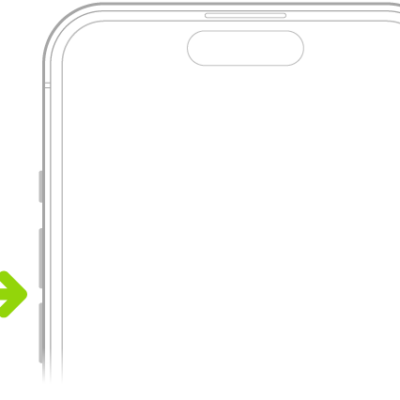
How to silence iPhone
You can silence calls, notifications, and system sounds on iPhone with Silent mode, though alarms and some apps still play sound.
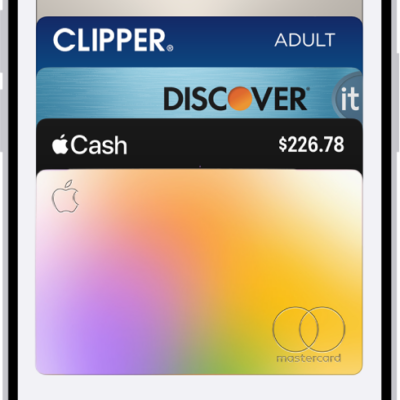
How to manage passes, cards, and keys in Wallet on iPhone
You can see details for passes, cards, and keys in Wallet on iPhone, search transactions, manage expired passes, and remove cards if your iPhone is lost.

Getting started with the Home app on iPhone
You can use the Home app on iPhone to add, control, and automate HomeKit and Matter accessories, from lights and locks to security cameras.
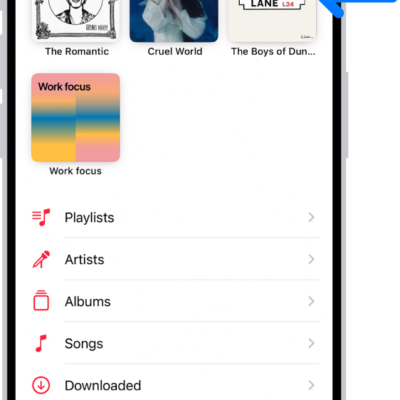
How to mark items as favorites in Apple Music on iPhone
You can mark playlists, artists, albums, and songs as favorites in Music on iPhone, and get notified about your favorite artists.
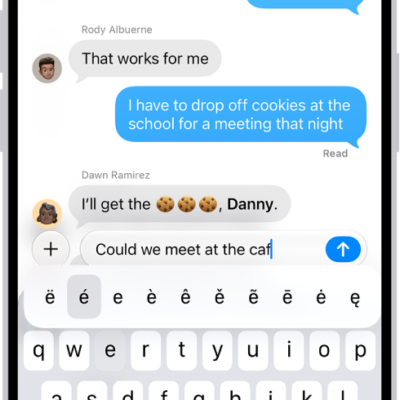
How to enter characters with diacritical marks while using Magic Keyboard with iPhone
You can type accents and other diacritical marks with Magic Keyboard on iPhone, using the Option key or the onscreen keyboard.