









GeeksModo Story Archive - October 2026
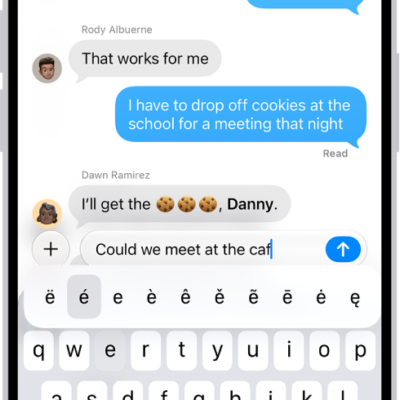
How to enter characters with diacritical marks while using Magic Keyboard with iPhone
You can type accents and other diacritical marks with Magic Keyboard on iPhone, using the Option key or the onscreen keyboard.

How to use accessibility features during iPhone setup
You can turn on accessibility features like VoiceOver and Zoom the first time you turn on your iPhone, to make setup easier.
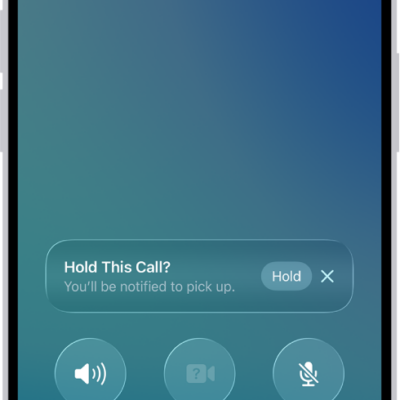
How to set up call waiting on iPhone
You can turn on call waiting so incoming calls don't go straight to voicemail during a call if your iPhone uses a GSM network.
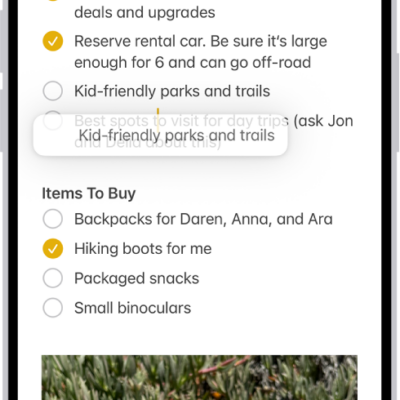
How to select, edit, and move text on iPhone
You can select, cut, copy, paste, and move text on iPhone, fix mistakes, place the insertion point, and use proofreading tools.
How to turn on ChatGPT on iPhone
You can turn on ChatGPT with Apple Intelligence on iPhone, send requests without confirming each one, and turn it off.
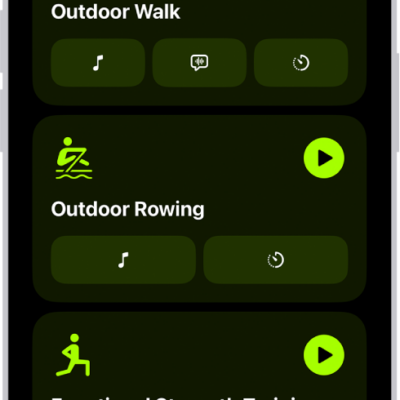
How to use gym equipment in Fitness on iPhone
You can use gym equipment with Fitness on iPhone through GymKit, pairing with treadmills, ellipticals, and indoor bikes for more accurate workout data.
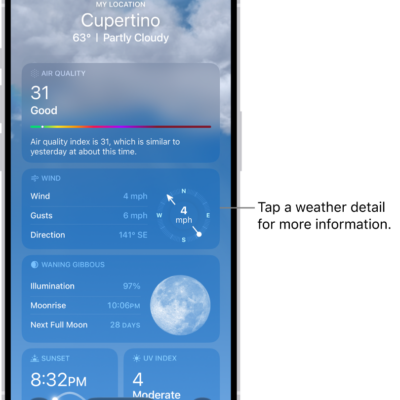
How to check the weather in other locations on iPhone
You can check the weather anywhere in the world on iPhone, save locations to your list, and switch between them with a swipe.

How to keep the iPhone display on longer
You can change how long your iPhone display stays on before it dims and locks, and use the Always-On display on supported models.
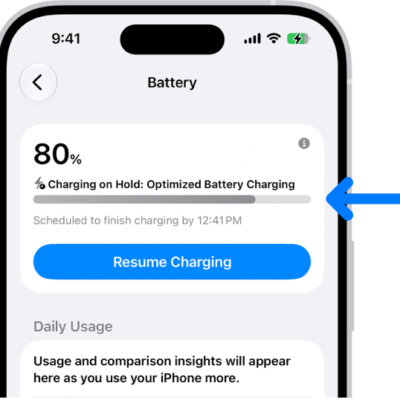
How to optimize iPhone battery charging
You can optimize iPhone battery charging, so iPhone pauses at 80% and finishes before you usually unplug, to help extend battery lifespan.
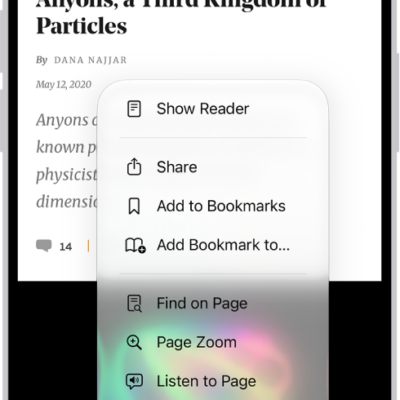
How to hide distractions when browsing webpages in Safari on iPhone
You can use Distraction Control in Safari on iPhone to hide menus, pop-ups, and other distracting items on a webpage.