









GeeksModo Story Archive - October 2026
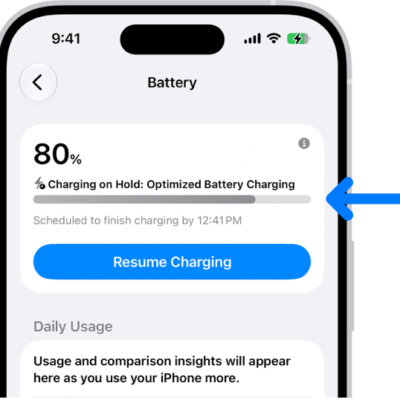
How to optimize iPhone battery charging
You can optimize iPhone battery charging, so iPhone pauses at 80% and finishes before you usually unplug, to help extend battery lifespan.
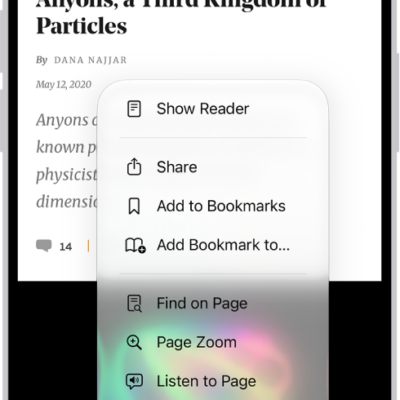
How to hide distractions when browsing webpages in Safari on iPhone
You can use Distraction Control in Safari on iPhone to hide menus, pop-ups, and other distracting items on a webpage.
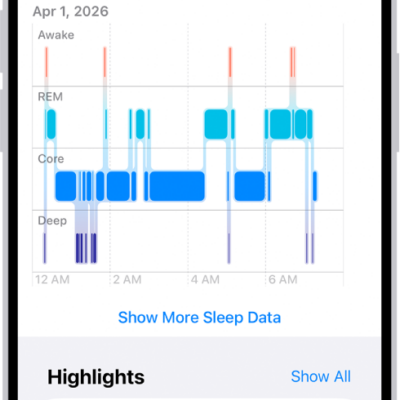
How to view your sleep history in Health on iPhone
You can view your sleep history in Health on iPhone by week or month, from a sleep tracker or data you add yourself.
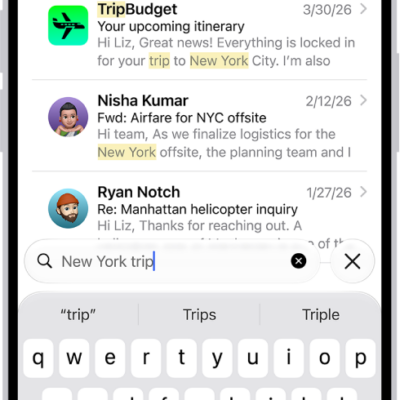
How to search for email in Mail on iPhone
You can search for email in Mail on iPhone by text, timeframe, or attributes, across all mailboxes or just the current one.
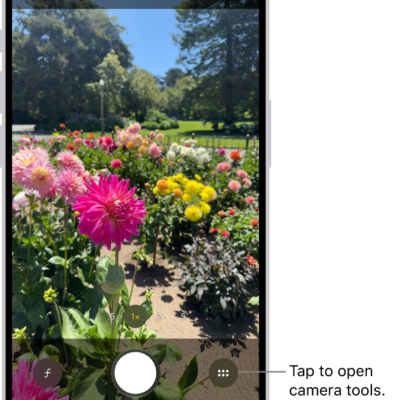
How to take macro photos and videos with your iPhone camera
You can take macro photos, Live Photos, and slow-motion or time-lapse videos with the Ultra Wide camera on supported iPhone models.
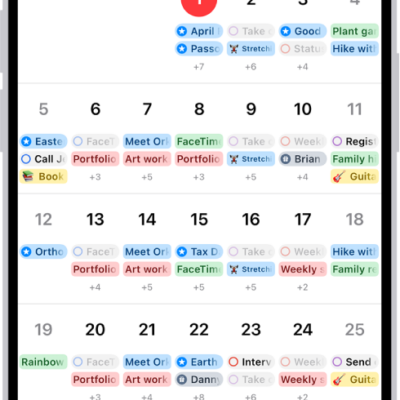
How to search for events in Calendar on iPhone
You can search for events in Calendar on iPhone by title, invitees, location, and notes, right from the Search button.
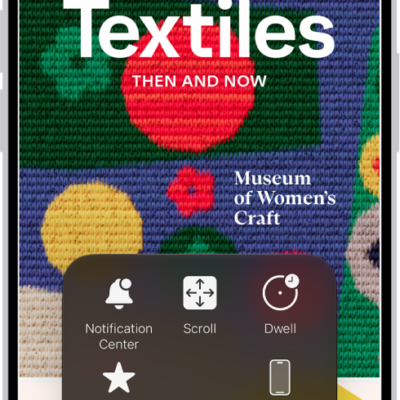
How to use VoiceOver on iPhone with a pointer device
You can choose how it works with VoiceOver, like following the VoiceOver cursor if you use a pointer device with iPhone.
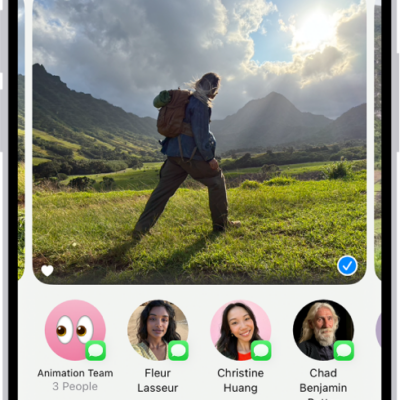
How to print from iPhone
You can use AirPrint to print wirelessly from iPhone in apps like Mail, Photos, and Safari, and check the status of a print job.
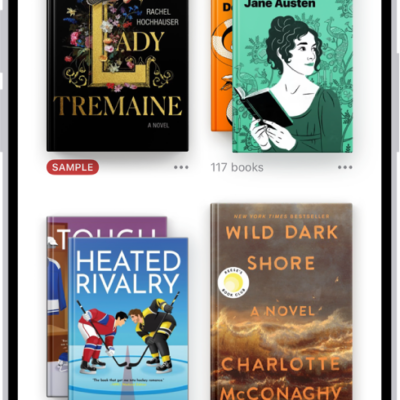
How to organize books in the Books app on iPhone
You can organize books, audiobooks, and PDFs in the Books app on iPhone with your own collections, and remove what you don't need.
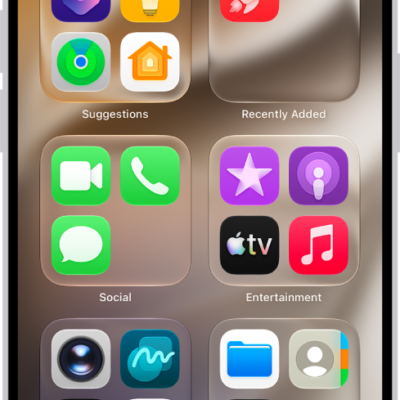
How to add an app on iPhone
You can add an app to your iPhone's Home Screen and App Library, or to App Library only, and move it to the Home Screen later.