









GeeksModo Story Archive - October 2026
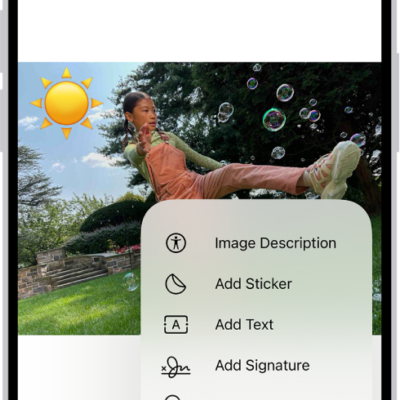
How to reply to an email with a PDF attachment in Preview on iPhone
You can open a PDF from Mail in Preview on iPhone, fill it out or annotate it, and reply to the sender with the updated PDF.
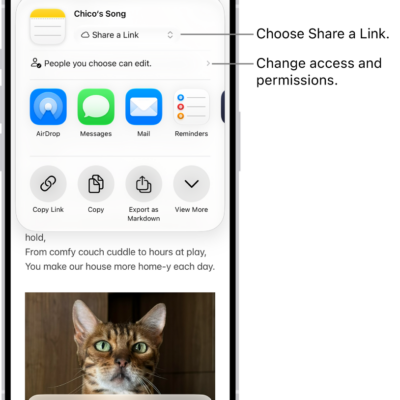
How to collaborate on projects with Messages on iPhone
You can invite people to collaborate on a document or other shared file from Messages on iPhone, then discuss it in the conversation.
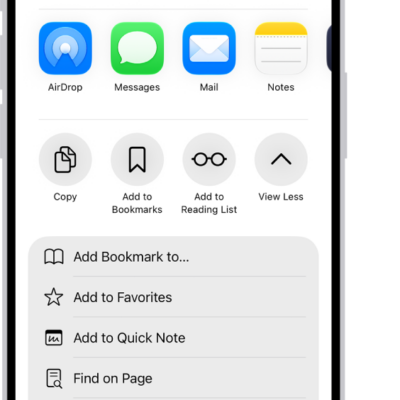
How to download a PDF from Safari to your iPhone
You can save a PDF from Safari to the Files app on your iPhone to read later or share with others.
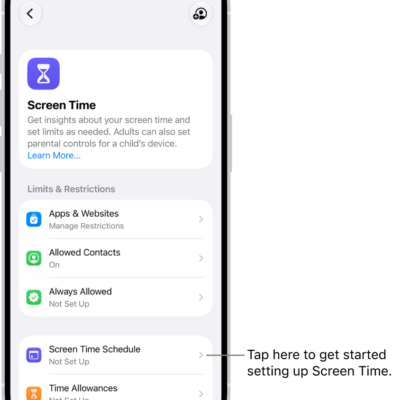
How to set up Screen Time for yourself on iPhone
You can set up Screen Time on iPhone to see how you use your devices, set Time Allowances and schedules, and view summaries.
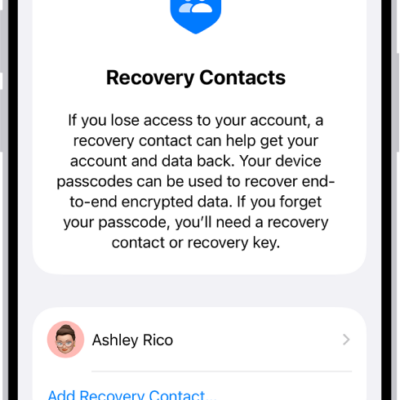
iPhone tips from Apple Support advisors: passcode, lost iPhone, photos, and battery
You can get expert advice from Apple Support advisors for iPhone, from remembering your passcode to finding a lost iPhone and saving battery.
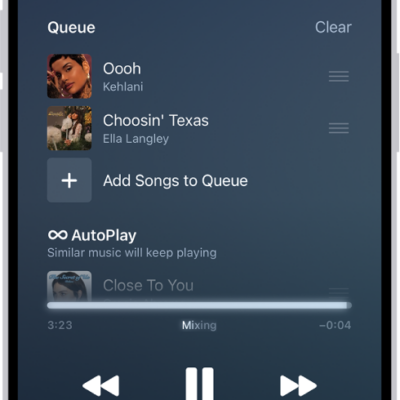
How to transition songs in Music on iPhone
You can use AutoMix or Crossfade in Music on iPhone to blend one song into the next, like a DJ.
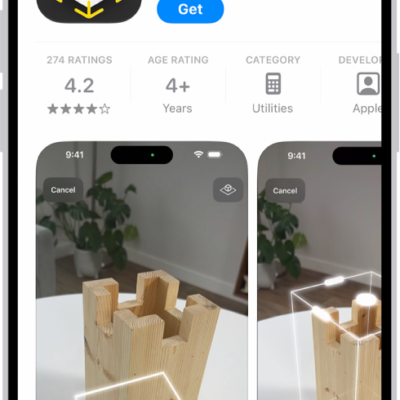
How to share and send apps in the App Store on iPhone
You can share a link to an app in the App Store on iPhone, or send an app as a gift.
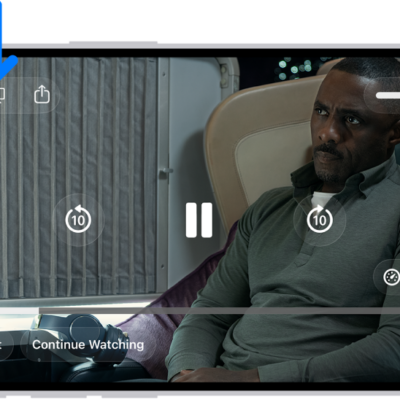
How to wirelessly stream videos and photos to Apple TV 4K or a smart TV from iPhone
You can stream videos and photos from iPhone to Apple TV 4K or an AirPlay 2 smart TV, and mirror your iPhone screen.
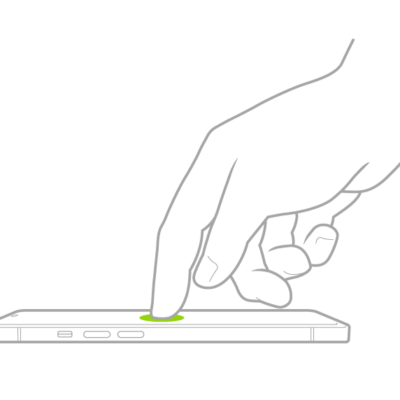
How to use VoiceOver gestures on iPhone
You can use VoiceOver gestures on iPhone, like two-, three-, and four-finger taps and swipes, to move around the screen and control items.
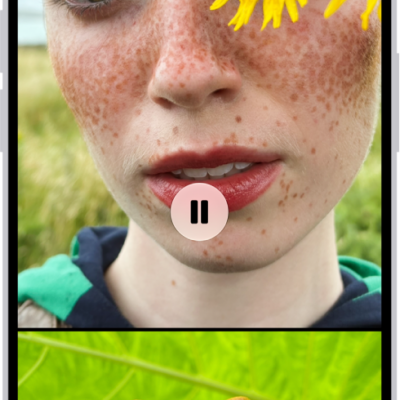
How to personalize your memory movies in Photos on iPhone
You can personalize memory movies in Photos on iPhone with Memory Looks, new songs, a new title, a different length, and other photos.