









GeeksModo Story Archive - October 2026
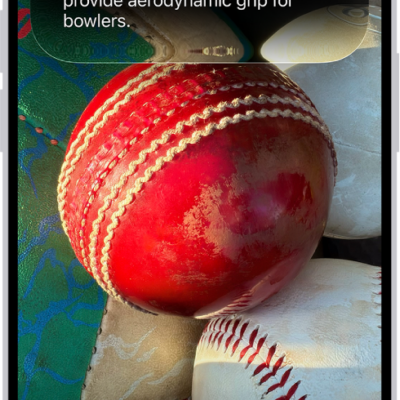
How to use Siri mode in Camera with Siri AI on iPhone
You can use Siri mode in Camera on iPhone to identify things around you, ask questions, and take action with Siri AI (Beta).
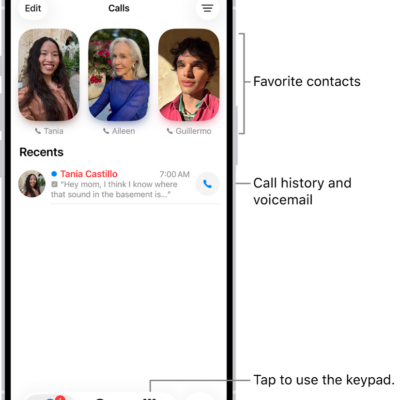
How to change your Phone settings on iPhone
You can change Phone settings on iPhone, including the app layout, Caller ID, caller identification apps, Dial Assist, and your default calling app.
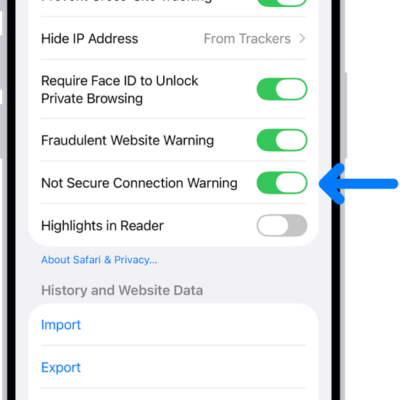
How to check whether a website is encrypted in Safari on iPhone
You can check whether a website is encrypted in Safari on iPhone by viewing its connection security details.
How to manually download Apple News+ issues on iPhone
You can download magazine issues on iPhone to read offline, then remove downloaded issues when you're done with Apple News+.
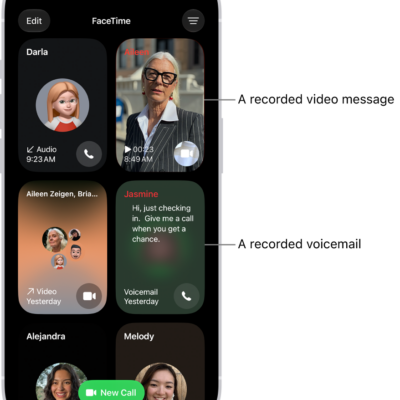
How to screen and filter FaceTime calls on iPhone
You can screen FaceTime audio calls from unknown numbers on iPhone, silence unknown callers, and filter calls identified as spam.

How to use Apple Watch with iPhone
You can pair Apple Watch with iPhone, use it to unlock iPhone while wearing a mask, work out with Apple Fitness+, and track health data.
How to connect iPhone to a display with a cable
You can connect iPhone to a display like a monitor, TV, or projector using the right adapter and an HDMI or VGA cable.
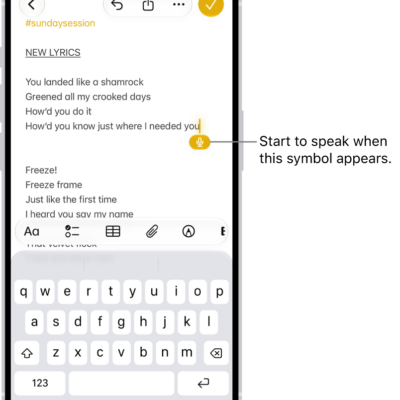
How to dictate text while using Magic Keyboard with iPhone
You can dictate text instead of typing on Magic Keyboard with iPhone, using a dictation shortcut key to switch back and forth.

How to save stories in News on iPhone
You can save news stories in News on iPhone to read later, and Apple News+ subscribers can read them offline.
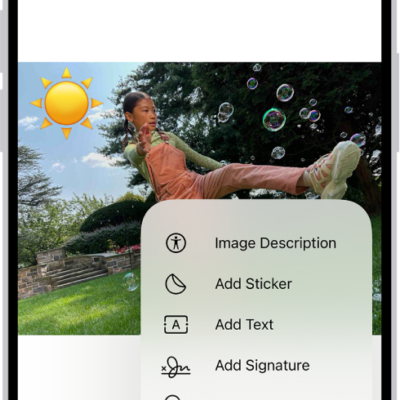
How to reply to an email with a PDF attachment in Preview on iPhone
You can open a PDF from Mail in Preview on iPhone, fill it out or annotate it, and reply to the sender with the updated PDF.