









GeeksModo Story Archive - October 2026
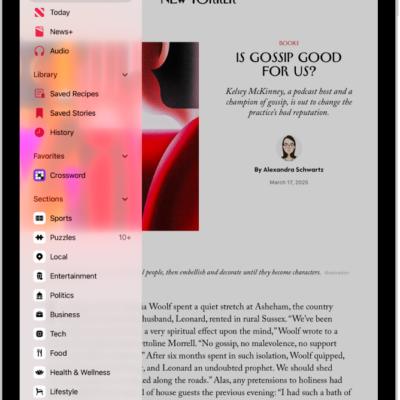
How to get News notifications and newsletters on iPad
You can get News notifications and newsletters on iPad, turn on notifications for channels, and receive Apple News newsletters by email.
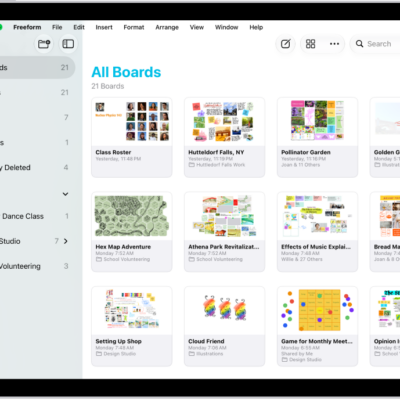
How to send a copy or PDF of a Freeform board on iPad
You can send a copy or PDF of a Freeform board on iPad, so others can download the copy or view it as a PDF.
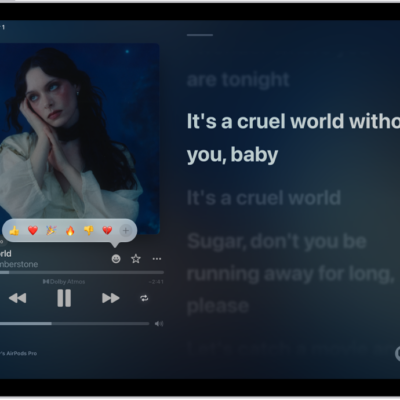
How to join a collaborative playlist in Music on iPad
You can join a collaborative playlist in Music on iPad from an invite link, then add, reorder, and react to songs.
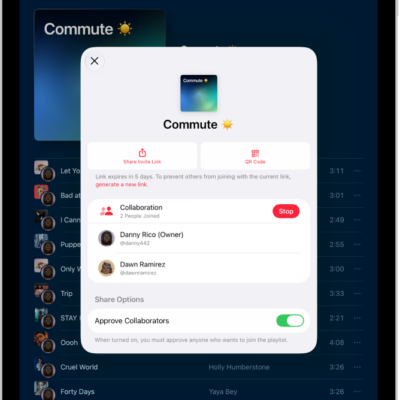
How to collaborate on a playlist in Music on iPad
You can collaborate on a playlist in Music on iPad, invite others to add and reorder songs, and approve who joins.
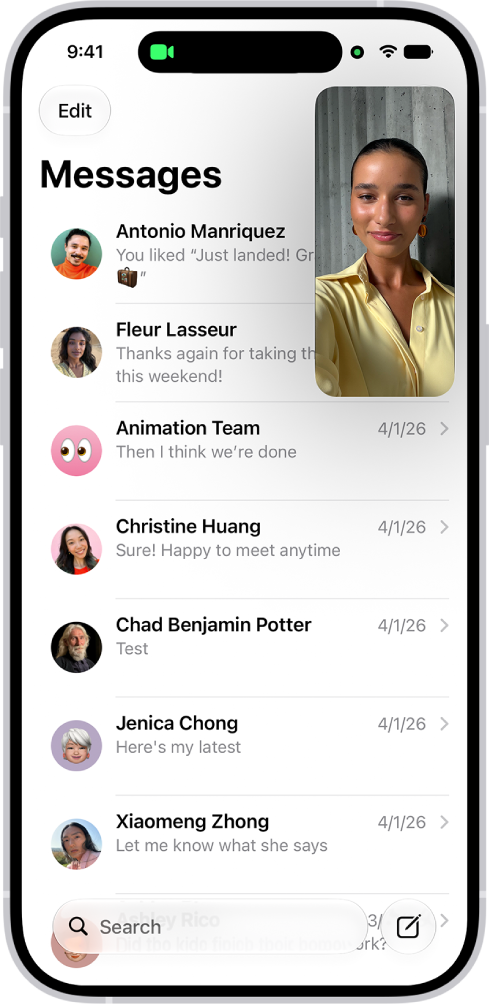
How to multitask with Picture in Picture on iPad
You can multitask with Picture in Picture on iPad, watching a video or using FaceTime while you use other apps.
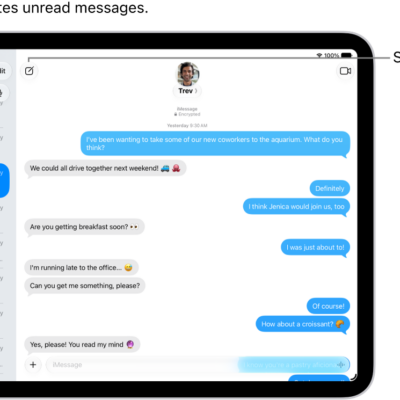
How to use Contact Key Verification on iPad
You can use Contact Key Verification on iPad to get automatic alerts and compare codes to verify who you're messaging.
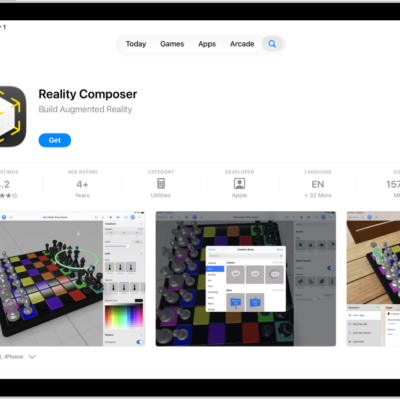
How to update apps from the App Store on iPad
You can update apps from the App Store on iPad automatically or manually, one at a time or all at once.
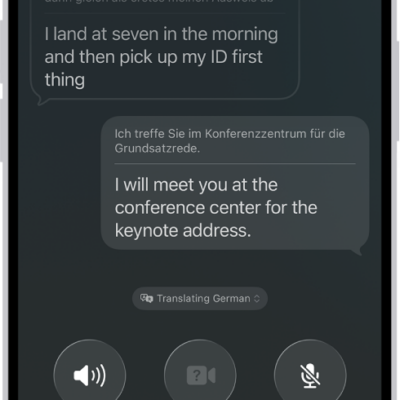
How to see translations during phone calls on iPad
You can see translations during phone calls on iPad with Live Translation, and hear and read the caller in your language.
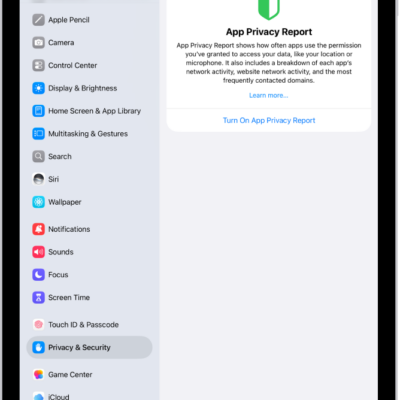
How Apple Intelligence protects your privacy on iPad
You can learn how Apple Intelligence protects your privacy on iPad with on-device processing and Private Cloud Compute, and create a report.
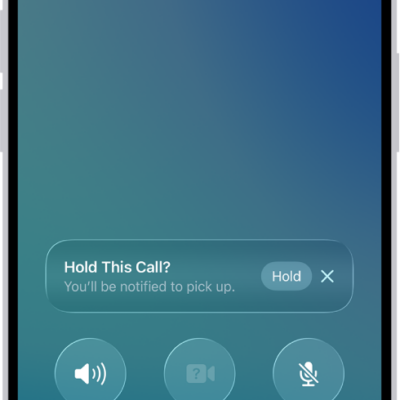
How to have a conference or three-way call on iPad
You can have a conference or three-way call on iPad, add callers to a phone call, and respond to another incoming call.