









GeeksModo Story Archive - October 2026
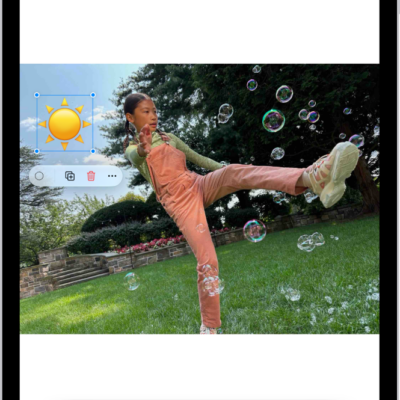
How to annotate and save a webpage as a PDF in Safari on iPad
You can annotate a webpage in Safari on iPad with Markup, highlight and draw on it, and save it as a PDF.
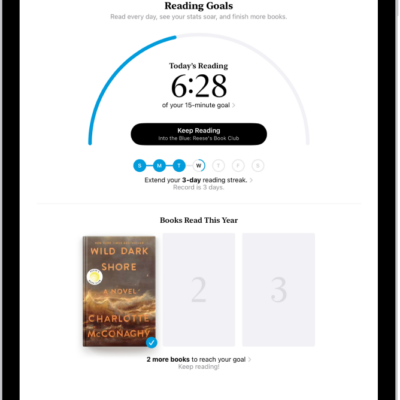
How to set reading goals in the Books app on iPad
You can set reading goals in the Books app on iPad, change your daily and yearly goals, and turn on coaching notifications.
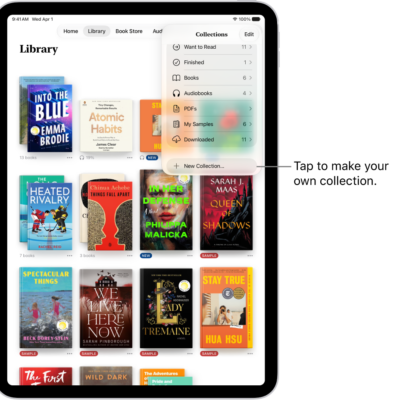
How to read PDFs in the Books app on iPad
You can read PDFs in the Books app on iPad, open PDFs you receive, share or print them, and mark them up.
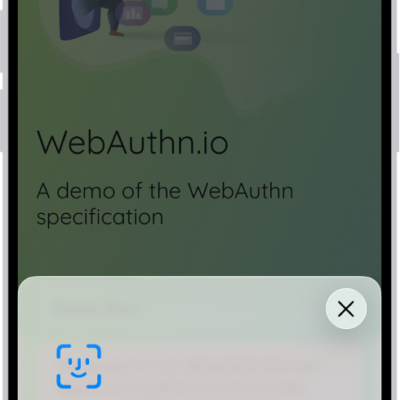
How to sign in with passkeys in Safari on iPad
You can sign in with passkeys in Safari on iPad, using Face ID or Touch ID on supported models to sign in to supporting websites.
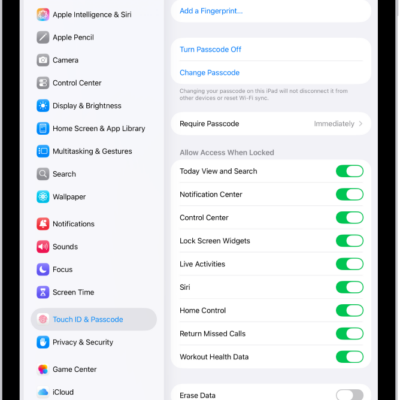
How to lock your notes on iPad
You can lock your notes on iPad with your device passcode or a custom password, change the lock, and open locked notes.
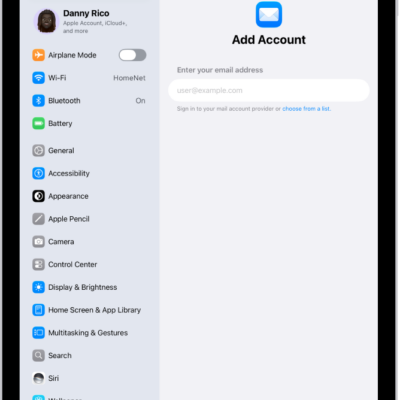
How to add or remove accounts in Notes on iPad
You can add or remove accounts in Notes on iPad, keep notes up to date with iCloud, and set up an On My iPad account.
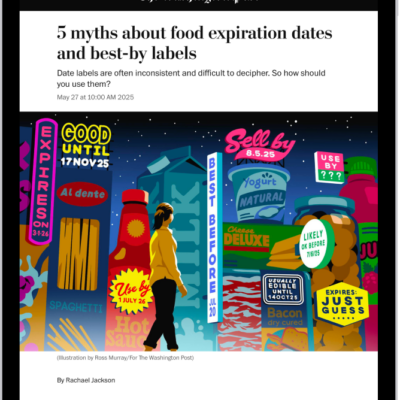
How to read and share stories in News on iPad
You can read and share stories in News on iPad, tell News which stories you prefer, and read stories shared with you.
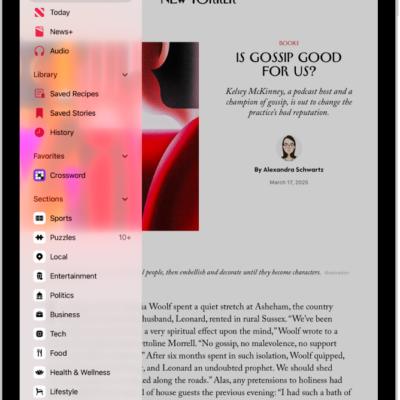
How to follow your favorite teams with My Sports on iPad
You can follow your favorite teams with My Sports on iPad, get scores, schedules, and standings, and watch highlights.
How to get News notifications and newsletters on iPad
You can get News notifications and newsletters on iPad, turn on notifications for channels, and receive Apple News newsletters by email.
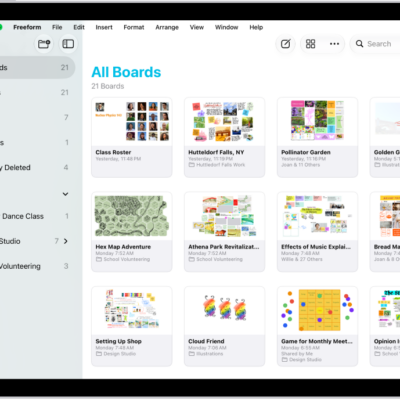
How to send a copy or PDF of a Freeform board on iPad
You can send a copy or PDF of a Freeform board on iPad, so others can download the copy or view it as a PDF.