









GeeksModo Story Archive - October 2026
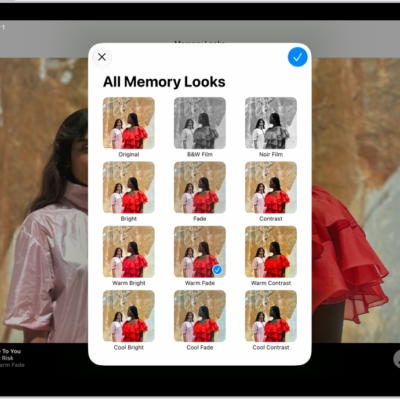
How to play memory movies in Photos on iPad
You can play memory movies in Photos on iPad, play any album or collection as a movie, and create your own with Apple Intelligence.

How to type to speak using Live Speech on iPad
You can type to speak using Live Speech on iPad, having what you type spoken out loud in conversations and in apps like FaceTime.
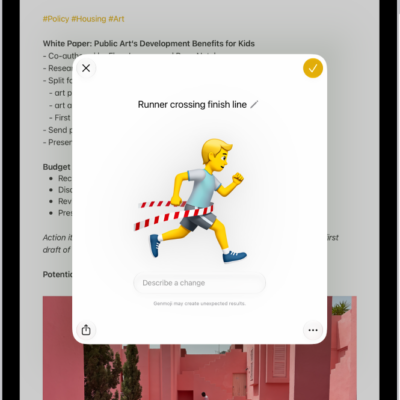
How to create your own emoji with Genmoji on iPad
You can create your own emoji with Genmoji on iPad using Apple Intelligence, from a description, existing emoji, or a person's photo.
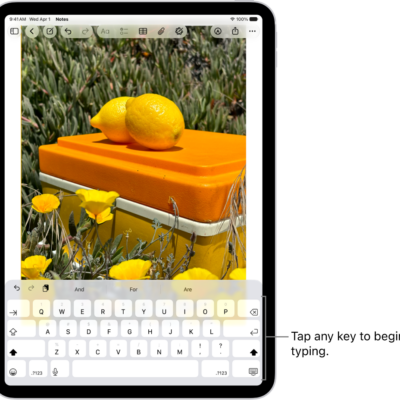
How to use the onscreen keyboard with VoiceOver on iPad
You can use the onscreen keyboard with VoiceOver on iPad to enter, select, and delete text and change the keyboard language.
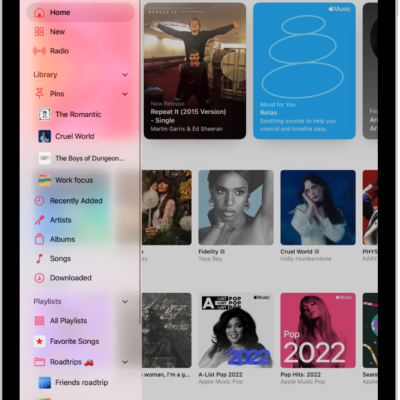
How to mark items as favorites in Apple Music on iPad
You can mark items as favorites in Apple Music on iPad, from playlists and artists to albums and songs, and remove them later.
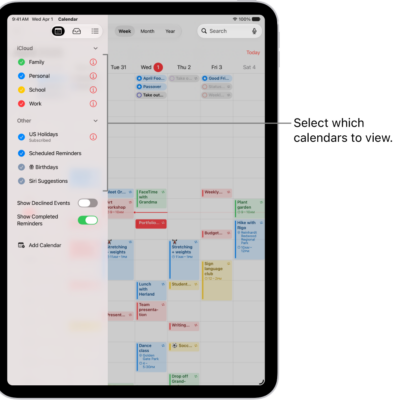
How to share iCloud calendars on iPad
You can share iCloud calendars on iPad with other iCloud users, change their access, or share a read-only version.
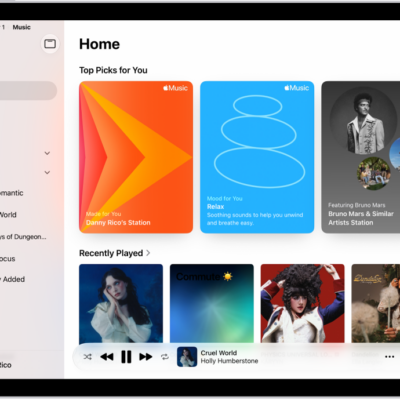
How to create an Apple Music profile on iPad
You can create an Apple Music profile on iPad, share your playlists and listening with friends, and edit or delete your profile.
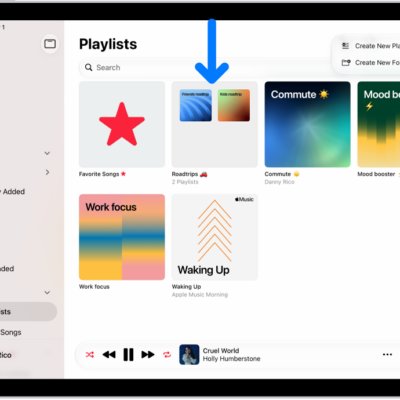
How to share music with friends on iPad
You can share music with friends on iPad, choose music to share with followers, hide music, and share your profile.
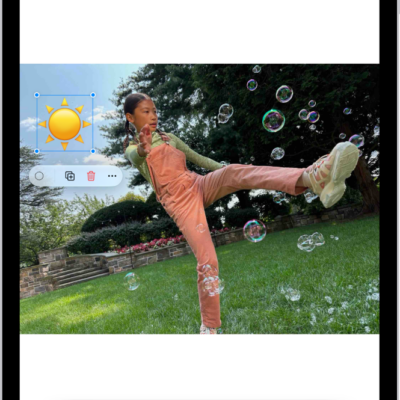
How to annotate and save a webpage as a PDF in Safari on iPad
You can annotate a webpage in Safari on iPad with Markup, highlight and draw on it, and save it as a PDF.
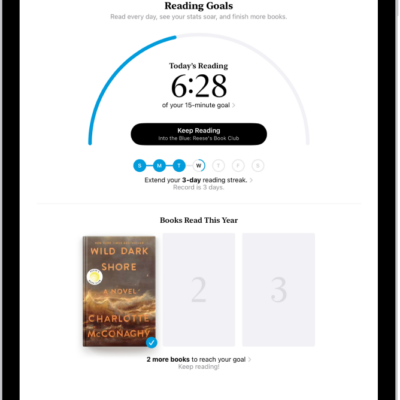
How to set reading goals in the Books app on iPad
You can set reading goals in the Books app on iPad, change your daily and yearly goals, and turn on coaching notifications.