









GeeksModo Story Archive - October 2026
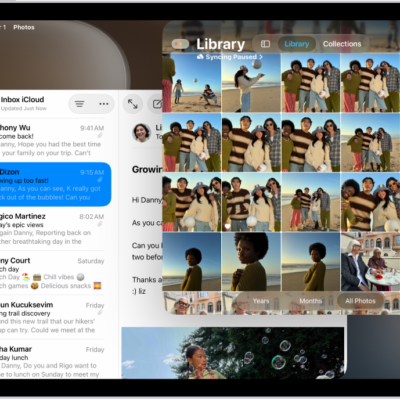
How to change your Notes settings on iPad
You can change your Notes settings on iPad, choose a default account, set a password, and allow Notes content in Search and widgets.
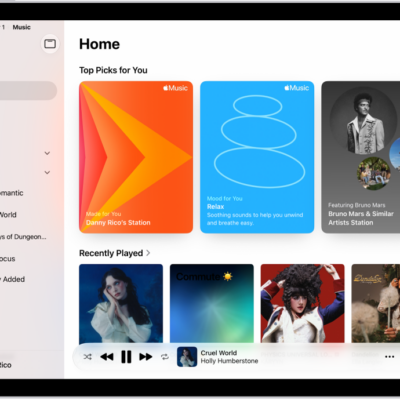
How to get personalized recommendations in Music on iPad
You can get personalized recommendations in Music on iPad by choosing favorite genres and artists, or turn off your listening history.
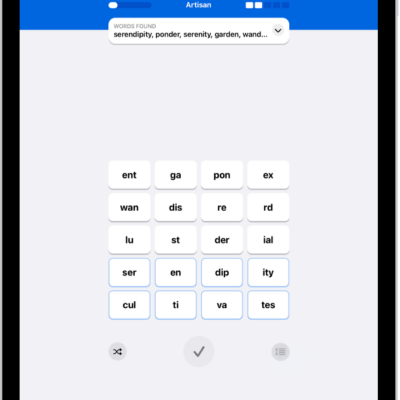
How to solve Quartiles puzzles in News on iPad
You can solve Quartiles puzzles in News on iPad by forming words from letter tiles, scoring points, and reaching the Expert rank.
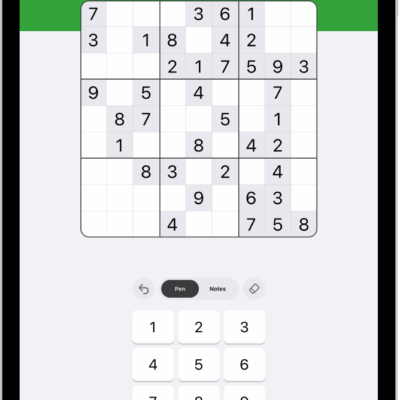
How to solve sudoku puzzles in News on iPad
You can solve sudoku puzzles in News on iPad in three difficulties, entering numbers and tracking possible answers with notes.
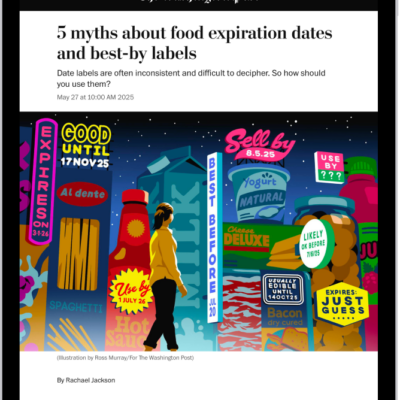
How to see news stories chosen just for you on iPad
You can see news stories chosen just for you on iPad in the Today feed, and follow, unfollow, or block channels and topics.
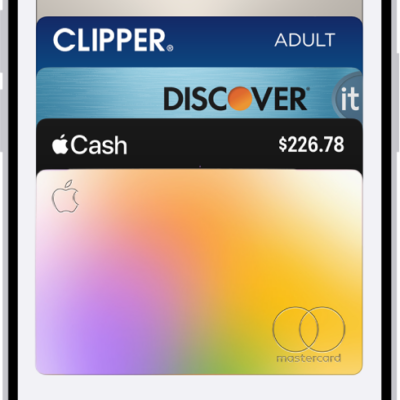
How to manage cards in Wallet on iPad
You can manage cards in Wallet on iPad, view card details and transactions, remove a card, and remove cards from Apple Pay if iPad is lost.
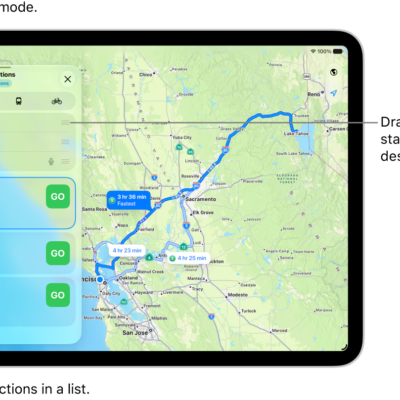
How to choose a default travel mode and Maps units on iPad
You can choose a default travel mode and Maps units on iPad, set route preferences, and change the units used for the map scale.
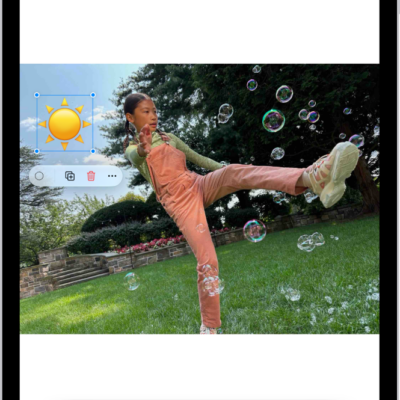
How to annotate email attachments on iPad
You can annotate email attachments on iPad, draw and write on a photo, video, or PDF, and send it back or save it.

How to adjust how iPad responds to your touch
You can adjust how iPad responds to your touch with Touch Accommodations, Hold Duration, and Tap Assistance, and turn off Shake to Undo.
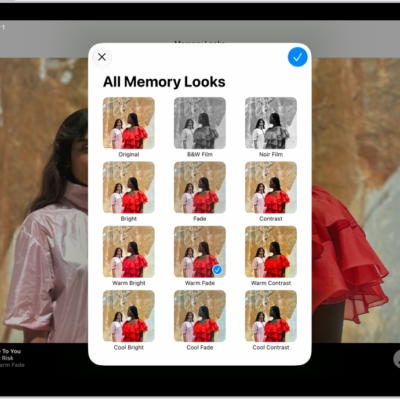
How to play memory movies in Photos on iPad
You can play memory movies in Photos on iPad, play any album or collection as a movie, and create your own with Apple Intelligence.