









GeeksModo Story Archive - October 2026

How to use iPad more comfortably while riding in a vehicle
You can use iPad more comfortably while riding in a vehicle with Vehicle Motion Cues, onscreen cues that may help reduce motion sickness.
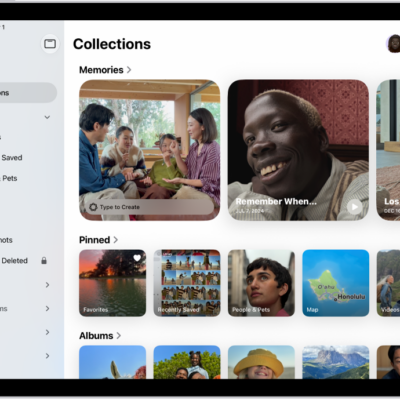
How to browse your photo collections on iPad
You can browse your photo collections on iPad, like Memories, Trips, and People & Pets, and reorder, pin, and filter them.
How to customize onscreen motion on iPad
You can customize onscreen motion on iPad with Reduce Motion and Vehicle Motion Cues, and reduce flashing lights in videos.
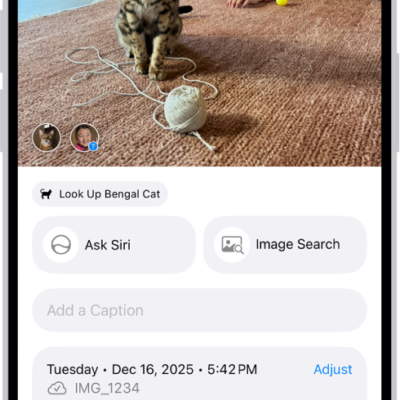
How to add keywords to photos and videos on iPhone
You can add keywords to photos and videos on iPhone, then use them to search your library or rename, favorite, and delete them.
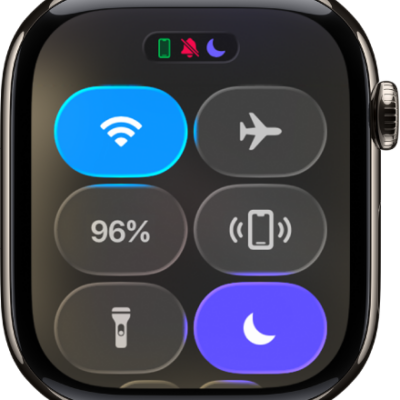
How to control Live Listen on iPhone from Apple Watch
You can control Live Listen on iPhone from Apple Watch, start or stop a session, and read Live Captions of the conversation on your wrist.

How to hide people, memories, and holidays in Photos on iPad
You can hide people, memories, and holidays in Photos on iPad, feature a person less often, and turn off memories and featured photos.
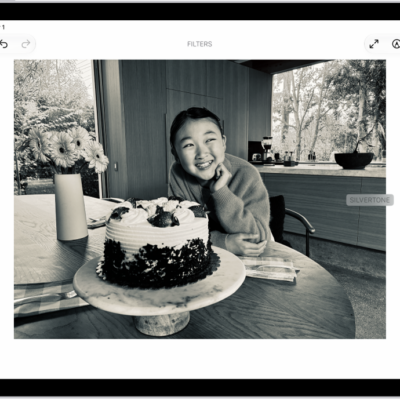
How to view and edit Photo Booth photos in the Photos app on iPad
You can view and edit Photo Booth photos in the Photos app on iPad, and view them on all your devices with iCloud Photos.
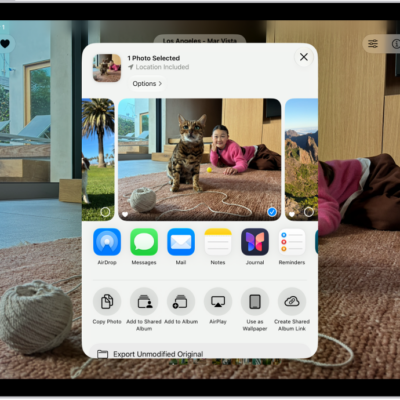
How to delete, share, or copy a photo in Photo Booth on iPad
You can delete, share, or copy a photo in Photo Booth on iPad, or add it to a shared album in Photos.
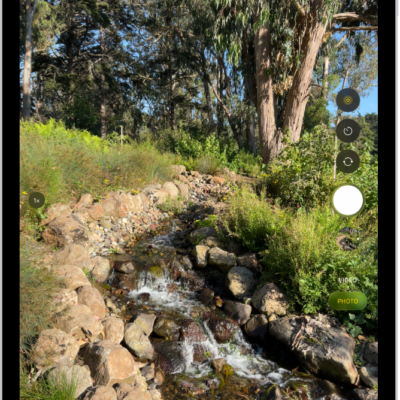
How to take photos in Photo Booth on iPad
You can take photos in Photo Booth on iPad, choosing from effects like Kaleidoscope, Stretch, and X-Ray for selfies and photos.

How to change your Notes settings on iPad
You can change your Notes settings on iPad, choose a default account, set a password, and allow Notes content in Search and widgets.