









GeeksModo Story Archive - October 2026

How to get started with FaceTime on iPad
You can get started with FaceTime on iPad, set it up, use the call controls, and leave a video message when someone doesn't answer.

How to use SharePlay to watch, listen, and play together in FaceTime on iPad
You can use SharePlay to watch, listen, and play together in FaceTime on iPad, streaming shows, movies, and music in sync.
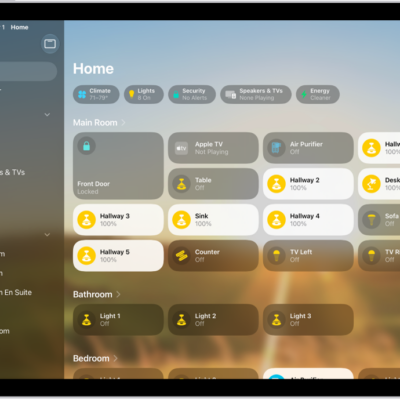
How to show transcriptions for Intercom messages from HomePod on iPad
You can show transcriptions for Intercom messages from HomePod on iPad, and choose when you receive Intercom notifications.

How to get live captions of spoken audio on iPad
You can get live captions of spoken audio on iPad in any app and in conversations, and save captions from calls.

How to display subtitles and captions on iPad
You can display subtitles and captions on iPad in supported apps, get automatic subtitles, and customize how they look.
How to protect your journal entries on iPhone
You can protect your journal entries on iPhone by locking Journal, syncing with iCloud, and including them in an encrypted backup.

How to connect Magic Trackpad to iPad
You can connect Magic Trackpad to iPad, unpair it from your Mac or another iPad first, and reconnect it later.

How to get driving directions in Maps on iPad
You can get driving directions in Maps on iPad, see enhanced details in select cities, estimate travel time, and avoid tolls.
How to use iPad more comfortably while riding in a vehicle
You can use iPad more comfortably while riding in a vehicle with Vehicle Motion Cues, onscreen cues that may help reduce motion sickness.
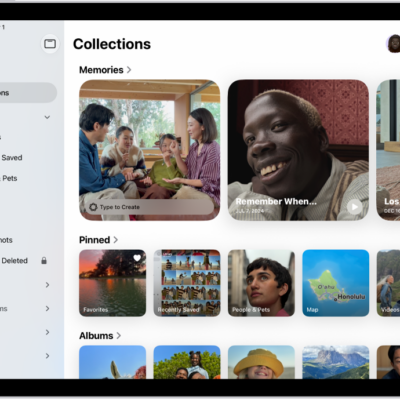
How to browse your photo collections on iPad
You can browse your photo collections on iPad, like Memories, Trips, and People & Pets, and reorder, pin, and filter them.