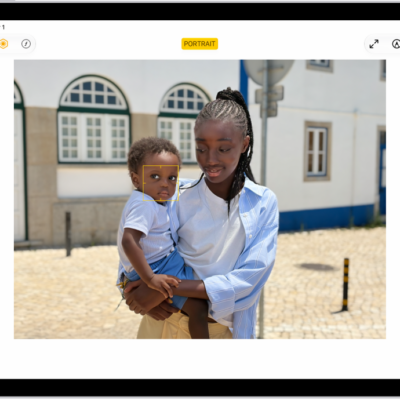
You can delete, copy, and share the photos you take in the Photo Booth app. You can also choose Copy Photo to paste a photo into another document, or Add to Shared Album to put it in a shared album in the Photos app.
Delete a photo in Photo Booth
- Tap a photo thumbnail at the bottom of the screen.
- Tap the Delete button, then tap Delete Photo.
Share or copy a photo in Photo Booth
- Tap a photo thumbnail at the bottom of the screen.
-
Tap the Share button and choose a share option.
You can also choose Copy Photo to paste the photo into another document or Add to Shared Album to add the photo to a shared album in the Photos app, see Create shared albums in Photos.
See also