








GeeksModo Story Archive - November 2026
How to Block Spam Calls on iPhone 18 Pro Max
Choose Silence under Screen Unknown Callers to send spam calls to voicemail on your iPhone 18 Pro Max.
iPhone 18 Pro Max Accessibility Features for Visual Impairments
Learn which accessibility features on your iPhone 18 Pro Max help people who are blind or have low vision.
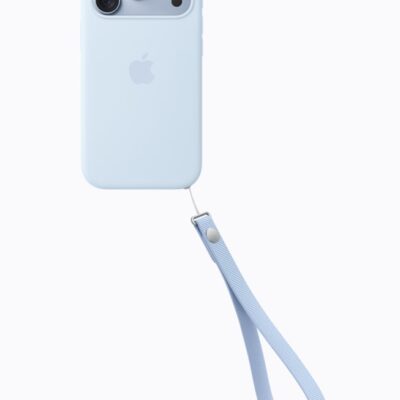
How to Use Siri When Your iPhone 18 Pro Max Screen Is Covered
If Siri doesn't respond when your iPhone 18 Pro Max is face-down, turn on Always Listen for “Siri” in Accessibility settings.

How to Reset Siri on iPhone 18 Pro Max
Learn how to reset Siri on your iPhone 18 Pro Max when it can't recognize your voice.
Siri Not Working on iPhone 18 Pro Max? Here’s What to Do
If Siri doesn't react when you press the side button on your iPhone 18 Pro Max, make sure Siri is turned on in Settings.

How to Use Siri Offline on iPhone 18 Pro Max
Without an internet connection, Siri can still open apps on your iPhone 18 Pro Max, but general questions need you to be online.
Where Do FaceTime Photos Go on iPhone 18 Pro Max?
Make sure you and the other person both turn on FaceTime Live Photos if you can't take photos in FaceTime on your iPhone 18 Pro Max.
10 Key Troubleshooting Tips for iPhone 18 Pro Max
Try these key troubleshooting tips when your iPhone 18 Pro Max runs into a problem.
Calls Going Straight to Voicemail on iPhone 18 Pro Max? Fix
If calls go straight to voicemail on your iPhone 18 Pro Max, check whether Silence is chosen under Screen Unknown Callers.
iPhone 18 Pro Max Voicemail Not Working? Here’s the Fix
When voicemail stops working on your iPhone 18 Pro Max, check whether your voicemail box is full.