Apple Support advisors help iPhone customers with all sorts of questions, from forgotten passwords to lost photos. Below are a few pieces of advice that Apple Support advisors wish all iPhone owners knew.
Follow these simple steps now to keep your iPhone, and the important information you keep on it, safe. They cover what to do if your iPhone is lost or stolen, how to recover deleted photos, and how to maximize the life of your battery. The first, though, is simply not forgetting your passcode.
Just in case you forget
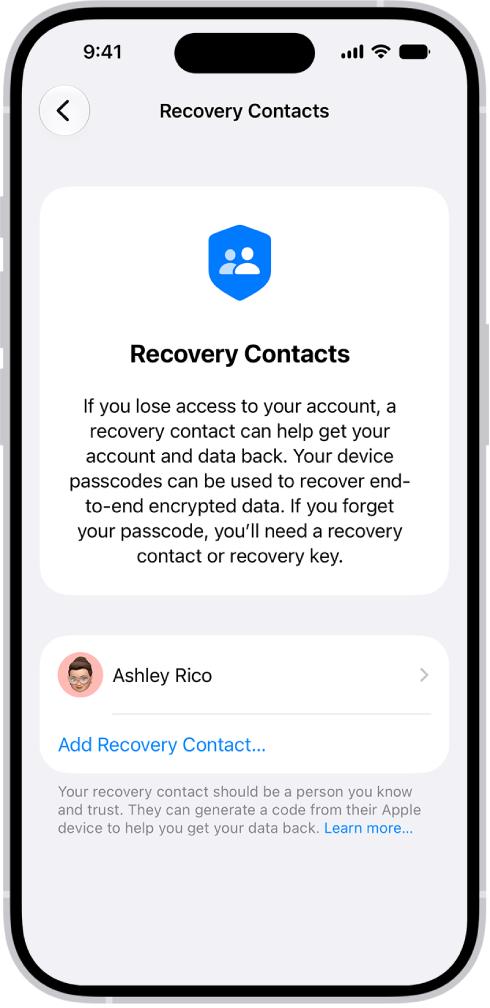
Once your iPhone is set up, your iPhone passcode and your Apple Account information are two things you really don’t want to forget. To unlock your iPhone, you use your iPhone passcode, which is a four- or six-digit numerical code. Your Apple Account is what you use to make purchases in the App Store, sign in to Apple services, and more, and it’s typically your primary email address or phone number plus the unique password you create to use with it.
If you think you might forget these things, you can designate a trusted person as your account recovery contact. Your recovery contact doesn’t have access to your iPhone or Apple Account, but they can give you a code to reset your passcode or access your account if you get locked out. Go to the Settings app , tap your name, then tap Sign-In & Security. Tap Recovery Contacts, then tap a suggested contact or tap Choose Someone Else.
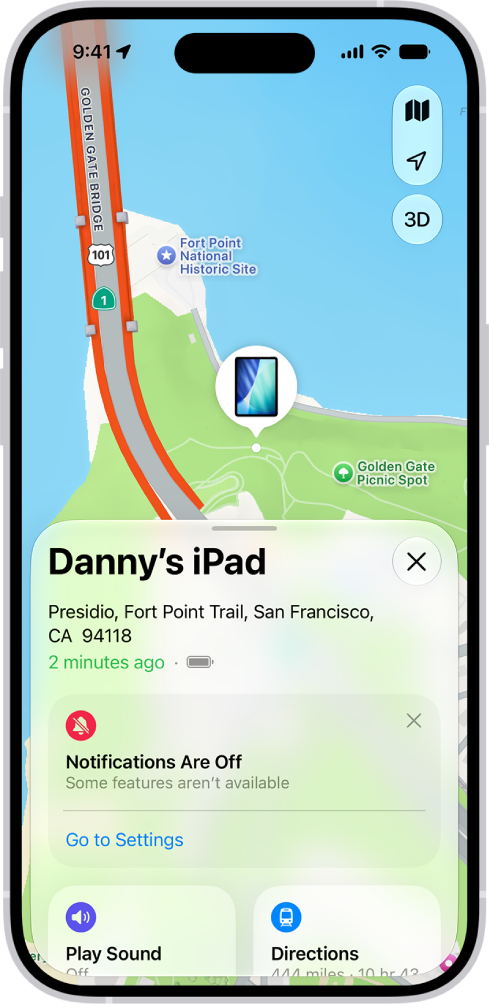
How to find your iPhone if it’s lost or stolen
It’s easy to find your iPhone if it ever gets lost or stolen—as long as you turn on Find My iPhone before that happens. First, make sure you’re signed in to your Apple Account, go to the Settings app , tap your name, tap Find My, then turn on Find My iPhone.
After you turn on Find My iPhone, you can use the Find My app on another Apple device to see the location of your iPhone; you can even play a sound on your lost iPhone to help you find it. (Make sure you’re signed in to the same Apple Account on the other Apple device.) If you don’t have another Apple device, go to the Find Devices website on any web browser and sign in to the same Apple Account.
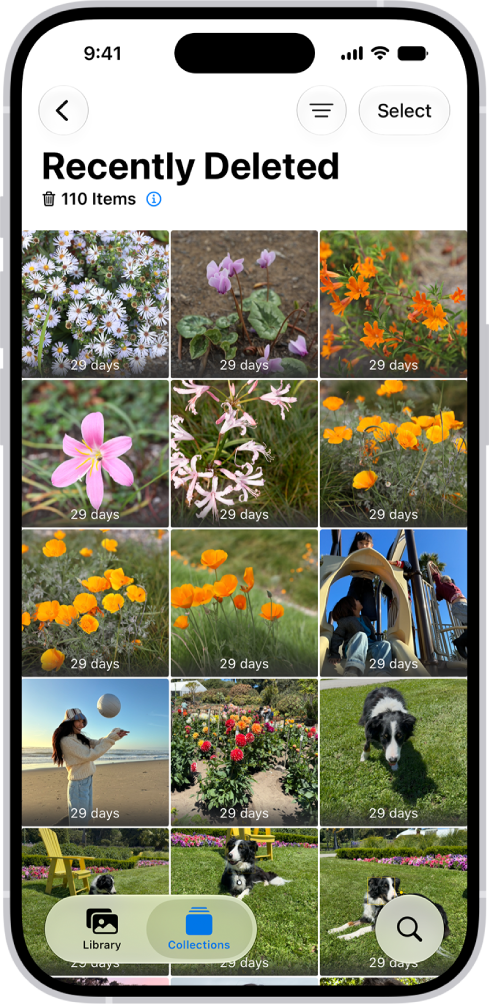
Recover deleted photos or videos
Photos or videos you delete from the Photos app are automatically saved in the Recently Deleted album for 30 days. So if you accidentally delete one, you can recover it and restore it to your Photos library.
To recover deleted items, open the Photos app , then tap Collections. Tap the Recently Deleted collection (below Utilities), then tap View Album. Unlock the album using your iPhone passcode, Face ID, or Touch ID. Tap a photo or video, tap Recover, then tap Recover Photo or Recover Video.
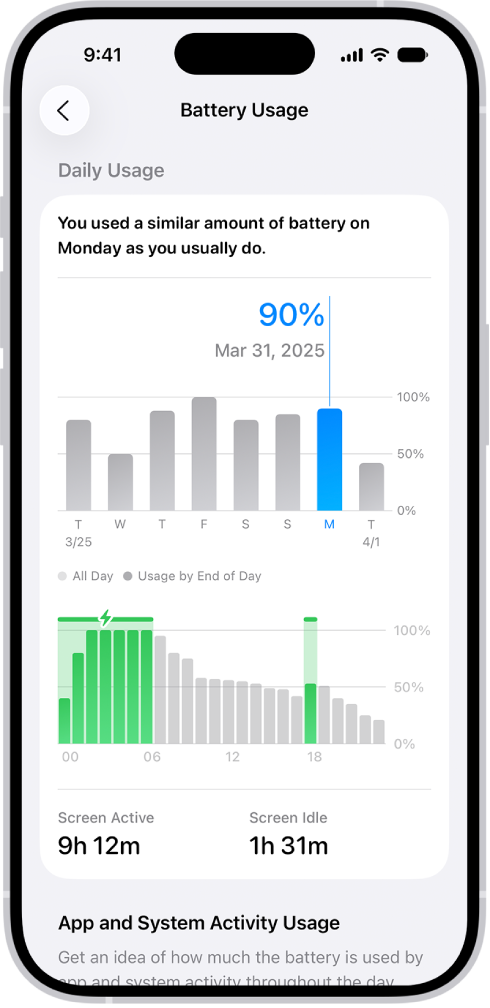
Maximize the life of your iPhone battery
There are a few easy steps you can take to preserve the life of your iPhone battery. First, make sure your iPhone is updated to the latest version of iOS. To check if a software update is available, go to the Settings app , tap General, then tap Software Update.
Next, connect to Wi-Fi whenever it’s available, since a cellular connection uses more battery power than Wi-Fi.
Finally, turn down your screen brightness: Open Control Center, then slide Brightness down. To automatically dim your screen based on the surrounding light, go to the Settings app , tap Accessibility, tap Display & Text Size, then turn on Auto-Brightness.
To learn more about your iPhone battery health, go to the Settings app , then tap Battery.
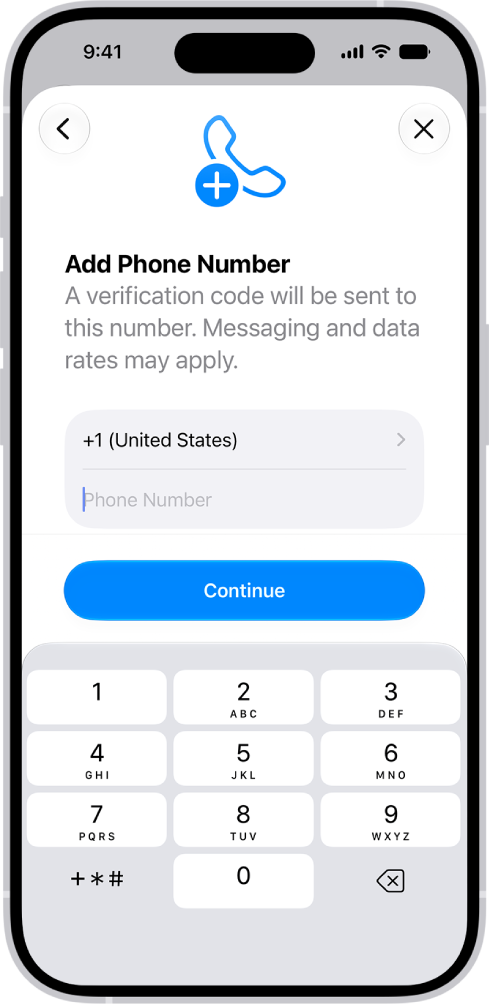
If you get a new phone number
Your Apple Account has a phone number associated with it, known as your trusted phone number, which often helps verify your identity and authenticate that your iPhone is really yours. If you get a new phone number, update your trusted phone number to match. Otherwise, you could lose access to your account if you move to a new iPhone or forget your Apple Account password.
To update your trusted phone number, go to the Settings app , tap your name, tap Sign-In & Security, then tap Add Email or Phone Number. Tap Phone Number, then enter your new phone number and follow the onscreen instructions to verify your new number.
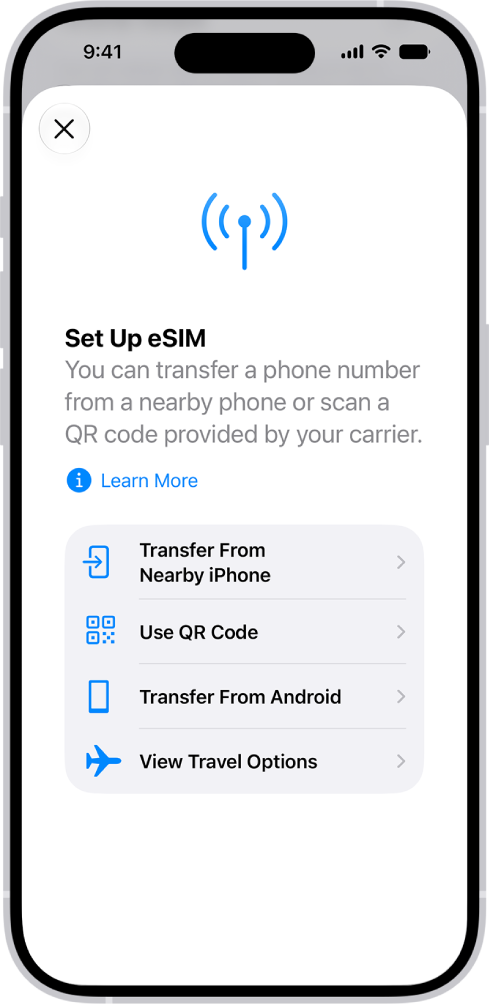
All about eSIM
A digital version of the physical SIM card inside your iPhone, an eSIM connects you to your cellular carrier. With eSIM, there’s no SIM card to swap out when you get a new iPhone, and connecting to new cellular carriers at home or while traveling is easy.
Your iPhone may lose its cellular connection if you erase it. The same can happen if you restore your iPhone from a backup and accidentally delete your eSIM. You’d then need to contact your cellular provider to restore the connection.
Step-by-Step Help: Get guided and personalized support troubleshooting issues on your iPhone. Open Step-by-Step Help.
If you’d like to dig deeper, start with these related guides:
- Keep your Apple Account secure on iPhone
- Locate a device in Find My on iPhone
- Delete or hide photos and videos on iPhone
- Understand your iPhone battery usage and health
- Set up an eSIM
Per Apple, not all features are available for all iPhone models.