How to control your home from CarPlay
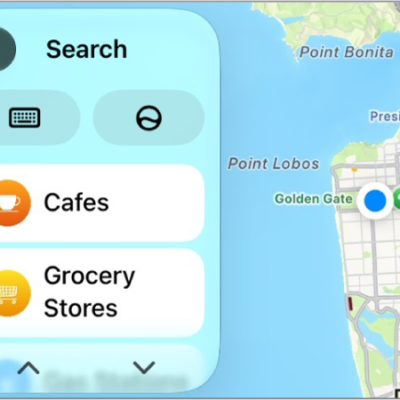
You can use suggestions from Siri that appear on CarPlay Dashboard, or use Siri directly, to control your Apple Home-enabled accessories, such as garage doors, lights, and door locks, from your car. Siri’s suggestions show up right on the Dashboard.
Read Next
You can change CarPlay accessibility settings for vision, including color filters, grayscale, text size, bold text, and Voice Control.
You can play audio from iPhone on HomePod, Apple TV 4K, AirPlay 2 smart TVs, and Bluetooth speakers, and on several devices at once.
You can play the podcasts on your iPhone with CarPlay, and control playback with your car's controls or CarPlay Dashboard.