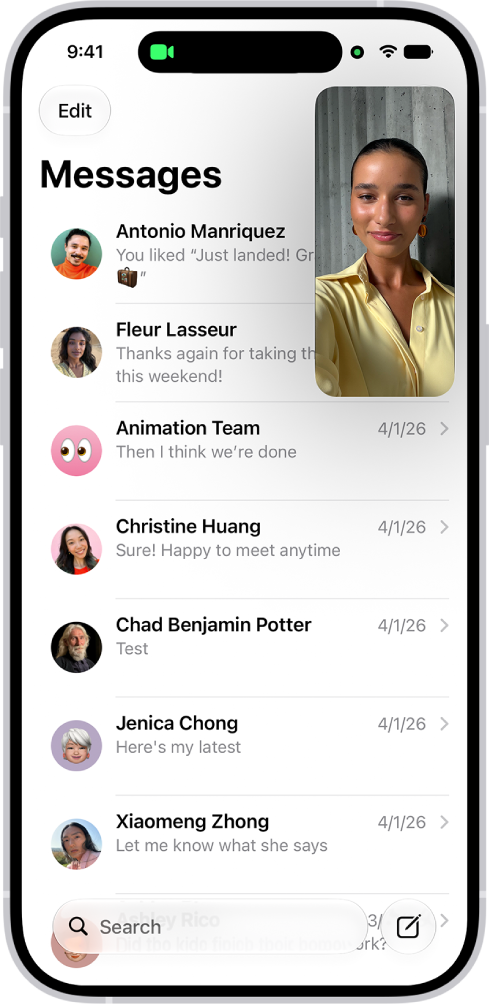
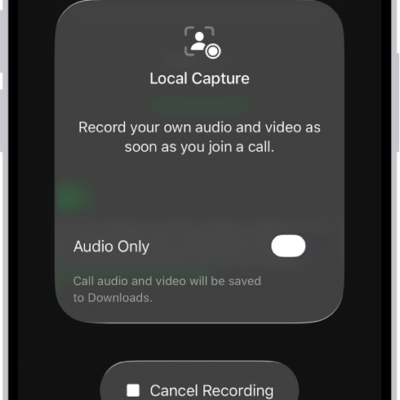
On supported models, you can check alerts and Live Activities, such as a Voice Memo recording in progress, an AirDrop connection, and directions from Maps, in the Dynamic Island. It works on the Home Screen or in an active app whenever your iPhone is unlocked.
You can expand an activity to see more detail, collapse it to make the Dynamic Island smaller, or switch between activities. iPhone 18 Pro models can show up to three Live Activities there at once.
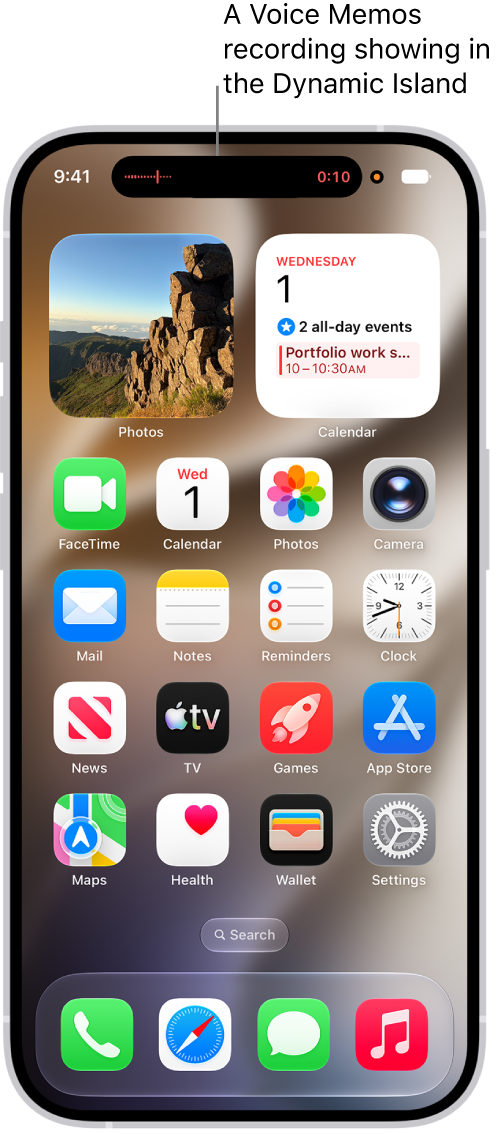
In the Dynamic Island, you can do any of the following:
- Expand the activity to see more detail: Touch and hold the activity.
- Collapse the activity to make the Dynamic Island smaller: Swipe the expanded activity up.
- Switch between two activities: Tap the activity you want to view.
- Move between activities: On iPhone 18 Pro models, the Dynamic Island can show up to three Live Activities at the same time. Swipe across it to move between them.
Tag: iPhone