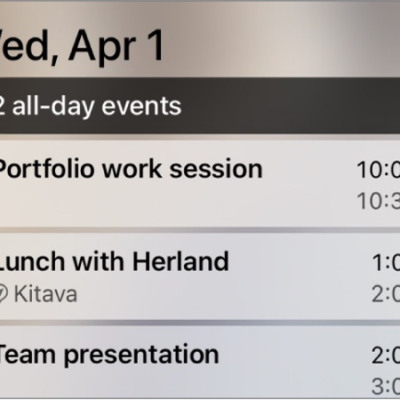
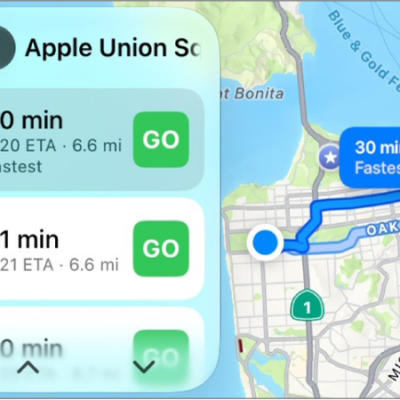
You can view app activities on CarPlay Dashboard so you can easily follow their progress, for example, directions in the Maps app, live sports updates, food delivery estimates, and more. These are the same Live Activity settings you see on iPhone, but you can adjust them app by app. That way, you can keep the updates you want in view while you drive, and turn off the ones you don’t need.
- Go to the Settings app on iPhone.
- Tap Apps and tap the app whose settings you want to change. Tap Live Activities.
Tag: carplay