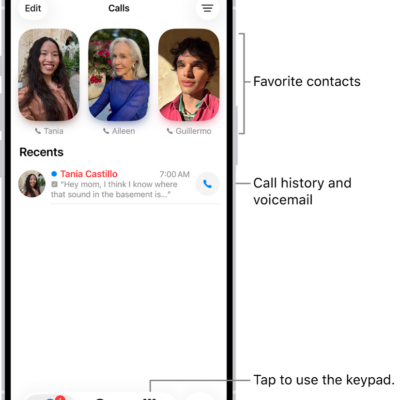
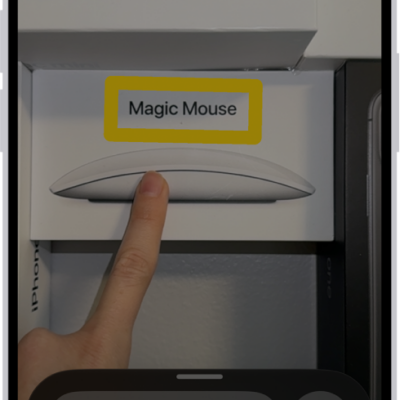
You can choose different color, text size, and motion settings for certain apps or for the Home Screen and App Library. In Per-App Settings, you add an app from the list, or the Home Screen and App Library. Each one gets its own settings.
- Open Settings, tap Accessibility, and then tap Per-App Settings.
- Tap Add App. Then choose an app from the list (or Home Screen & App Library).
- Tap the name of the app (or Home Screen & App Library) to access its settings.
Tag: accessibility